Main Menu
Accessible video learning for education
Create, manage, and deliver accessible video content—all in one place.
ScreenPal helps universities and districts simplify and scale video accessibility with built-in AI tools and workflows. Educators and staff can ensure all videos are accessible and engaging with AI-generated and editable captions, transcripts, audio descriptions, and interactive video assessments.


Video is essential to learning. ScreenPal makes accessibility easy.
As video becomes central to instruction, institutions need scalable solutions that ensure every student can engage—regardless of ability, device, or learning environment. ScreenPal helps your team create accessible content from the start, without needing to rely on expensive third-party vendors or patchwork integrations.
Accurate, editable captions
Add accurate, editable captions automatically to any or every video. Translate captions instantly into 140+ languages to support multilingual learners and expand your reach across diverse learning communities..
AI-powered audio descriptions
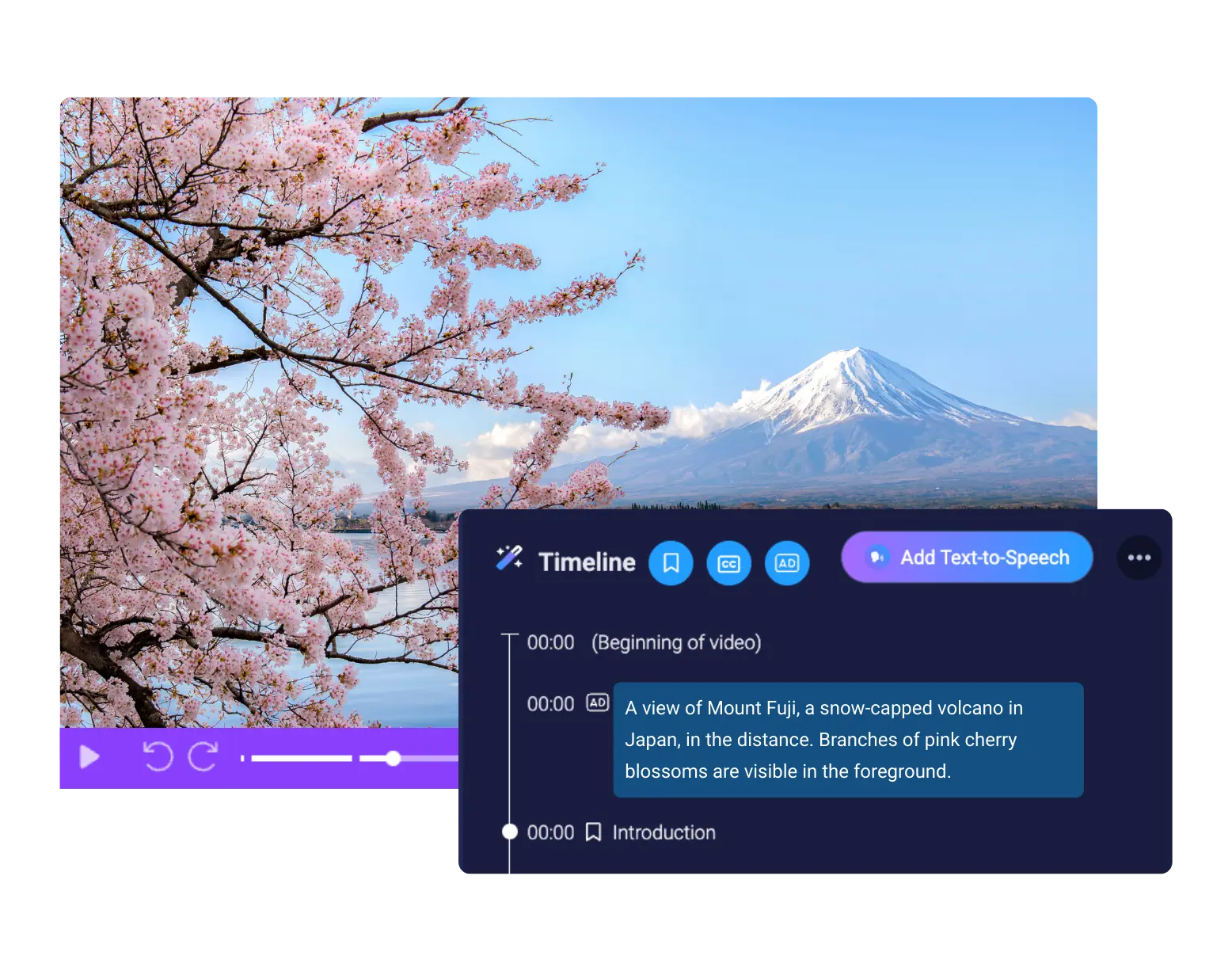
Automatically generate audio descriptions and edit them directly in the timeline for clarity and compliance. Easily align with WCAG 2.1 AA guidelines. No outsourcing or technical expertise required.
Accessible video player
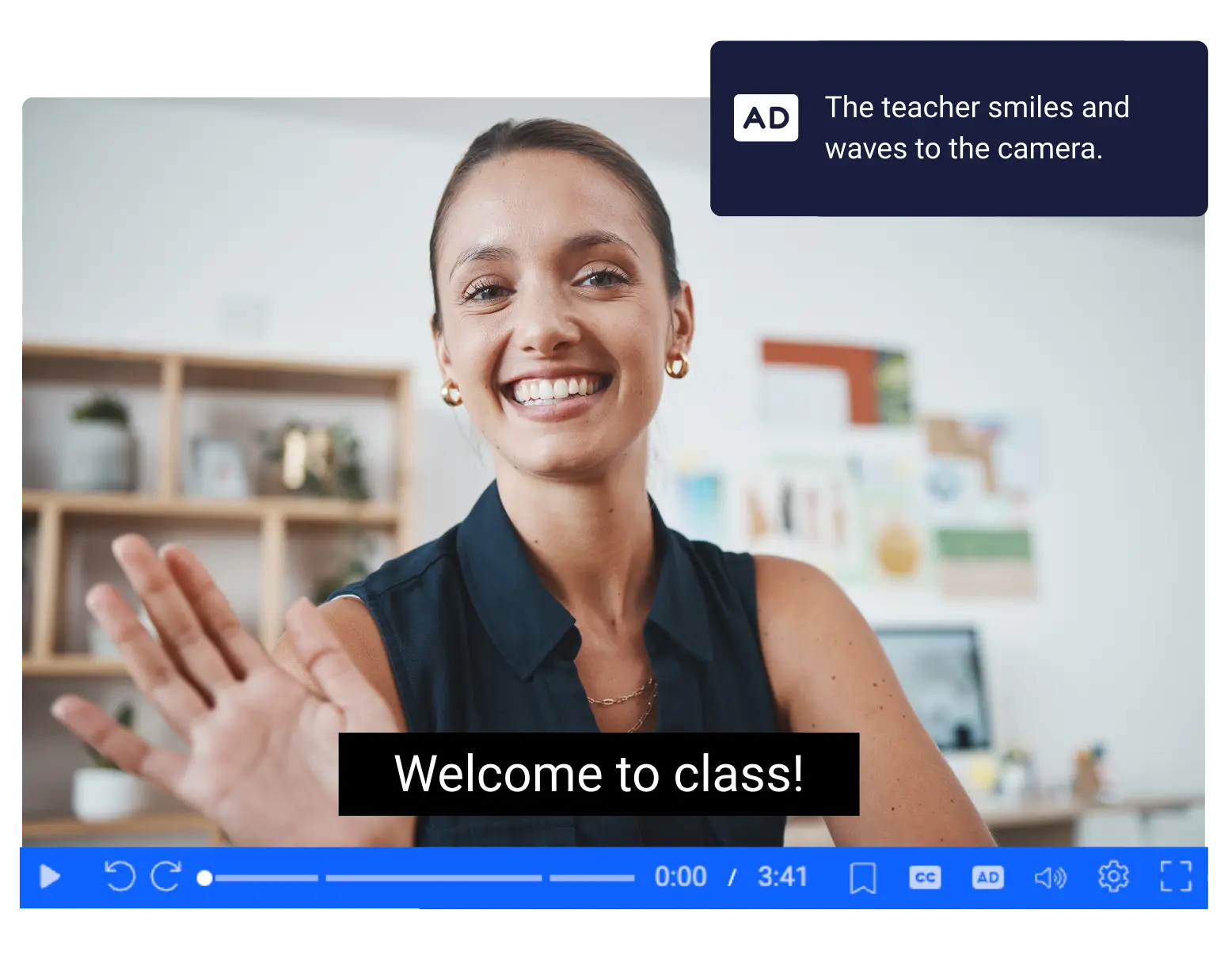
ScreenPal’s video player includes built-in accessibility controls, allowing learners to toggle captions and audio descriptions on or off as needed. The player supports assistive technologies for fully inclusive video learning.
The all-in-one platform for accessible video learning
Create accessible course videos with intuitive tools
ScreenPal gives faculty and instructional designers everything they need to create accessible video content — no training or outsourcing required.
- Auto-caption every video, and easily edit as needed
- Auto-generate interactive transcripts for multimodal learning
- Generate audio descriptions using AI and fine-tune them for clarity
- Translate content into 140+ languages to support diverse learners
Whether you’re recording a lecture, building a course module, or updating existing content for compliance, ScreenPal help you make accessibility part of your workflow — not an afterthought.
Deliver inclusive learning with an accessible video player
ScreenPal’s accessible video player is designed to support every learner, with built-in features that empower students to learn in their own way.
- Toggle captions and audio descriptions on or off
- Navigate using keyboard controls and screen readers
- Ensure visual accessibility with a built-in color contrast checker
- Deliver content on any device with responsive, mobile-ready playback
Whether your learners are on campus or online, ScreenPal helps you deliver video experiences that are clear, inclusive, and compliant — right out of the box.
Seamless integration with your LMS
ScreenPal integrates easily with the platforms your institution already uses.
- Connect with Canvas, Blackboard, Moodle, Brightspace, and more
- Use our LTI 1.3-certified app to embed, assign, and manage videos within your LMS
- Sync videos with course content, gradebooks, and learning modules
- Support faculty with tools that work right where they teach
No complicated setup. No juggling logins. Just a smoother experience for educators, learners, and IT teams alike.

For faculty & instructors
Record, edit, caption, describe, and share with no technical setup.
For instructional designers
Ensure all videos meet UDL and accessibility regulations and best practices.
For leadership & staff
Centralize content, ensure compliance, and reduce vendor sprawl.
Why colleges and universities love ScreenPal
Seamless integration
ScreenPal’s user-friendly interface and seamless integration into our existing teaching methods made it an obvious choice. From day one, it was clear that ScreenPal was not just another tech tool; it was a catalyst for active learning and collaboration.

Personalized mentorship
With ScreenPal I’ve been able to extend my expertise and automate some of my more routine tasks by creating high-quality video content and feedback, which then frees up my time for more personalized mentorship.

Secure video sharing
We use ScreenPal internally to create and manage all of the videos we share with educators. ScreenPal makes it easy to create videos with a consistent, branded look and feel, and then to share all of those videos from a central repository.