


 Main Menu
ScreenPal Certification: Level 2
Creating Tutorials
Welcome to our ScreenPal Level 2 Creating Tutorials certification course. Join our Community Engagement Coordinator, Sarah, and Christin, our Technical Writer, to learn how to capture, edit, and share professional development videos that pop! Watch the short videos below, take the fun embedded quizzes, and learn how to create engaging tutorials like these for your audience.
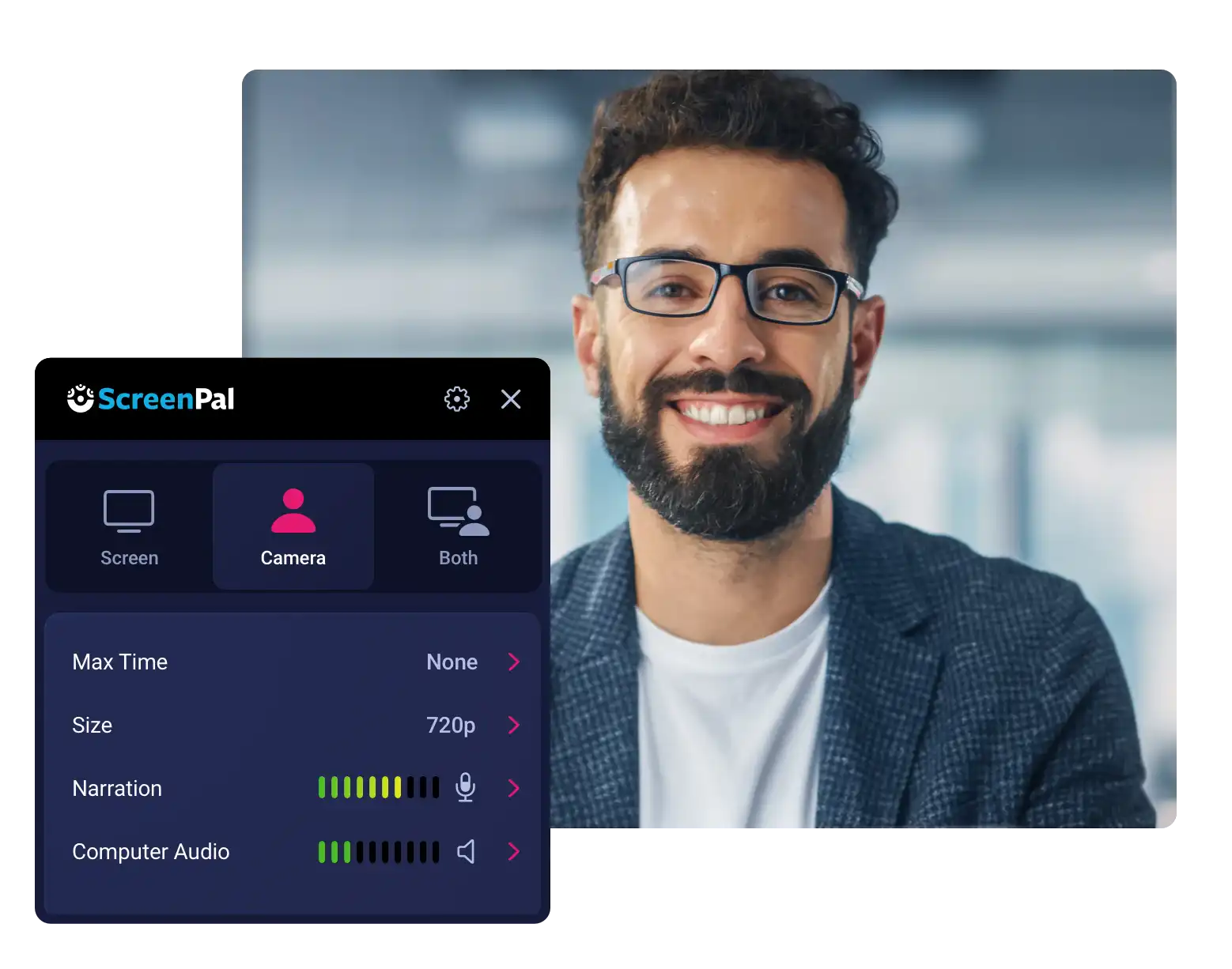
2.1 Intro & start with a plan
1 video | 12 min
Learn how to create your tutorial from a script, storyboard, or slide presentation using ScreenPal Stories.
2.2 Connect with your audience
1 video | 7 min
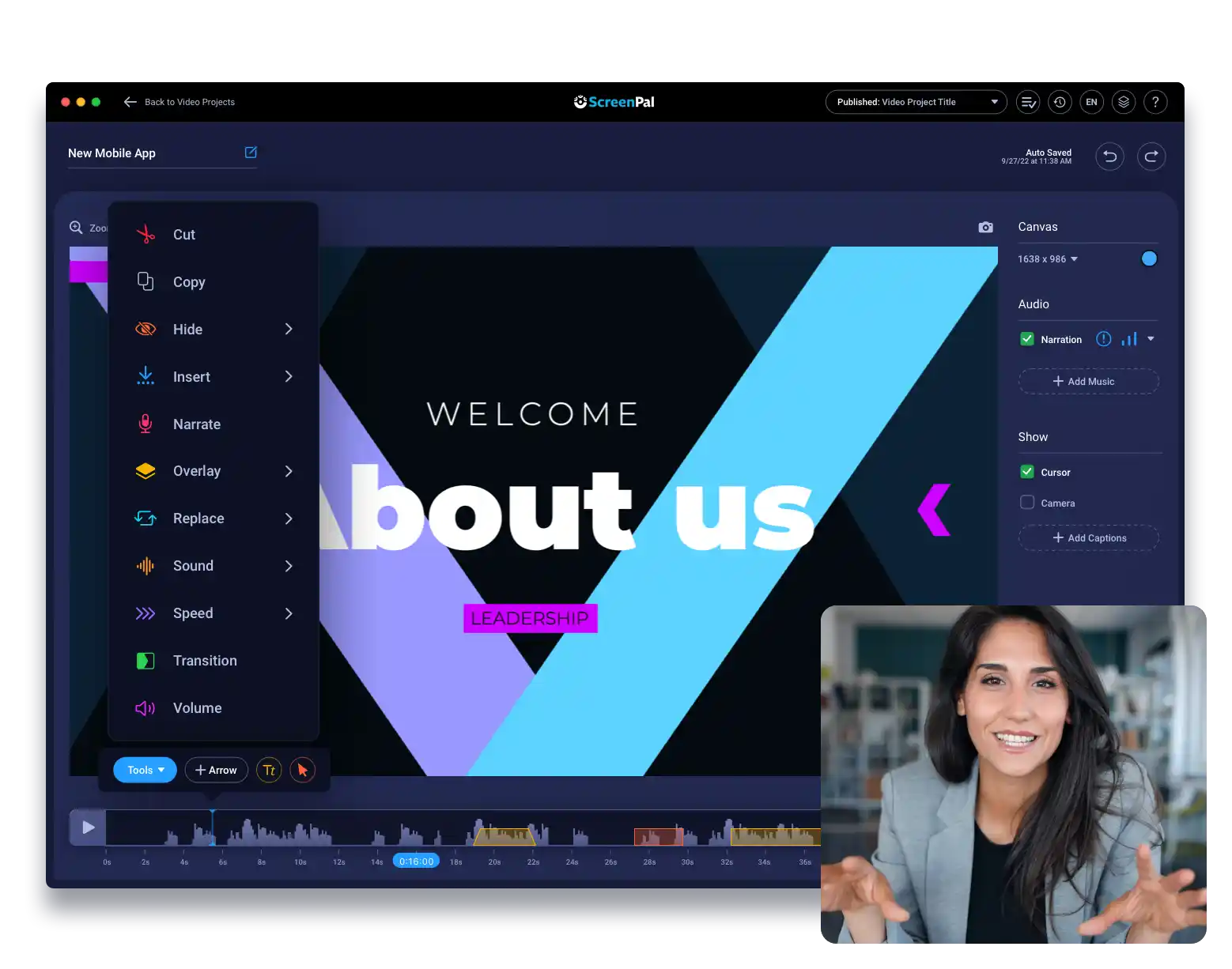
2.3 Create professional development videos that pop!
1 video | 13 min
Explore Christin’s top 5 editing tools as well as how to add music and sound effects to your tutorial videos to increase engagement.
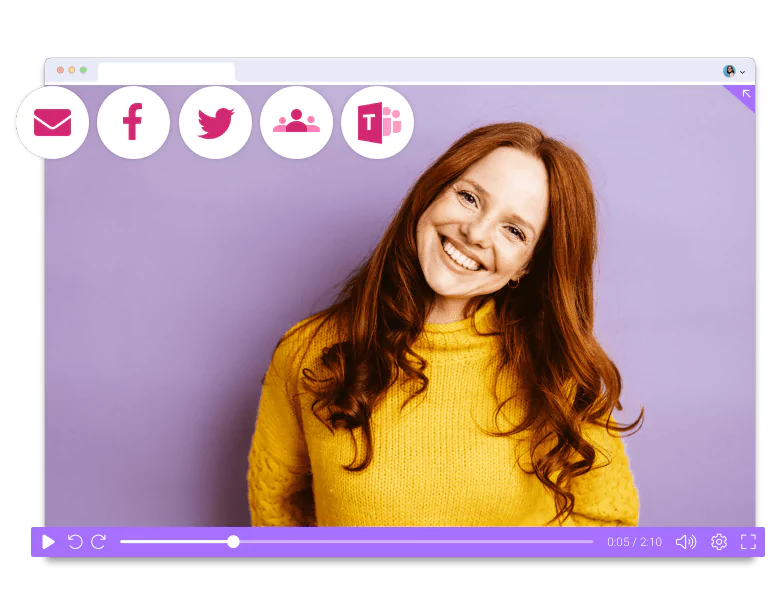
2.4 Make your video accessible and inclusive; unlimited sharing with ScreenPal hosting
1 video | 9 min
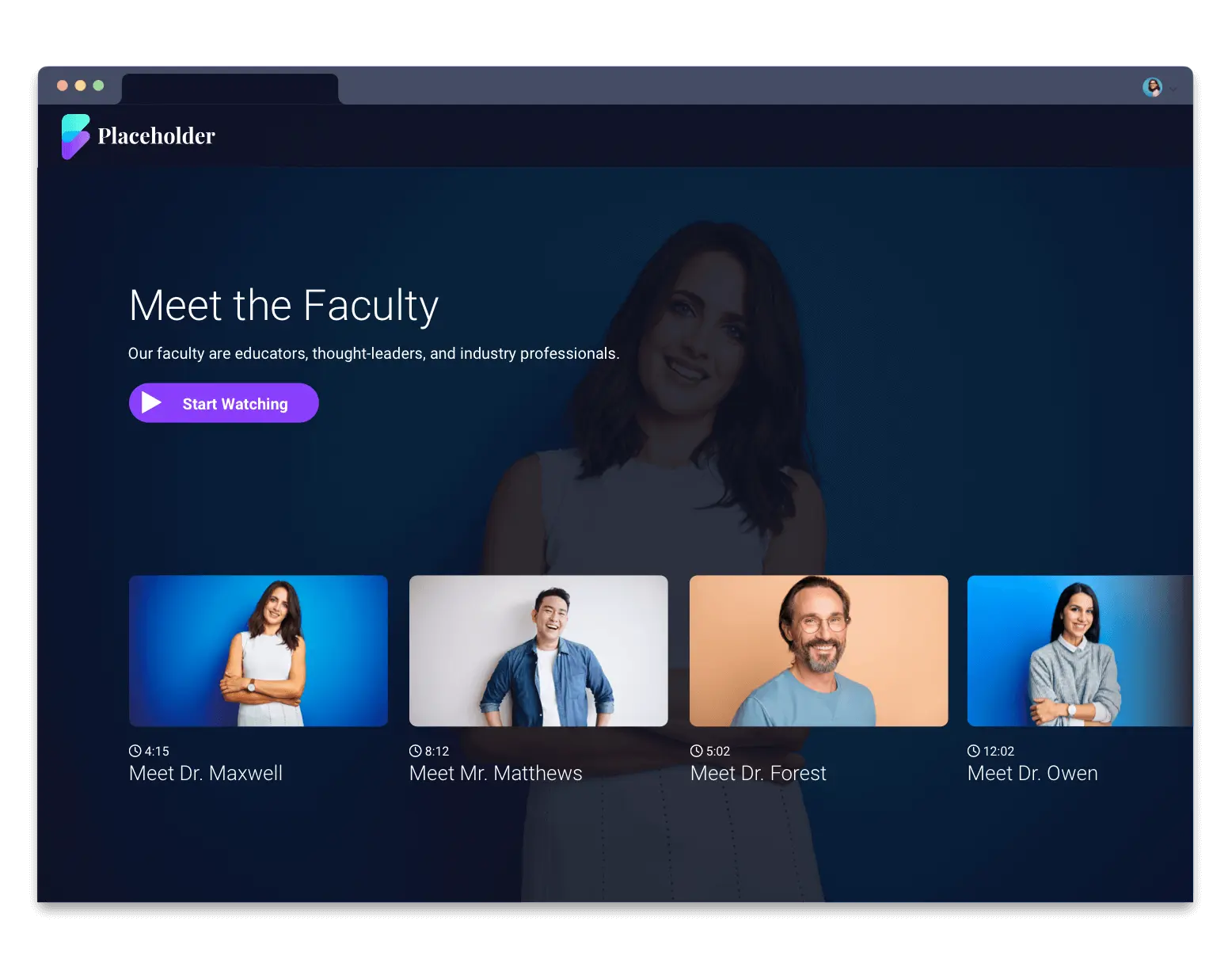
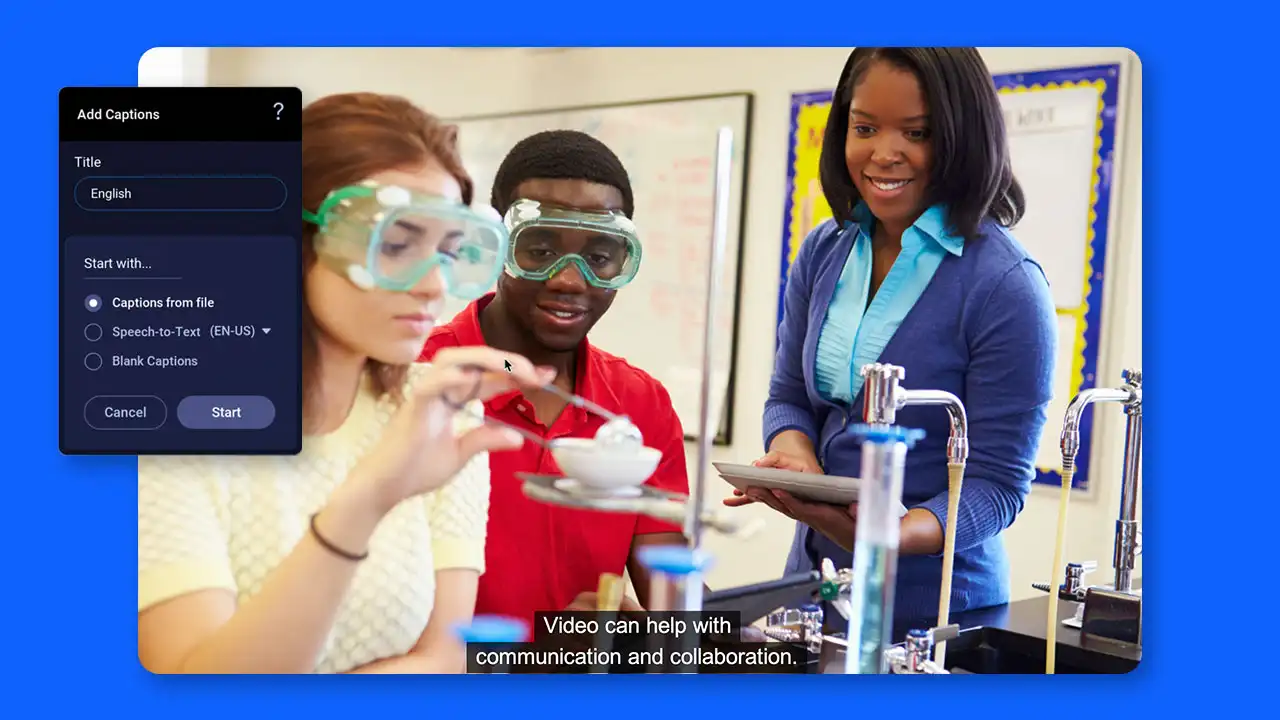
Use voice-over narration and captions to make your tutorials accessible and inclusive. Easily share, organize, and showcase your tutorials using ScreenPal hosting services.
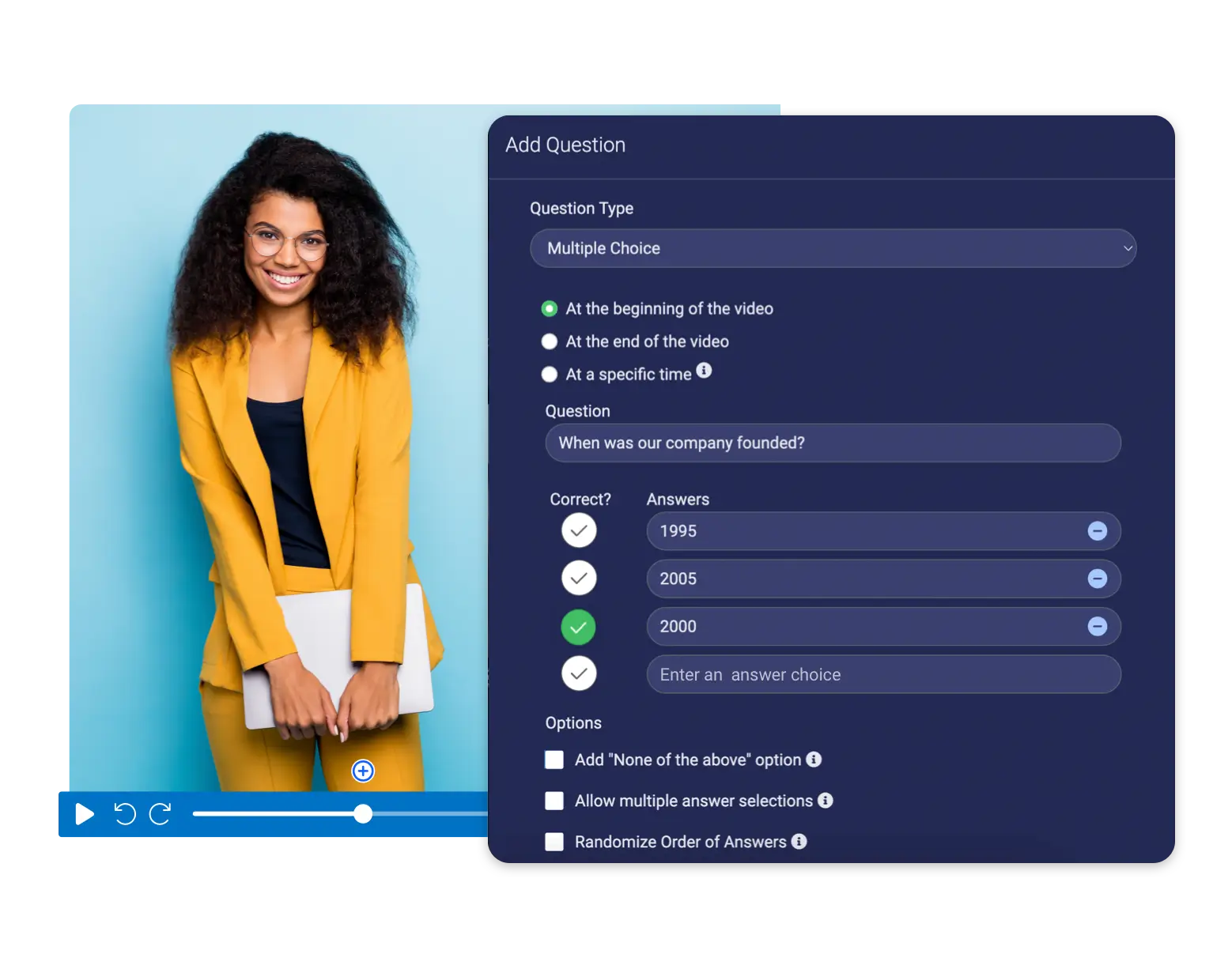
2.5 Boost engagement with interactivity in hosting
1 video | 12 min
Learn how to add interactive questions, polls, & ratings to videos, then share or embed anywhere.
Get your certification
It’s easy to get certified! Once you’ve completed the course modules above, fill out the exit survey and we’ll send your certification.
Complete the certification survey
Explore additional video tutorials
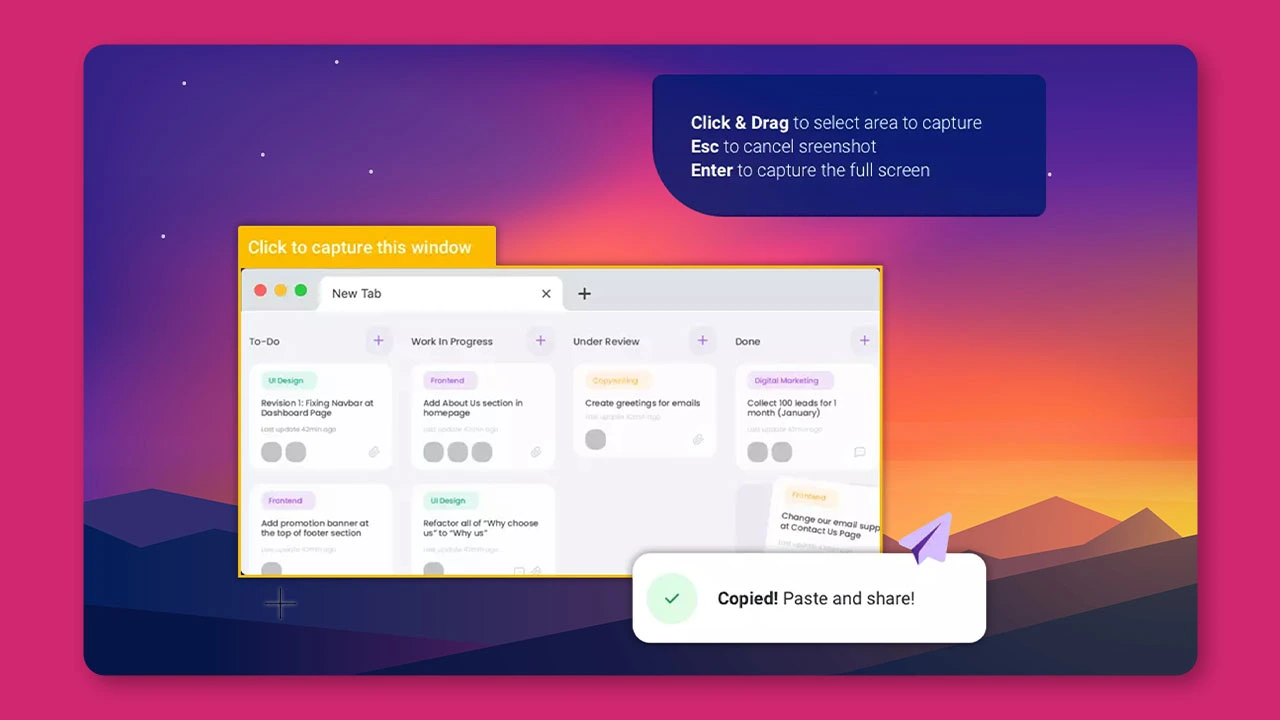
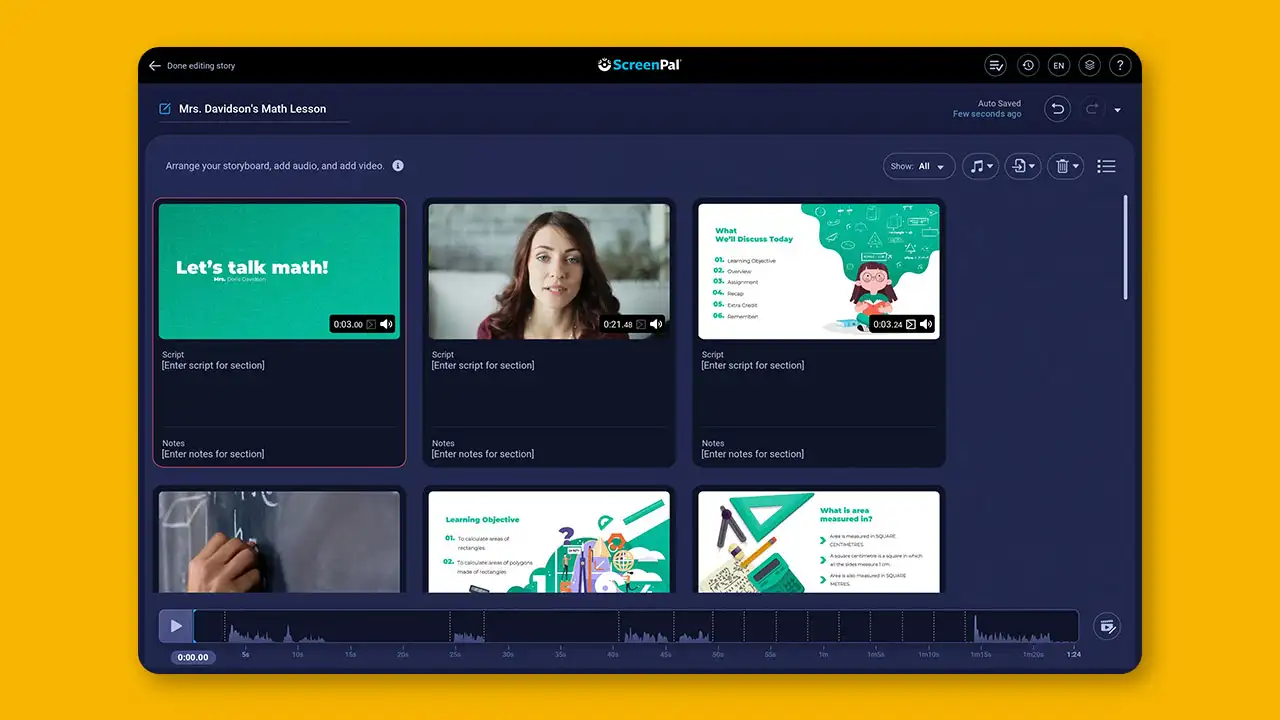
Easy video guides
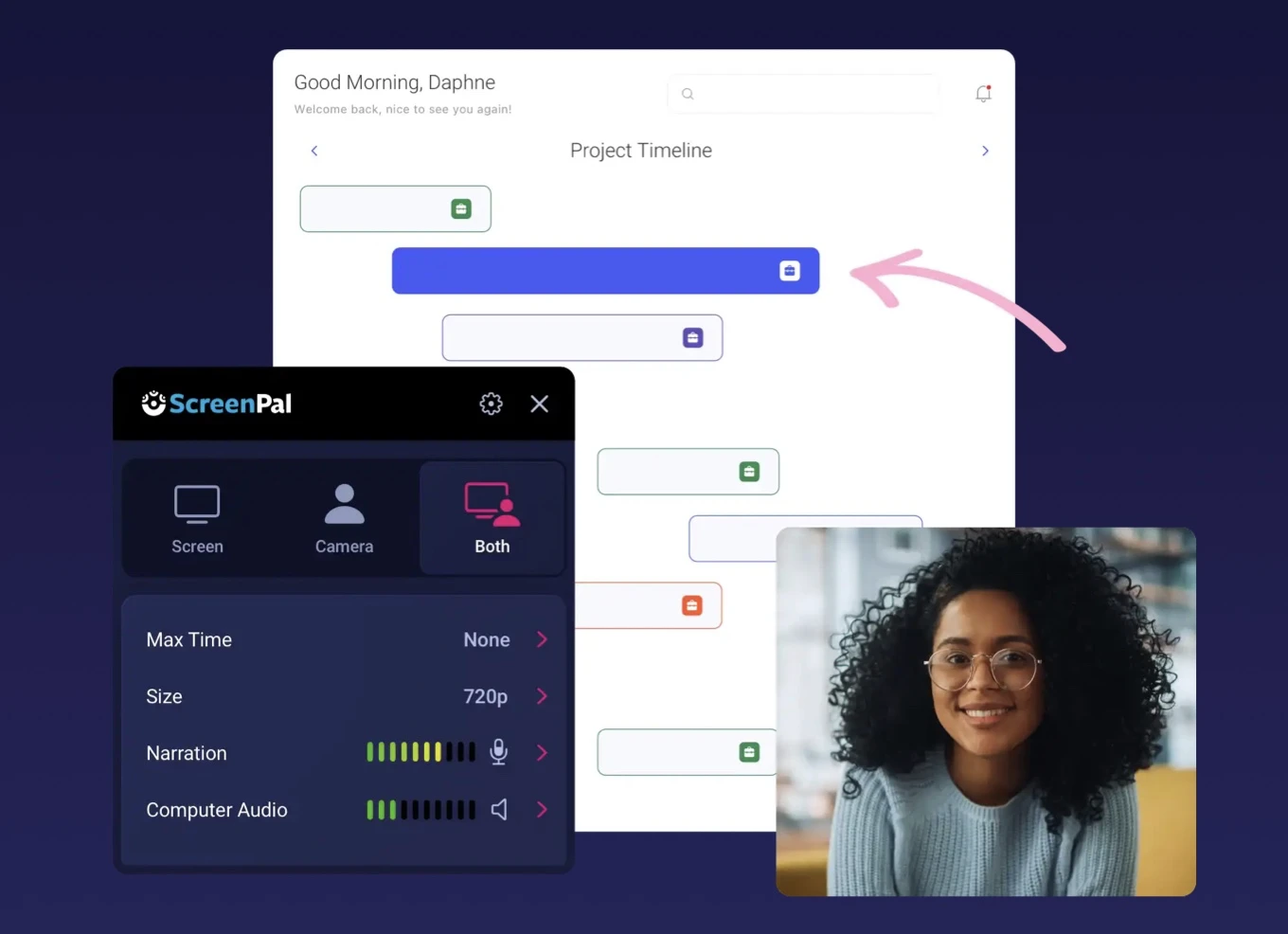
A step-by-step process on how to start using our free screen recorder.
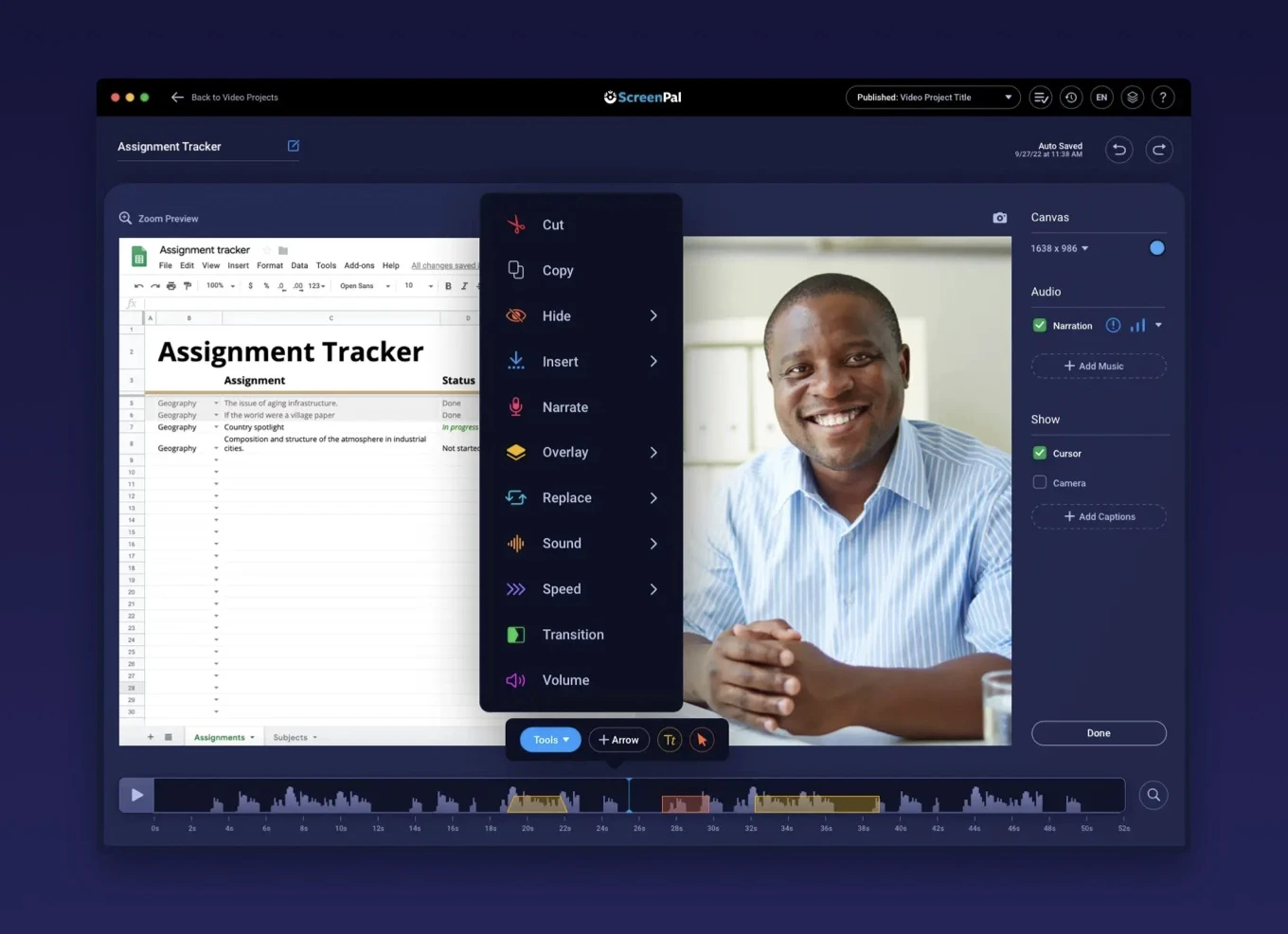
The video editor has all you need to enhance your videos. Here’s a quick guide to get started.


