


 Main Menu
Welcome! ScreenPal is downloading now.
Join millions of people creating and editing images with ScreenPal.





Installing ScreenPal is easy!
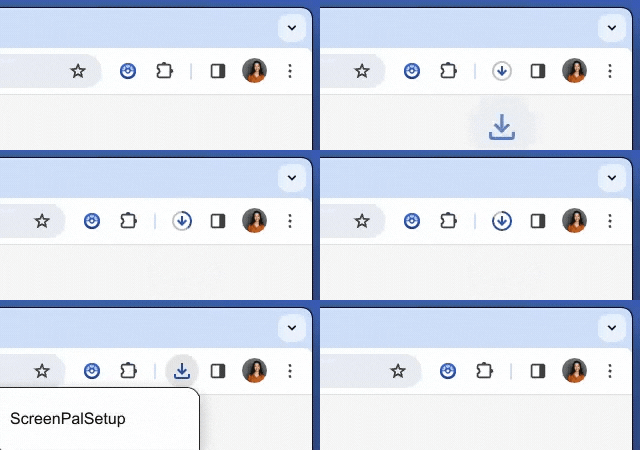
From the Downloads icon in your browser, click the ScreenPal Setup file to install.
Or open the Downloads folder on your device, find the ScreenPal setup file, and double click to install.
Download didn’t begin? Restart the ScreenPal download.
Ready to edit images?
Check out this video tutorial for a quick overview of how to get started annotating screenshots and editing images with ScreenPal.


