


 Main Menu
ScreenPal and Google Classroom
Make learning fun and engaging, with ScreenPal! Create and share fascinating educational videos and interactive video quizzes to your Google Classroom courses with our seamless integration.
Captivate your students with video

Video assignments
Introduce new topics, simplify complex ideas, capture and share your lectures, and enable your students to learn at their own pace, with video assignments.

Class materials
Share ScreenPal videos as reference materials. Whether it’s a unit review for that big exam, or a quick overview of your class rules, students can return to your videos again and again.

Video announcements
Got something important to say? Capture your students’ attention with a video announcement. Include helpful links along with your video and share your announcement with all students or just a few.
Connect in a snap
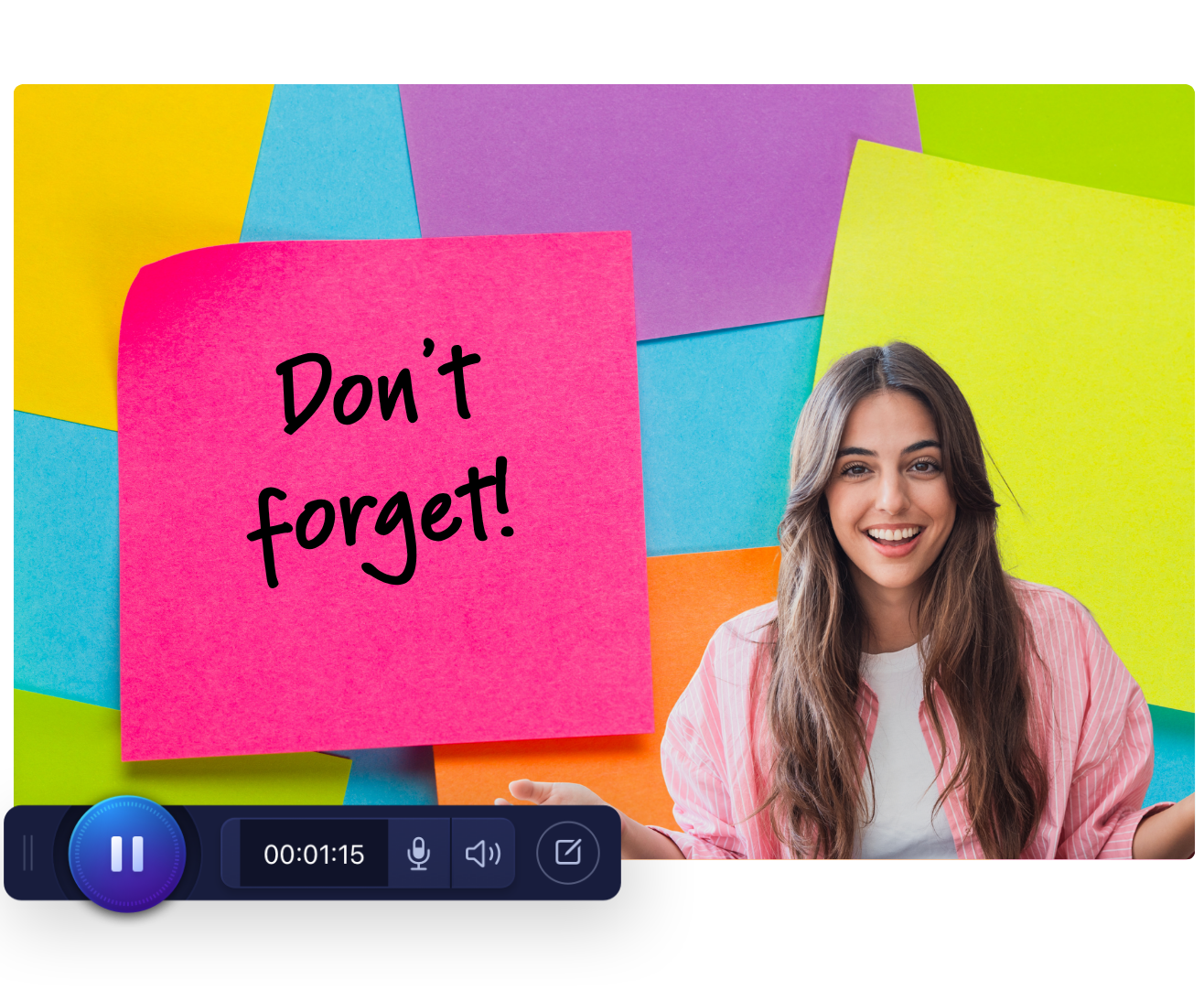
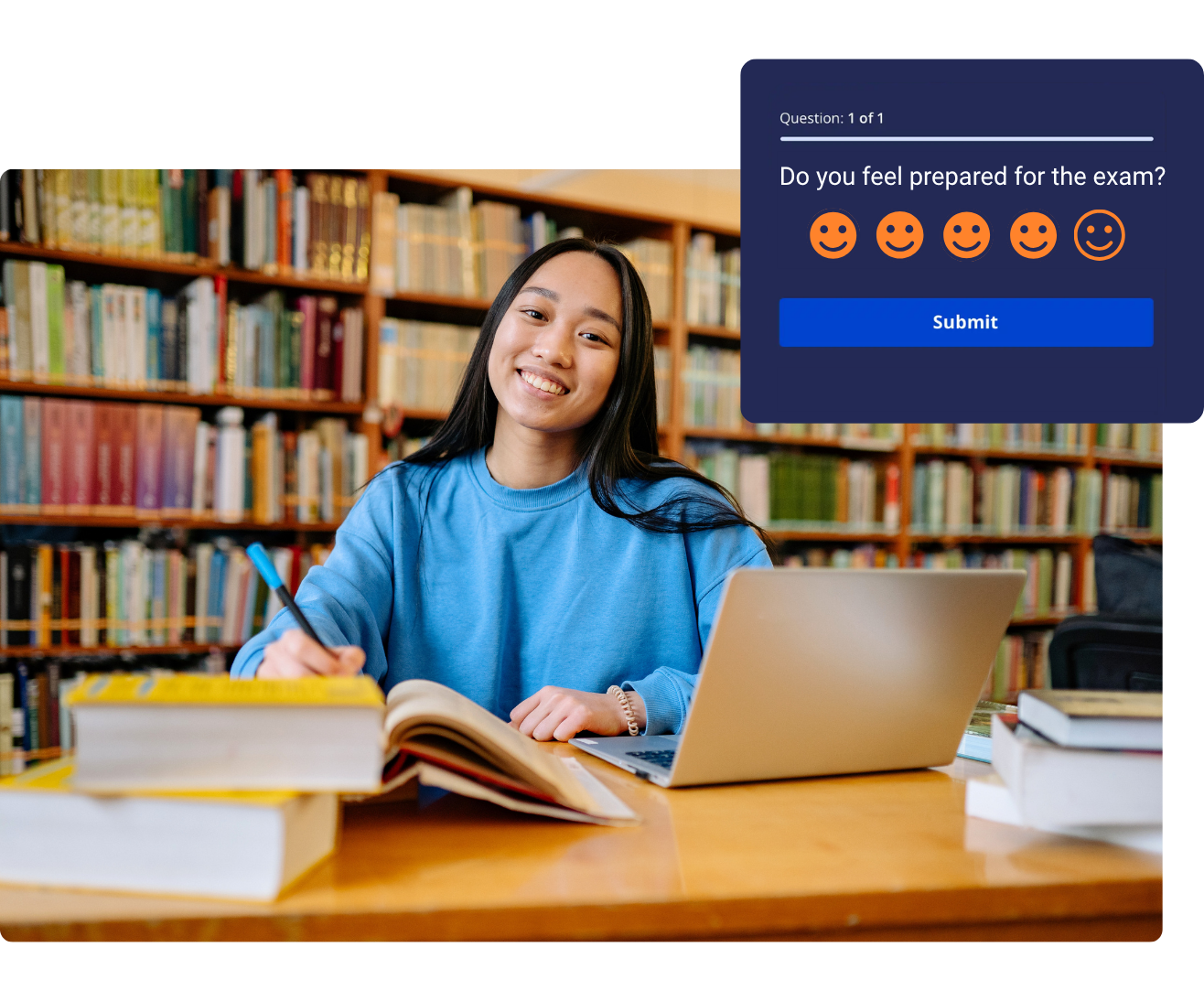
Assessments can be fun
How to share ScreenPal content to Google Classroom
Step 1
Connect
Quickly connect your ScreenPal Team account to your Google Classroom courses from My Integrations in your Settings.
Step 2
Create
Create captivating educational content using our online or desktop apps, the ScreenPal AI Video Generator, or AI Slides to Video.
Step 3
Share
Share your ScreenPal videos and quizzes in just a few clicks. Student quiz scores are automatically synced to your Google Classroom gradebook.
Save even more time, with ScreenPal AI
Create quizzes like magic
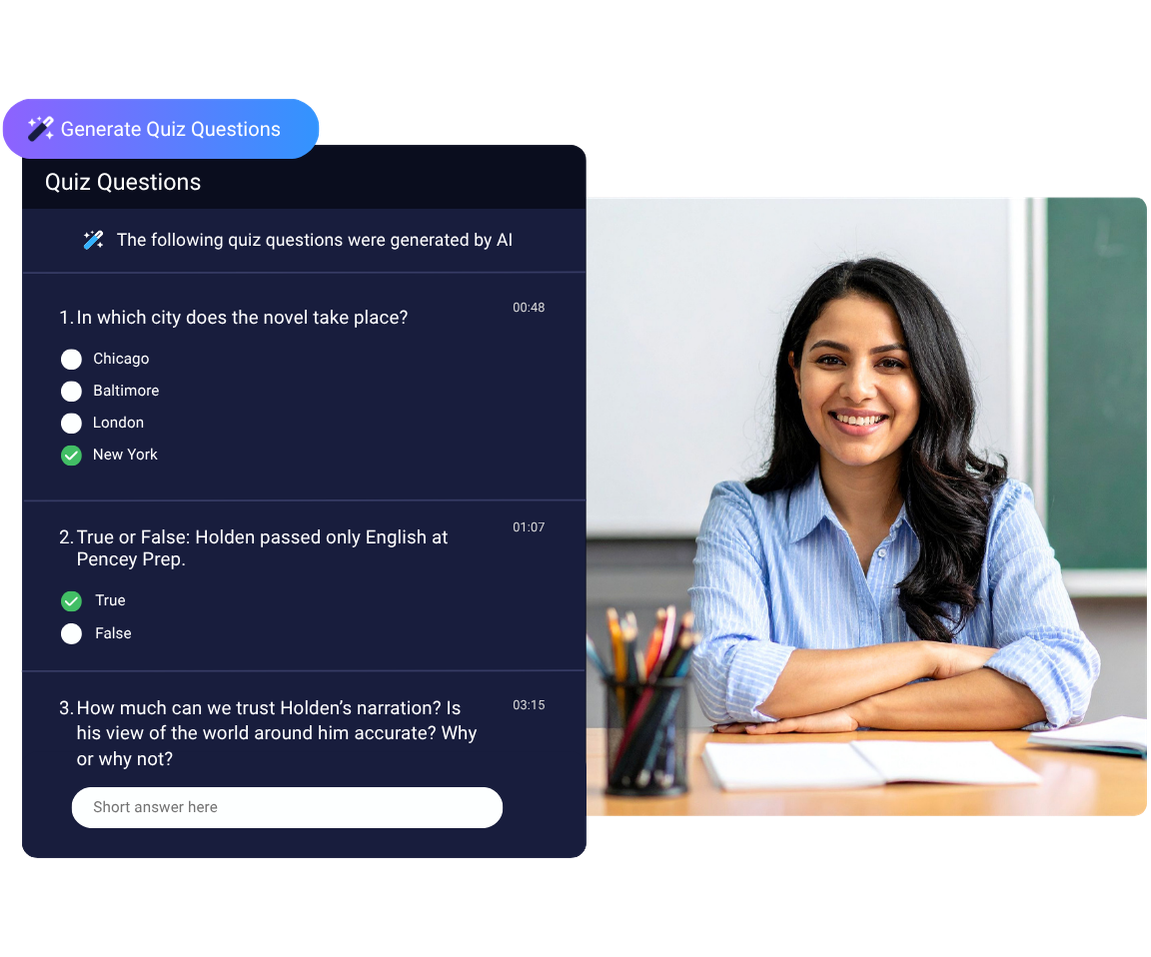
Transform your educational videos into quizzes with just a click, using the magic of ScreenPal AI. Relevant, personalized questions and answers are created directly from your video content. When your quiz is ready, send it to Google Classroom and easily keep track of your students’ scores to see who’s mastered your material.
Transform ideas into videos
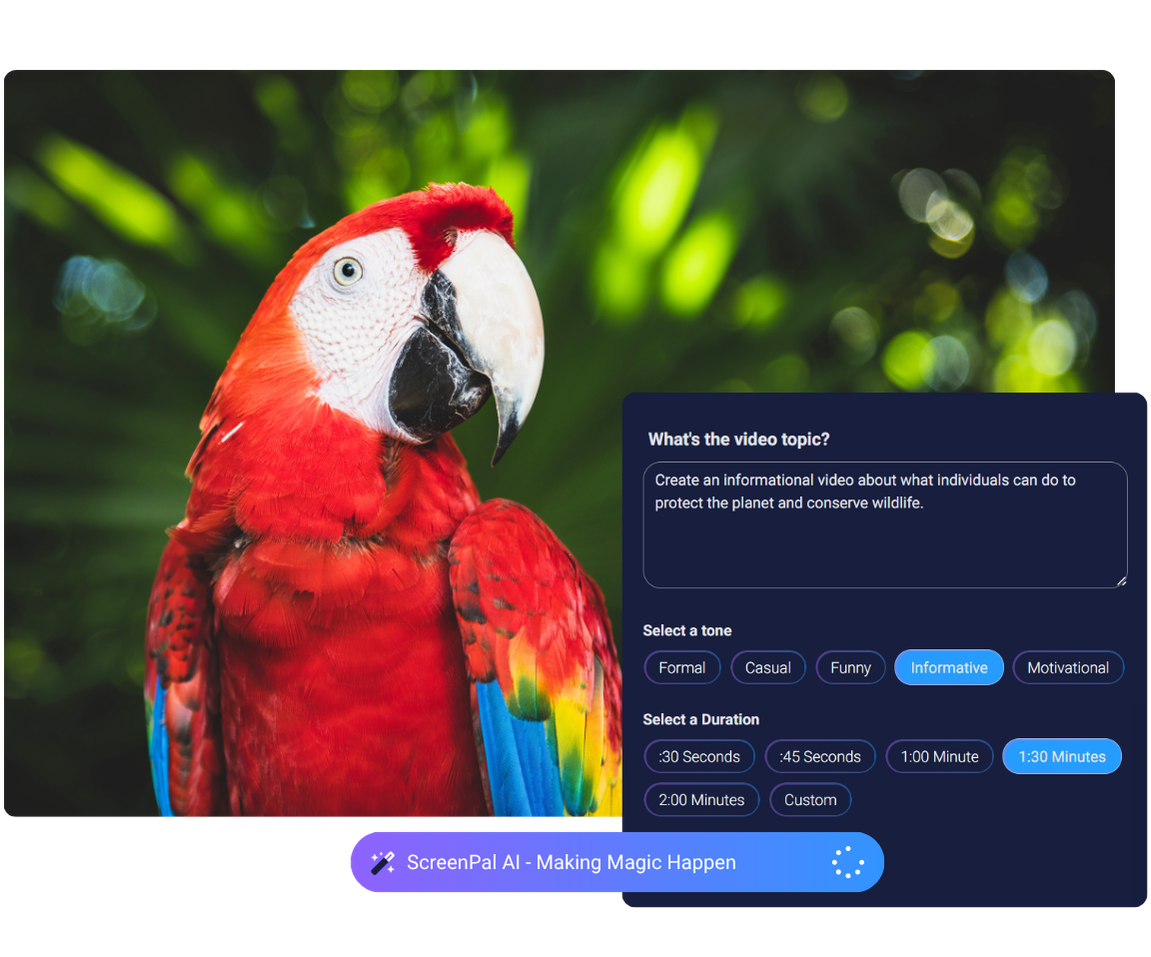
Enter a simple text prompt to create an engaging, share-ready video in just a few minutes, with the ScreenPal AI Video Generator. Videos include personalized videos, a script, captions, and voice-over narration. You can further customize your video using our Online Video Editor, or send it straight to Google Classroom.
Resources for educators:

Professional development
Complete self-paced micro-credentials and become a ScreenPal Certified Educator.

Webinars and events
Explore on-demand training and virtual events to get the most out of ScreenPal in your classroom.

Community
Join our community! Become a ScreenPal ambassador, present at events, and more.


