Main Menu
AI Slides to Video
Convert your slides presentations into engaging, reusable videos in minutes. With ScreenPal AI, you get professional-quality narration and can quickly transform static slides into fully editable videos ready to share with any audience.
 Bring slides to life
Generate AI voiceovers
Easily customize and edit
Go global with AI translation
Bring slides to life
Generate AI voiceovers
Easily customize and edit
Go global with AI translation
Bring your slides to life with ScreenPal AI
Engage with video
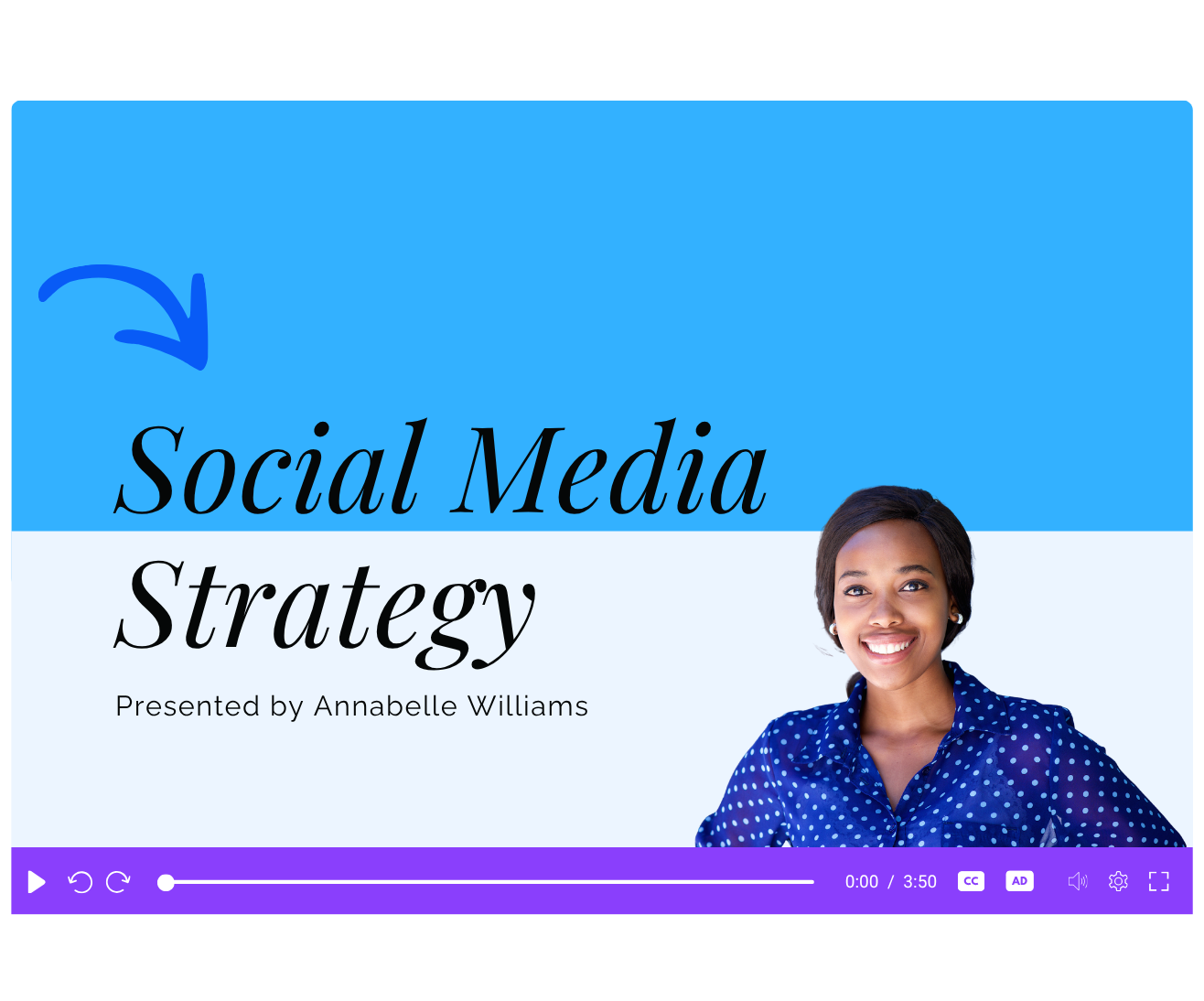
Quickly convert slides to videos that will peak interest and increase audience retention. Videos create stronger emotional connections, better explain complex topics, and allow for reuse and asynchronous sharing to reach more viewers.
Enhance with editing tools
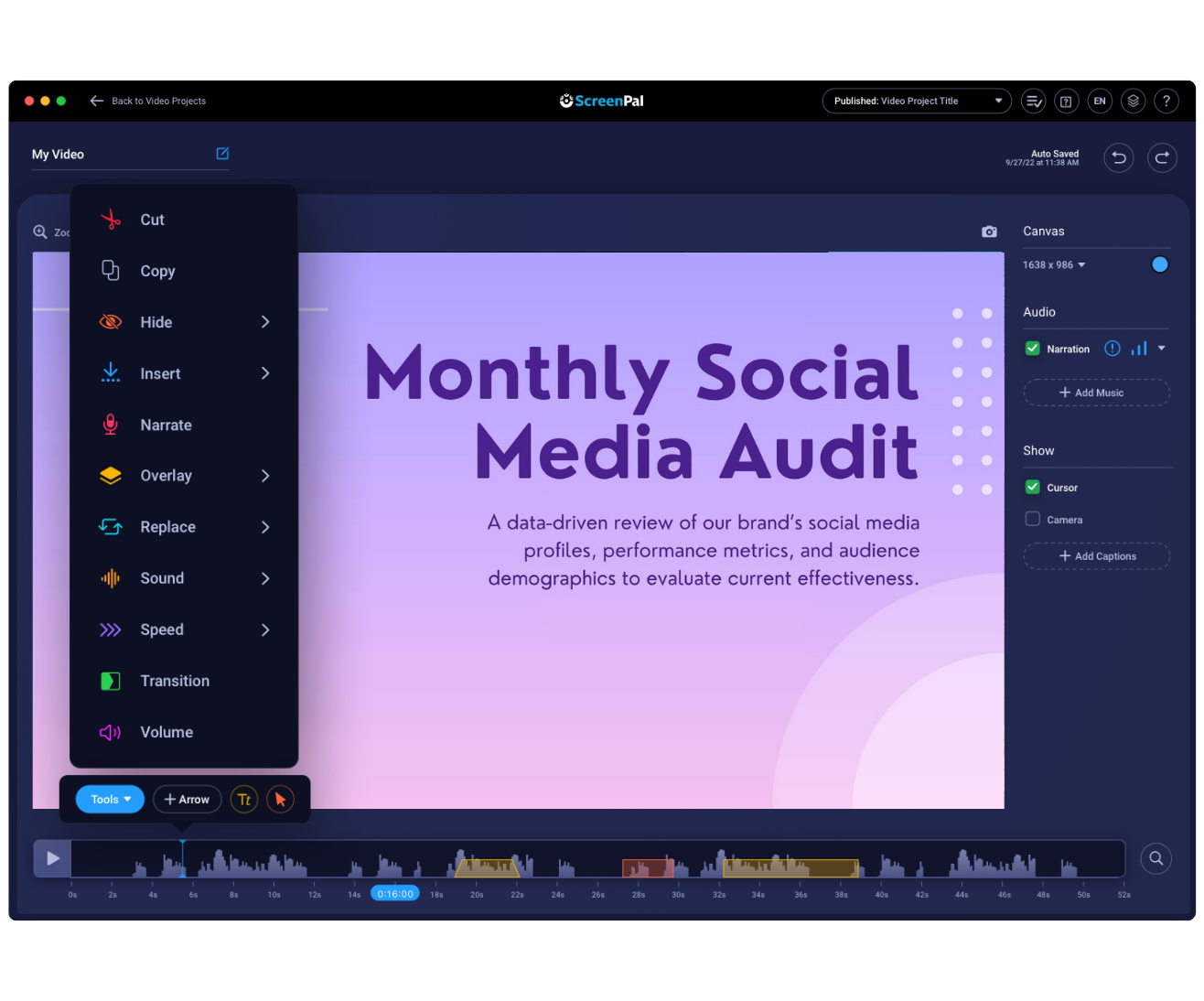
Dazzle your audience by adding rich text, video and image overlays, shapes, arrows, and more from ScreenPal’s robust Video Editor. You can also add music, narration, and stock library content to personalize and amplify your message.