


 Main Menu
AI audio description generator
Make every video more inclusive — with auto-generated audio descriptions. Empower educators, streamline accessibility workflows, and support every learner with ScreenPal’s AI-powered audio description tool.
 Easy & integrated
Accurate & editable
Streamlined compliance
Ensure video accessibility
Easy & integrated
Accurate & editable
Streamlined compliance
Ensure video accessibility
Accessibility made easier—for educators and learners
Create accessible videos without complexity or extra tools
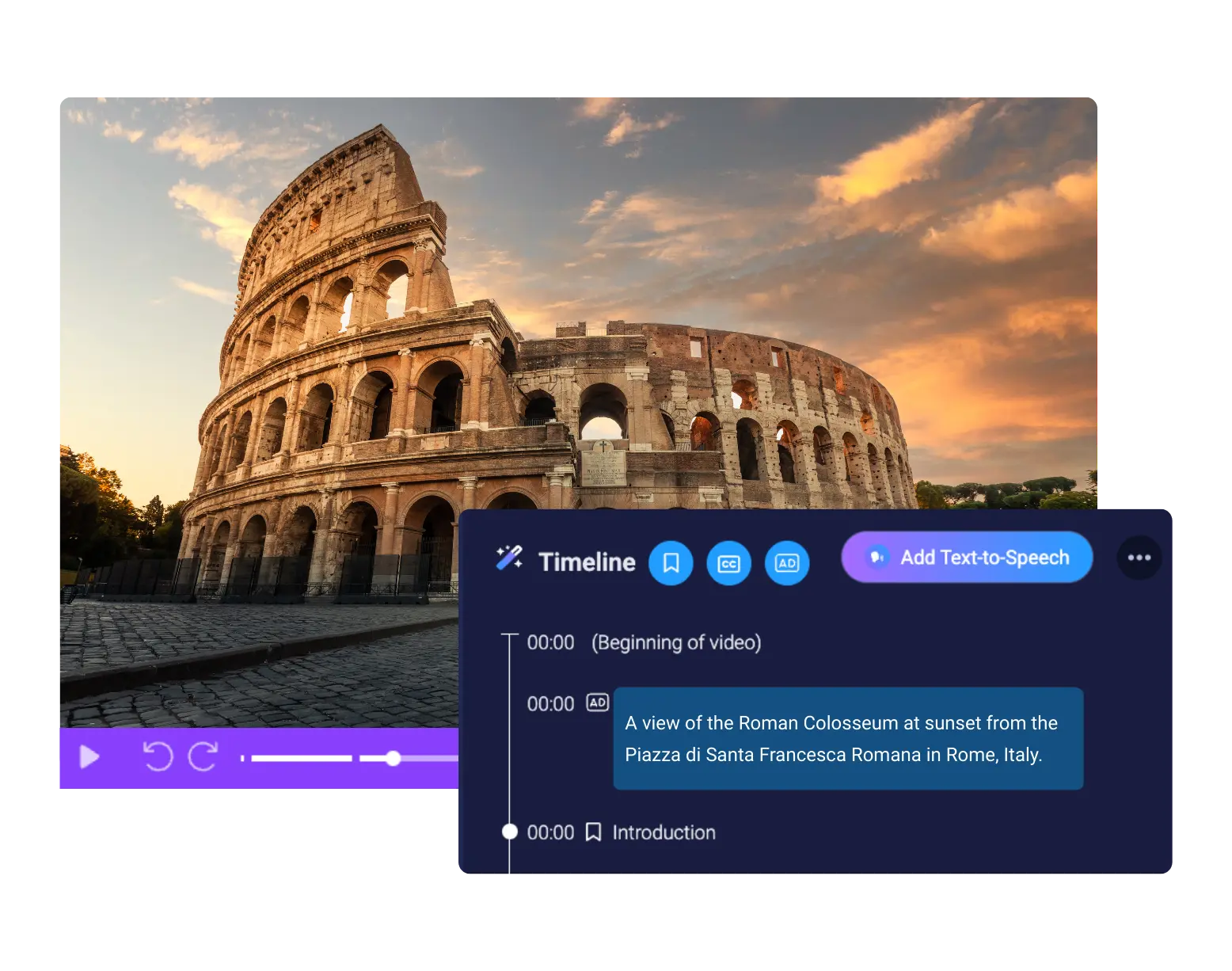
ScreenPal gives educators and instructional designers everything they need to create videos that meet accessibility best practices—without delays, expensive vendors, or learning curves.
- Auto-generate audio descriptions with AI
Our AI detects visual changes in your video and inserts suggested audio descriptions based on on-screen visuals—all in seconds. - Easily edit & refine
Fine-tune your audio descriptions for clarity, accuracy, and tone using the same intuitive timeline editor used for captions and transcripts. - Fast, intuitive workflows
ScreenPal builds accessibility into your video creation workflow. With a single click, you can automatically generate captions, chapters, summaries, and audio descriptions—it’s that easy.
Deliver accessible, inclusive video experiences for every student
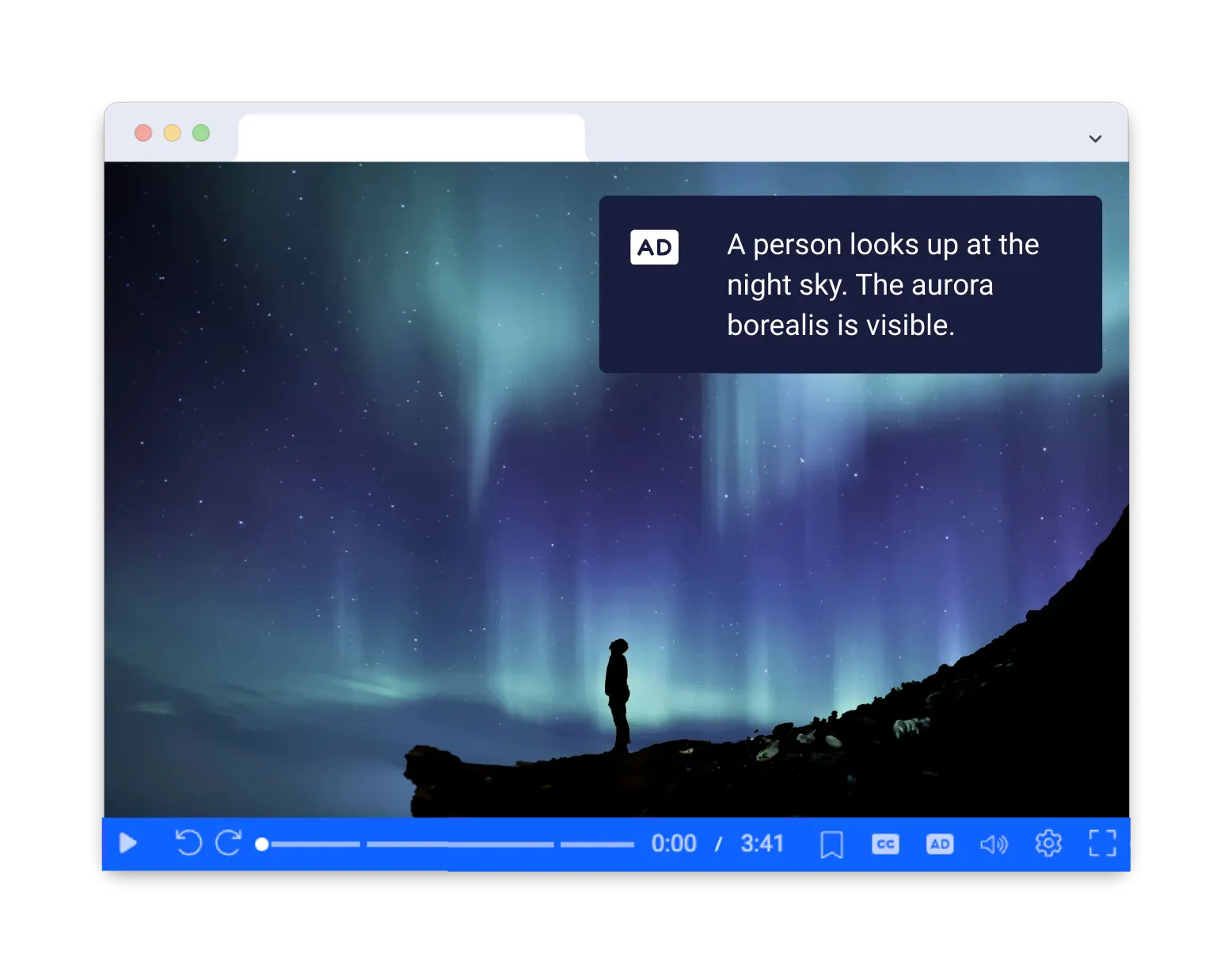
ScreenPal’s 508-compliant accessible video player is designed to meet the needs of all learners, across abilities and learning modalities.
- Separate audio description track
Audio descriptions are stored as a distinct audio track, ensuring clarity and allowing users to control their experience without altering the core video. - Recognizable AD toggle
Learners can enable or disable audio descriptions, just like captions, using an on-screen toggle clearly labeled “AD” within the player interface. - Accessible video player by design
Our player supports keyboard navigation, screen readers, color contrast compliance, and responsive playback on any device. It’s WCAG-aligned out of the box.
How to add audio descriptions automatically
Step 1
Upload
Upload your video to ScreenPal.com, or record a new video with our screen and webcam recorder.
Step 2
Generate
Click to generate AI content for your video. ScreenPal’s AI tool will automatically generate audio descriptions along with a transcript, captions, & chapters. Review and edit as needed.
Step 3
Share
Share your accessible video with a link or embed anywhere using ScreenPal’s fully accessible video player.






Unlock ScreenPal’s full suite of AI productivity tools
Expand your reach and scale your content with ScreenPal AI. Delegate the work of video transcription, video translation, quiz generation and more to our easy, time-saving AI tools—available in any Solo Max or Team plan.
Auto transcription
Make your videos accessible with AI-generated transcriptions & captions.
Auto translation
Translate video info automatically in your viewers’ preferred languages.
AI text-to-speech
Add realistic, high-quality AI voiceovers in 140+ languages to any video.
Video background removal
Remove a video background in a click. Add a virtual background or create picture-in-picture effects.
Image background removal
Click to remove the background of any image with easy AI magic.
AI speech to text
Quickly generate editable captions in the desktop video editor.
AI video quizzes & polls
Engage viewers and save time with AI quizzes generated from your video content.
AI image to text
Recognize text in screenshots & images with OCR to edit, style, or remove altogether.
Auto video chapters
Help your viewers navigate your content easily with AI-generated video chapters..


