Main Menu
Creating interactive video experiences with ScreenPal
with Learning Experience Designer Allyncia Williams
Build modern, efficient, and engaging instructional video practices in this four-part micro-credential certification series. Learning Experience Designer Allyncia Williams guides participants step-by-step through capturing content, personalizing instruction, sharing videos with learners, and assessing understanding- all powered by ScreenPal’s intuitive creation tools and time-saving AI features.
Across four focused modules, educators and creators will gain practical, repeatable skills they can apply immediately.
Micro-credential 1: How to capture information
1 video | 8 min
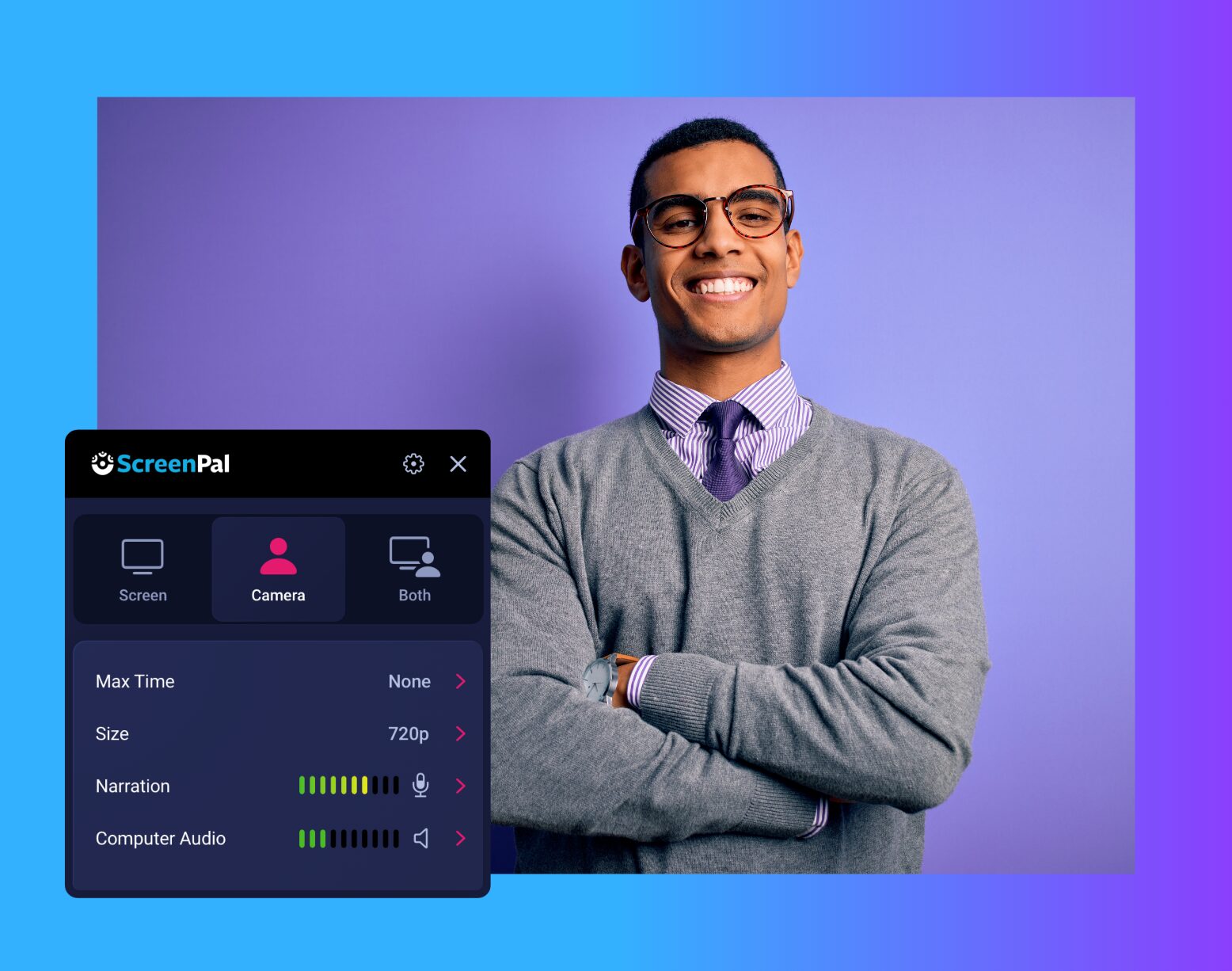
Learn how to record your screen, webcam, or both to clearly communicate ideas, model processes, and guide learners through content. Explore camera setup, narration tips, screen selection, and recording best practices—enhanced by ScreenPal AI tools such as auto-captions, translations, audio cleanup, and AI narration to streamline production and accessibility.
Micro-credential 2: How to personalize your video
1 video | 11 min
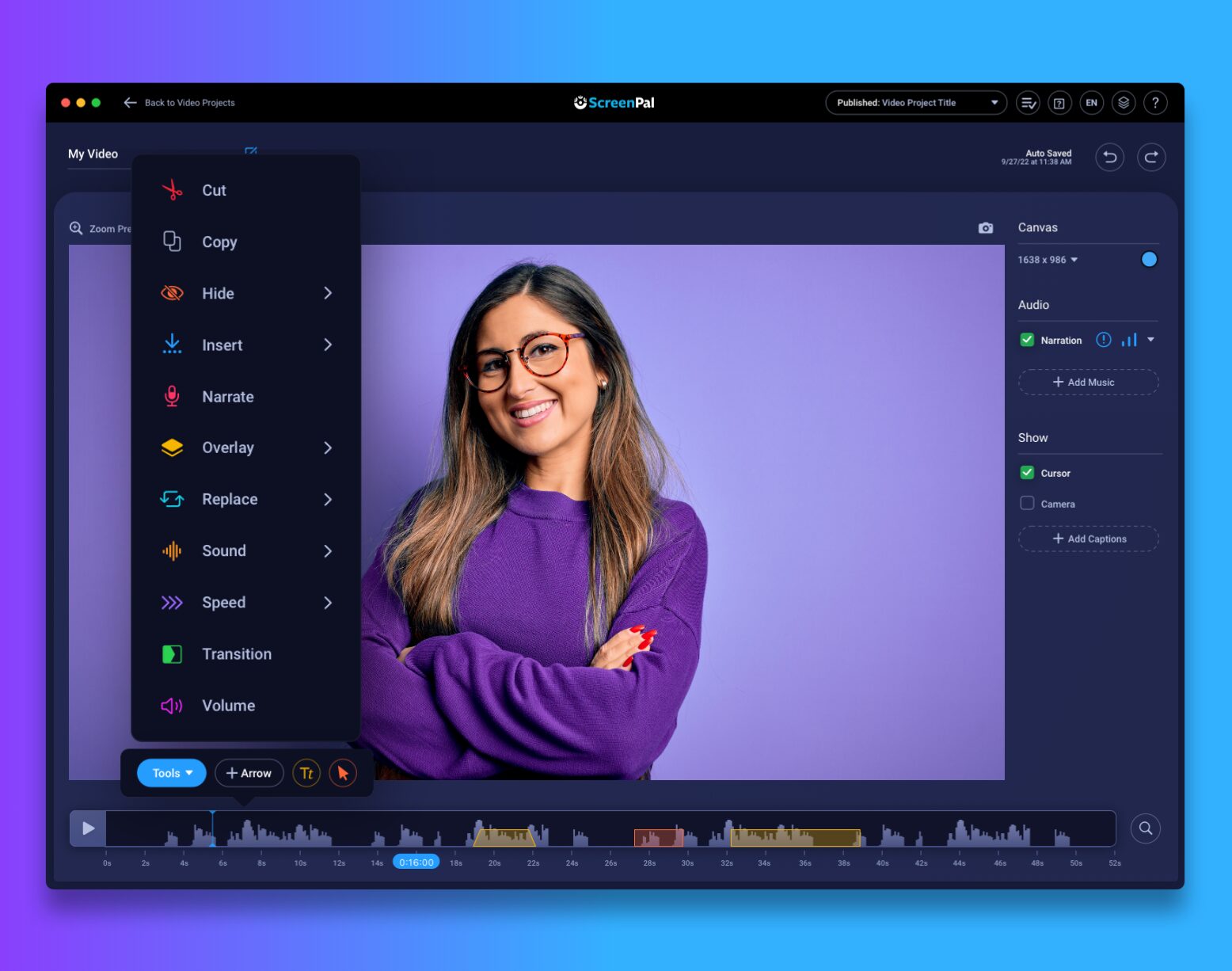
Discover easy ways to elevate your video lessons with editing tools that help you add context, clarity, and personality. Participants learn how to trim clips, add overlays, insert images or video snippets, include animated text, blur sensitive information, and use AI-powered editing suggestions to refine content quickly and effectively.
Micro-credential 3: How to repurpose content into actionable learning
1 video | 9 min
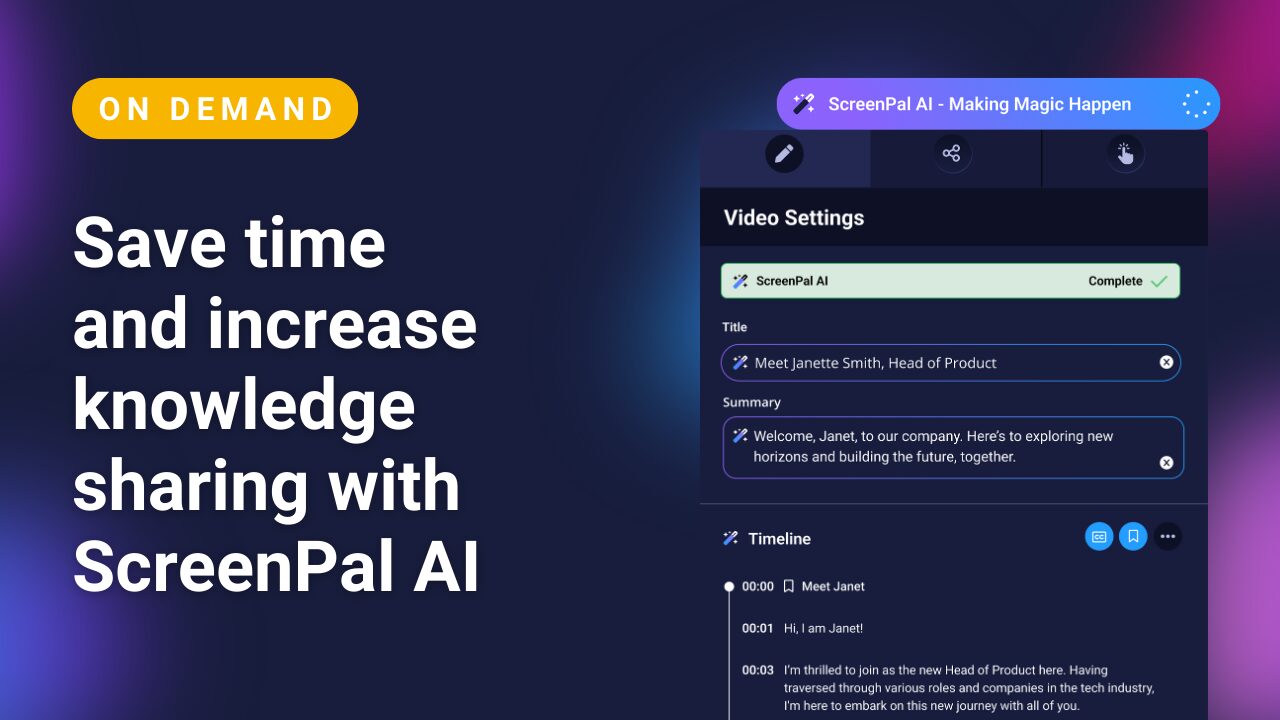
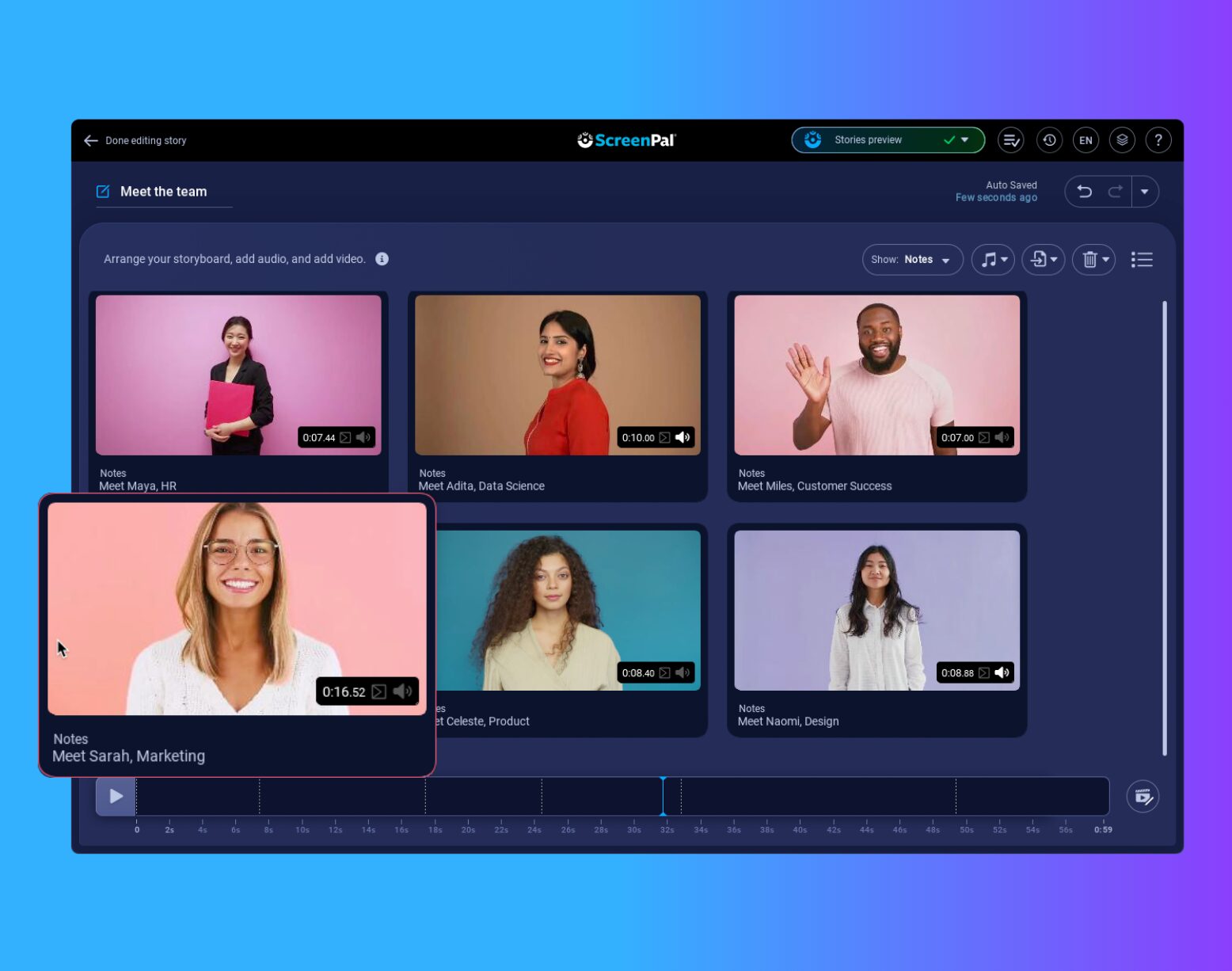
Master the workflow for publishing and sharing content with learners. Allyncia demonstrates how to organize your hosted video library, control privacy settings, embed lessons into your LMS, and use viewer analytics to understand engagement. Plus, explore how AI-generated titles, descriptions, and thumbnails make sharing seamless and polished.
Micro-credential 4: How to share and add interactive features
1 video | 9 min
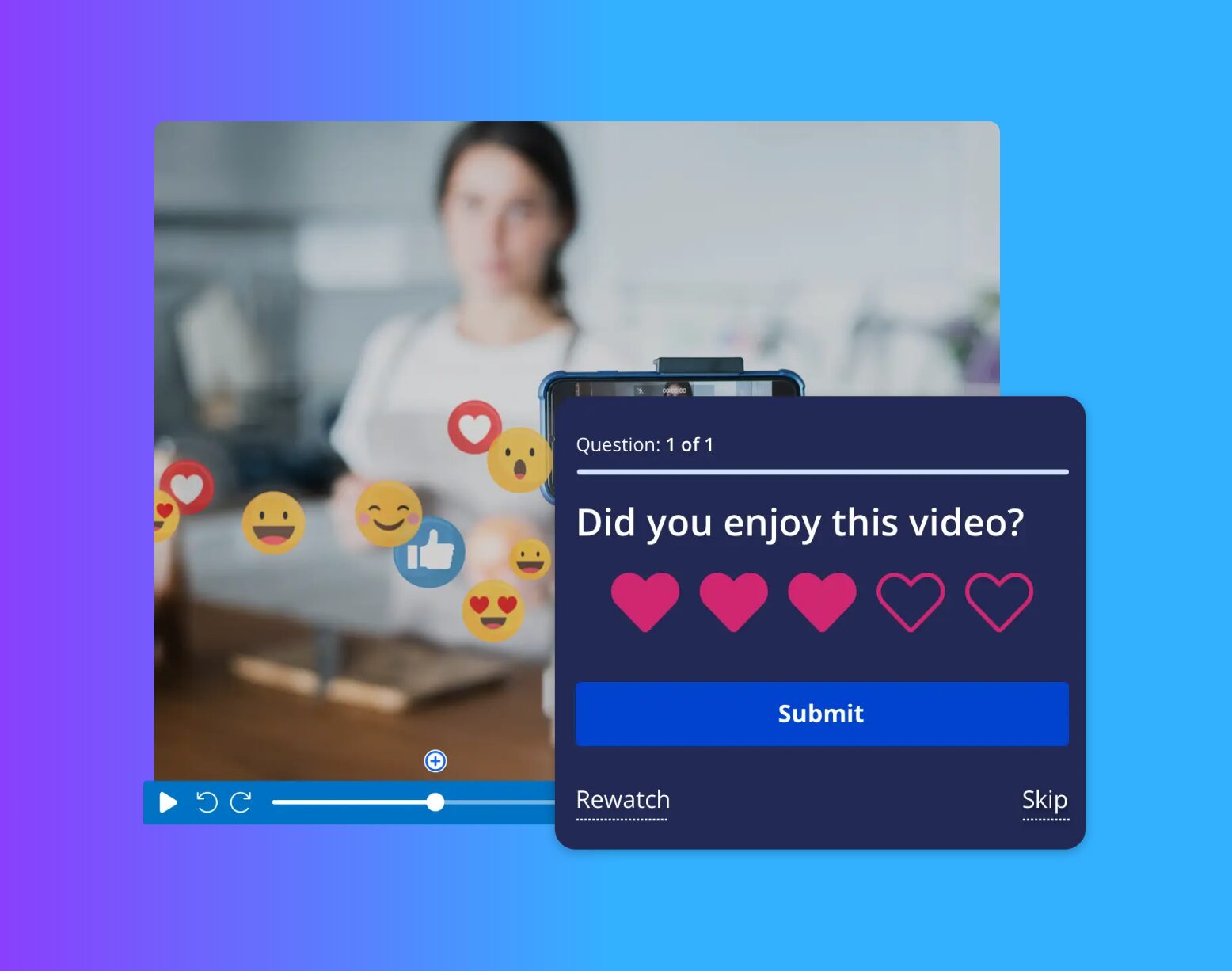
Learn to transform passive videos into interactive learning experiences. This module covers how to add comprehension questions, pause-and-think prompts, polls, and knowledge checks directly into your videos. Participants use ScreenPal’s AI quiz generator to create high-quality questions instantly, then analyze results to guide next steps and personalize support.
Get your certification
It’s easy to get certified! Once you’ve completed the course modules above, fill out the exit survey and we’ll send your certification.