Main Menu
Webinar: From storyboard to screen
a real-world ID workflow with ScreenPal and Canva
with Dani Watkins
This on-demand webinar gives instructional designers and L&D professionals a behind-the-scenes look at how a practicing ID uses ScreenPal across the entire video development process, from initial planning through final delivery.
Rather than a product demo, the session showcases a real client workflow, illustrating how ScreenPal pairs seamlessly with Canva to produce polished, professional video content for eLearning courses and live training.
Designed for instructional designers, eLearning developers, L&D managers, training specialists, virtual facilitators, vILT producers, and solo practitioners or small teams, this session will equip attendees to plan video content using ScreenPal’s storyboard feature, record high-quality screen capture and narration, integrate recordings with Canva for branded assets, and embed or upload finished videos into tools like Rise, Storyline, and slide decks for ILT and vILT delivery.
Presented by
Dani Watkins
Chief Learning Experience Officer
🌐 Zenith Performance Solutions
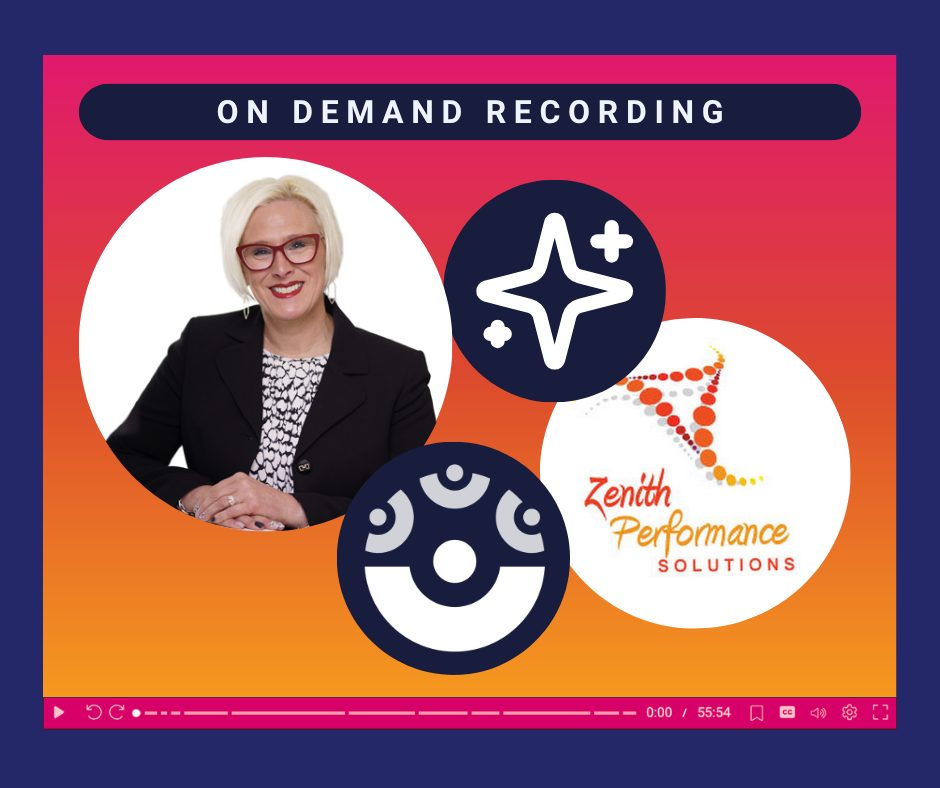
On-demand recording
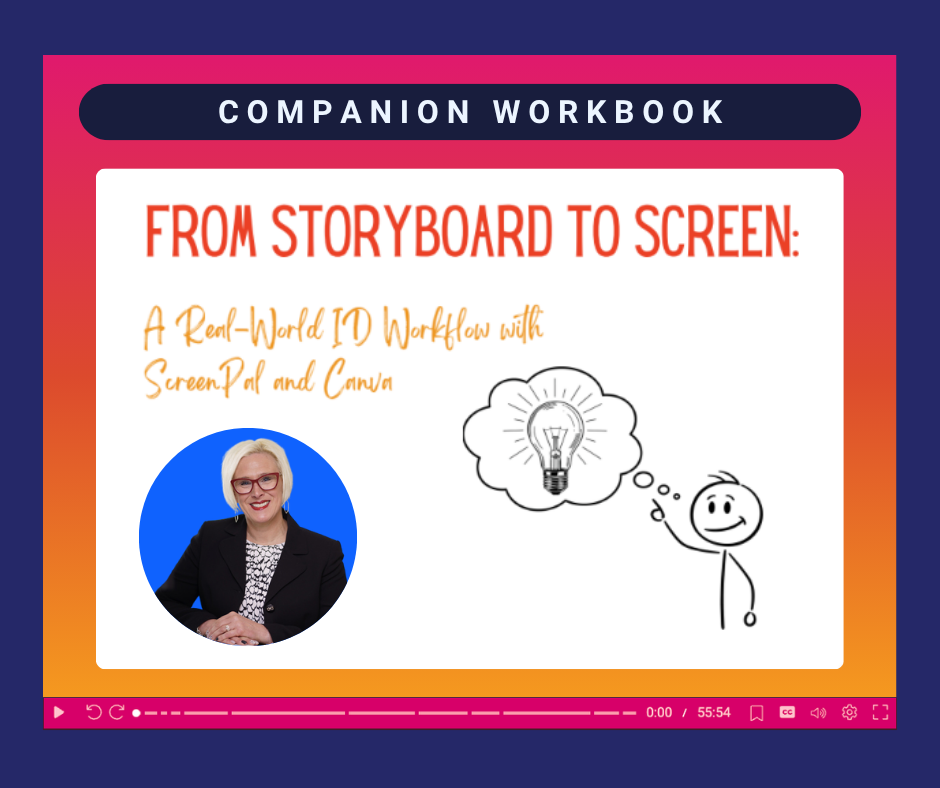
Workbook
Need an attendance certificate?
No problem! Just fill out the survey and one will be provided to you as soon as possible.