Main Menu
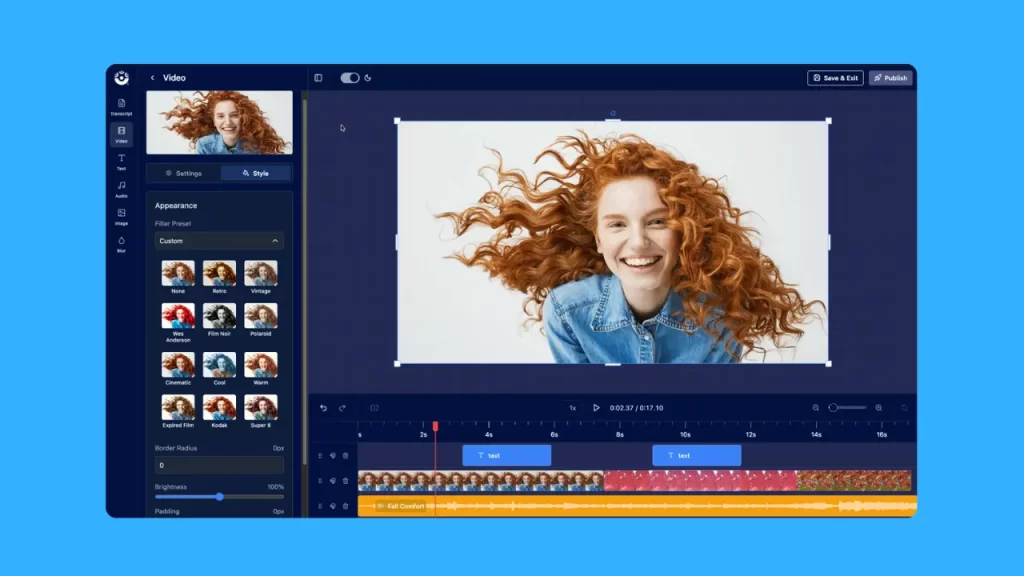
Now you can quickly and easily edit any video online with ScreenPal’s new AI-powered online video editor!
Make quick edits to content you’re already hosting, or upload a new video to edit and share. Add text, images, and videos, plus enhance with filters, transitions, and music.
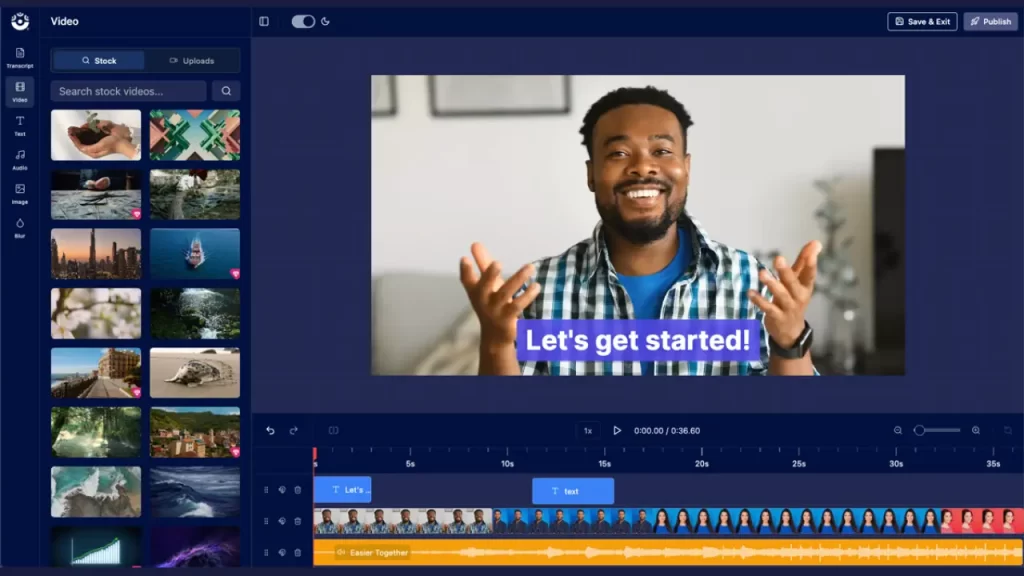
You can even edit your videos from your transcript, as easily as editing an online document! Our built-in AI video tools will automatically find and highlight filler words and pauses in your video. You can then instantly delete filler words, speed up or remove silences, and edit out sections of your video by simply highlighting the part in your transcript you want to remove and clicking delete.
Edit from your video transcript with AI
Easily edit your video from your transcript with our new AI text-based video editing feature.
When you open your video in the online editor, your video transcript will be automatically generated for you. If you’ve already run ScreenPal AI on your video, we’ll pull that transcript in for you.
Our AI video tools will then find and highlight all filler words and silences for you. You can automatically delete them all or review them one-by-one.
Speed up pauses in your video or delete them altogether. Remove all filler words with a click, or leave a few for authenticity.
You can even cut sections of your video by simply selecting that section of narration in your transcript and hitting “Delete.”
See how easy it is to find and fix filler words and silences:
How to edit a video online with ScreenPal
Right now, you can edit any video online after uploading it to ScreenPal.com. You can publish a video to ScreenPal.com directly from your desktop recorder, or upload the video from your hosting account.
From your video details page, select the edit icon on your video preview and then choose “Edit Online (Beta).”
Your video will open in the online video editor, where you can then easily trim, edit, and share.
See how the online AI video editor works:
Edit and enhance your video with all of the features you expect:
- Trim, split, and merge video clips
- Add and style static and animated text
- Overlay images and videos
- Add intro and outro transitions to any video or image clip
- Get creative with video and image effects
- Blur any area of your video
- Enhance with stock videos, images, and music with any ScreenPal subscription
Our new online video editor is currently in beta. This means we are working to add new features quickly and want to hear your feedback!
Get started today
Upload your video to ScreenPal.com to edit and share online!