Main Menu
February is a month that celebrates connection, and at ScreenPal, connection is at the heart of everything we create. Whether it’s helping educators reach students, teams communicate more clearly, or organizations create more accessible content, video continues to bring people together in powerful ways.
This month, we’re excited to introduce our new Online Screen Recorder, share practical strategies to streamline your workflow, and spotlight educators and partners who are leading with purpose. We’re also offering important updates around accessibility compliance and inviting you to collaborate with us at upcoming conferences.
Here’s what’s new, noteworthy, and ready for you this February. 🎥
✨ This newsletter includes:
🎬 Product update spotlight: online screen recorder
📺 Online video editor webinar (on demand)
⚖️ Title II ADA deadline reminder
🎤 Lindy Hockenbary at NCCE + featured blog & podcast
🎓 Learn with Dr. Nellie Deutsch: free online courses featuring ScreenPal
🎬 Product update spotlight: online screen recorder
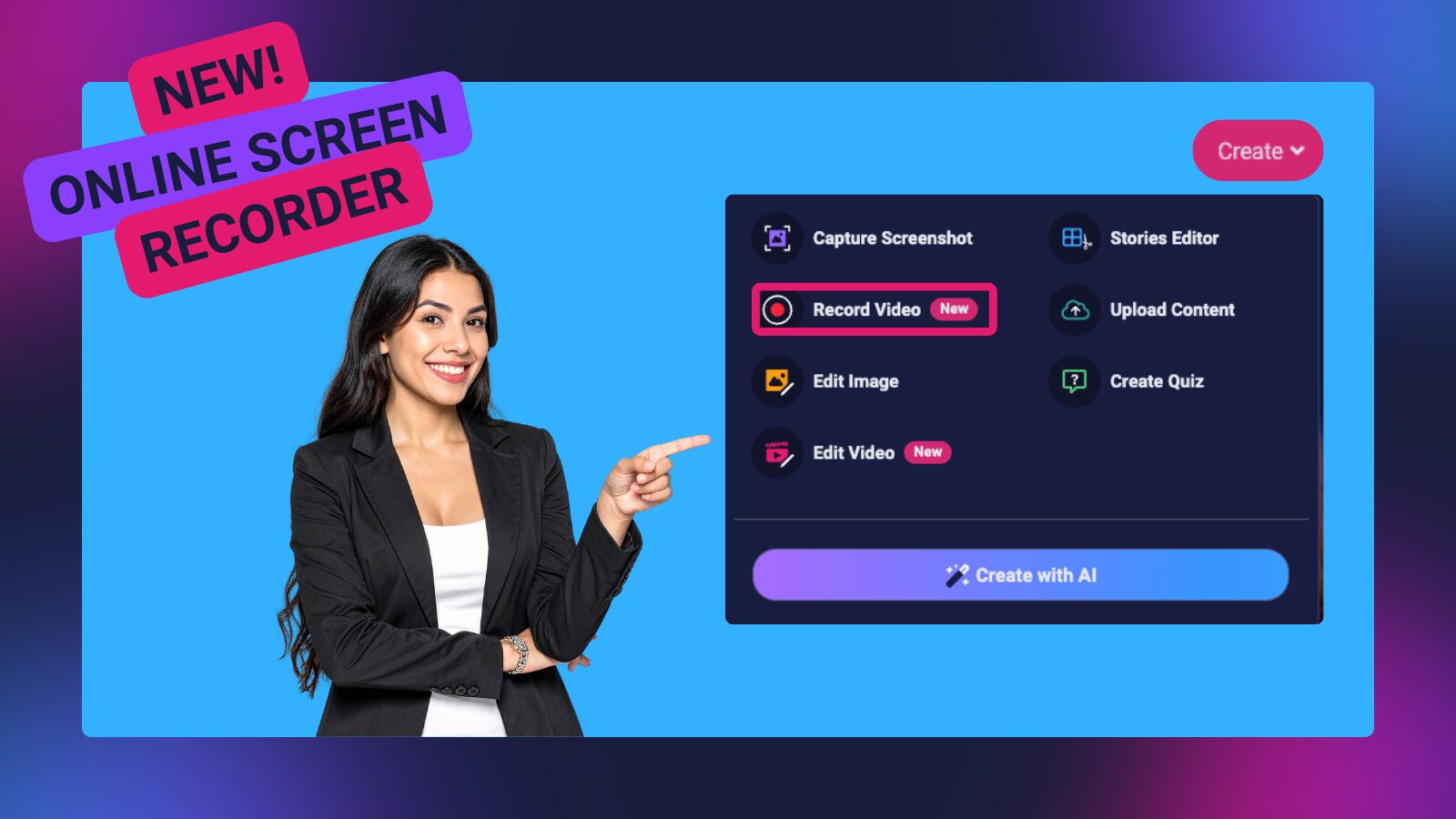
Recording just got even more flexible. Our new Online Screen Recorder lets you capture high-quality recordings directly from your browser, no downloads required.
🌐 Record from your browser
Access the Online Screen Recorder from your desktop or laptop using Google Chrome, Microsoft Edge, Firefox, or Safari. For the best experience, we recommend using Chrome or Edge.
To get started:
- Go to screenpal.com and log into your ScreenPal account.
- Click the pink Create button.
- Select Record Video → Online Recorder.
- (Prefer the classic experience? Choose Desktop Recorder to open the app you already know and love.)
🎬 Customize what you share
Choose exactly what to record, a browser tab, specific window, or your entire screen. You can also decide whether to include system audio.
Click Record to begin. Need a break? Click Pause and pick up right where you left off.
🎛 Powerful tools at your fingertips
Enhance your recordings in real time with built-in tools:
- 🔇 Mute/unmute audio or toggle your camera on/off at any point
- 🔍 Use the magnifying glass to click and drag to zoom in on any part of your screen
- ✏️ Draw on your screen in multiple colors with the pencil tool
- 🎉 Add energy and excitement with the Effects button!
- 🗑 Delete and restart anytime with the trash can
✨ Seamless editing & hosting
When you’re finished, click Done Recording. Your video will automatically open in your ScreenPal.com hosting account, where you can jump straight into editing with the Online Video Editor.
Whether you’re teaching, training, or presenting, the Online Screen Recorder makes it easier than ever to create polished, engaging content, right from your browser.
📺 Online video editor webinar (on demand)
Speaking of our online screen recorder… our product focused webinar showcasing ScreenPal’s online screen recorder and browser-based video editor is now available on demand, so you can watch anytime that works for you.
In this session, you’ll learn how to:
- Launch a recording directly from the online recorder
- Edit video faster using transcript-based editing
- Remove filler words and silences with a click
- Trim, polish, and enhance videos using browser-based tools
- Explore how AI tools like captions and audio descriptions fit seamlessly into your workflow
Whether you’re creating lessons, training videos, or content to share widely, you’ll walk away with practical tips to streamline your process, and spend more time on what matters most.
Access the recording and start streamlining your workflow today!
📺 Watch on demand for free anytime
⚖️ Title II ADA deadline reminder
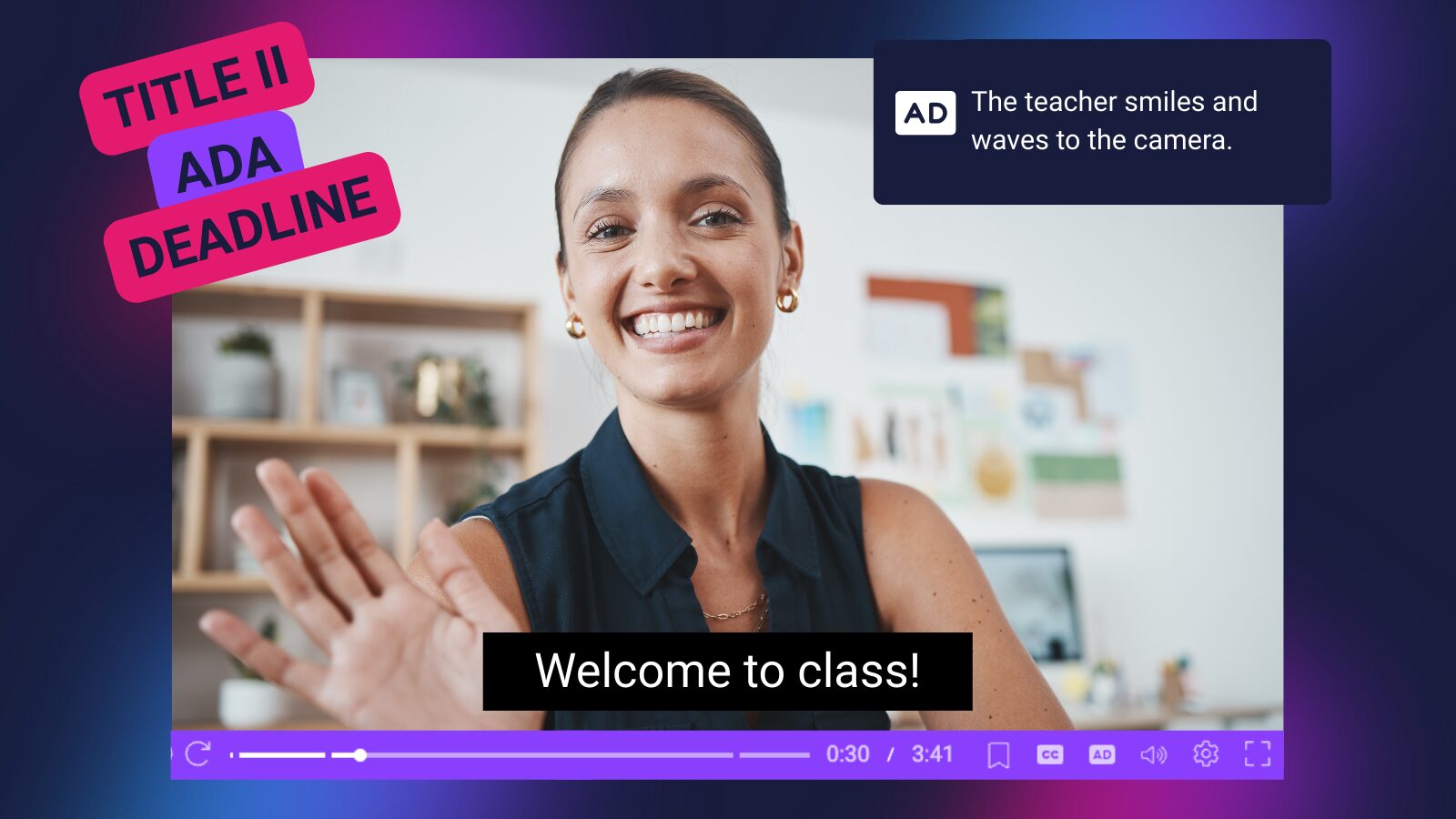
Is your organization ready?
The upcoming Title II ADA compliance deadline is approaching, and now is the time to ensure your digital content meets accessibility requirements.
For many schools, districts, and public institutions, this means making sure videos include accessible elements such as accurate captions and audio descriptions. Proactive planning now can help avoid last-minute challenges and ensure your content is compliant and accessible to all learners.
ScreenPal is here to help.
From built-in automatic captions and audio descriptions to streamlined workflows that support accessible video creation, we make it easier to meet accessibility standards without adding complexity to your process.
If you’re evaluating solutions or looking for a trusted accessibility solution partner, we’d love to connect. Reach out to the ScreenPal team to explore how we can support your compliance goals.
👉 Contact us to start the conversation.
🎤 Lindy Hockenbary at NCCE + featured blog & podcast
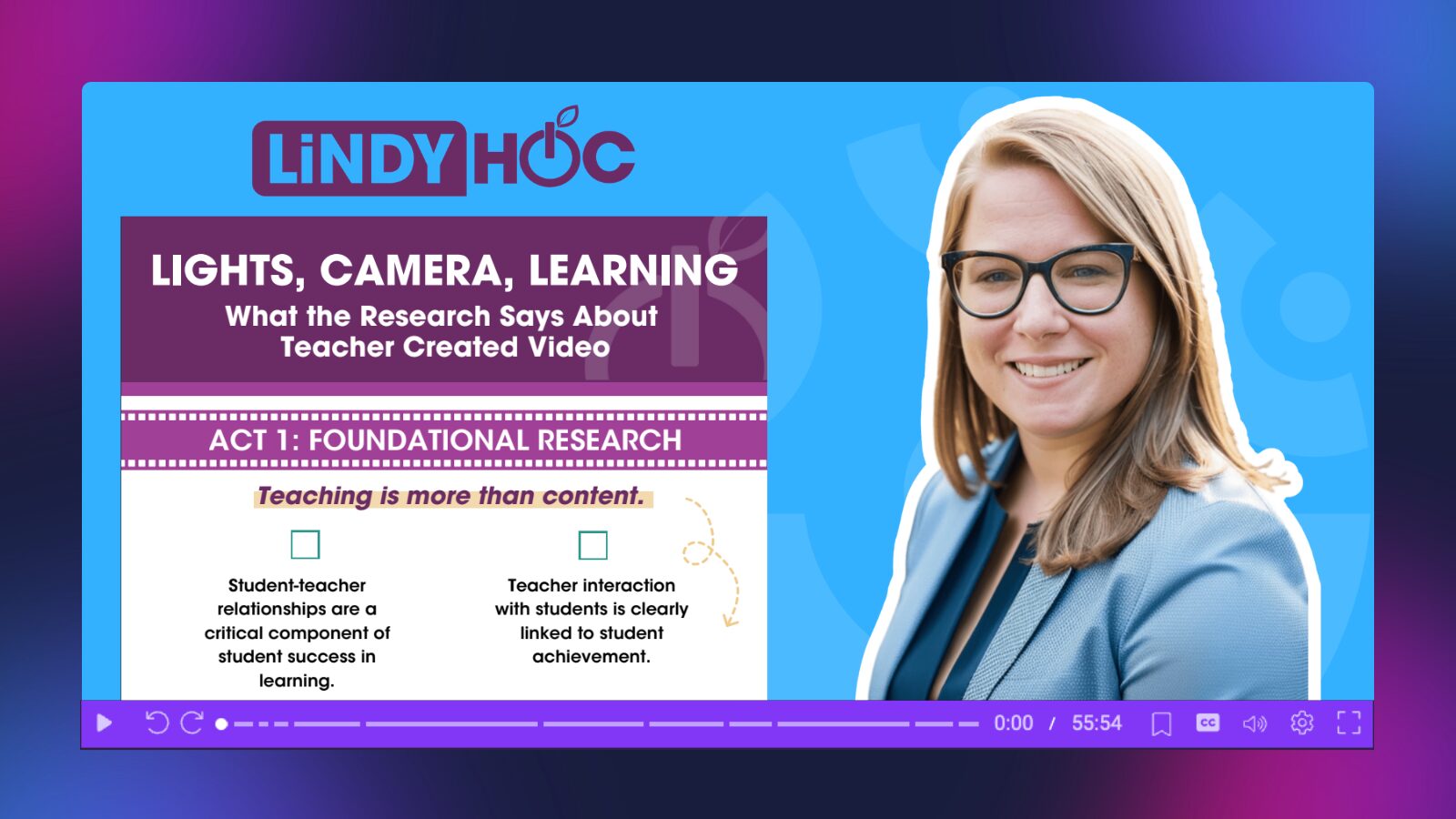
We were thrilled to see Lindy Hockenbary take the stage at NCCE, where she shared powerful insights on the impact of teacher-created video in today’s classrooms. Her session highlighted what the research says about video’s role in engagement, clarity, and student learning, and why it’s becoming an essential instructional tool.
📘 Featured blog + infographic
In her recent blog post, “Lights, Camera, Learning: What the Research Says About Teacher-Created Videos,” Lindy breaks down key findings around how video supports student understanding, retention, and flexibility in learning. The post is accompanied by a clear, shareable infographic that makes the research easy to apply in real classrooms.
If you’re looking for evidence-based talking points to support video use in your school or district, this is a must-read resource.
🎙 Podcast feature: “In 2026, Video Isn’t Optional for Teachers”
In her recent podcast episode, Lindy makes a compelling case for why video is no longer a “nice-to-have,” it’s a foundational part of modern teaching. She explores how video supports accessibility, strengthens communication, and meets the evolving expectations of students and families.
Whether you caught her live at NCCE or are discovering her work for the first time, Lindy’s insights offer both inspiration and practical direction for educators ready to embrace video with purpose.
Be sure to check out the blog post, downloadable two-page guide, and podcast episode to continue the conversation.
📢 Open call for proposals
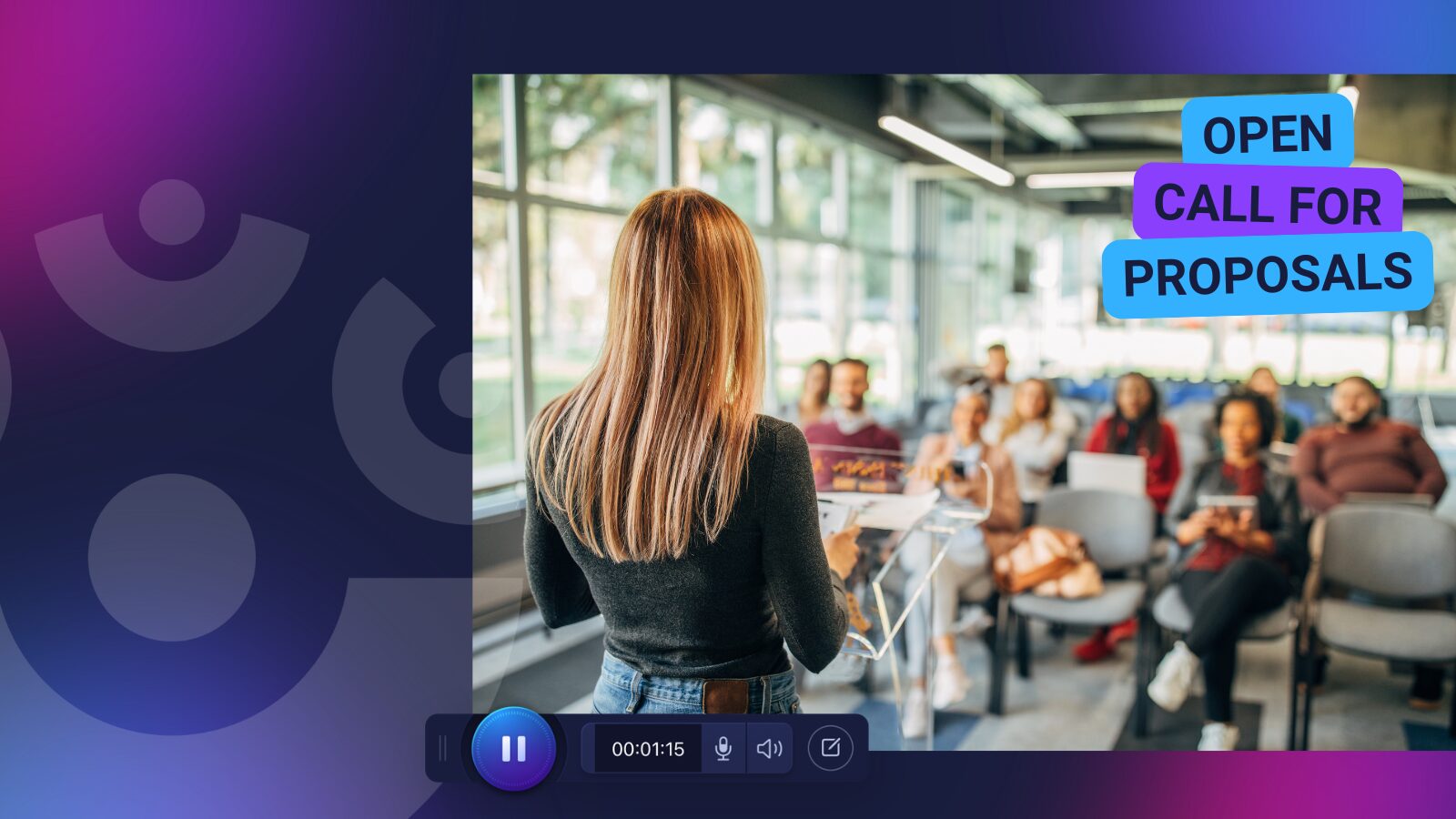
As conference planning ramps up, proposal submissions are opening for events across K–12, Higher Ed, and corporate L&D. If you’re preparing to pitch a session around video creation, AI in education, accessibility, assessment, or scalable learner engagement, ScreenPal would love to support your submission.
Whether you’re leading a breakout session, hands-on workshop, panel discussion, or live demo, we’re always eager to partner with educators and trainers who are sharing actionable, real-world strategies.
Currently accepting proposals:
- AETC | Huntsville, AL | June 15-19 | Applications due March 23
- TETA SI | Bartlett, TN | July 7-10 | Applications due March 31
- NYSCATE | Rochester, NY | November 22-24 | Applications due April 5
- MFPE | Great Falls, MT | October 15-16 | Applications due April 30
✨ Planning to submit to another event not listed here? We’d love to hear about it.
📩 Reach out to Sarah, our Community Engagement Manager, at sarah@screenpal.com, to explore how we can collaborate and help strengthen your proposal.
Let’s work together to showcase innovative ideas and amplify the incredible work happening in our community.
🎓 Learn with Dr. Nellie Deutsch: free online courses featuring ScreenPal
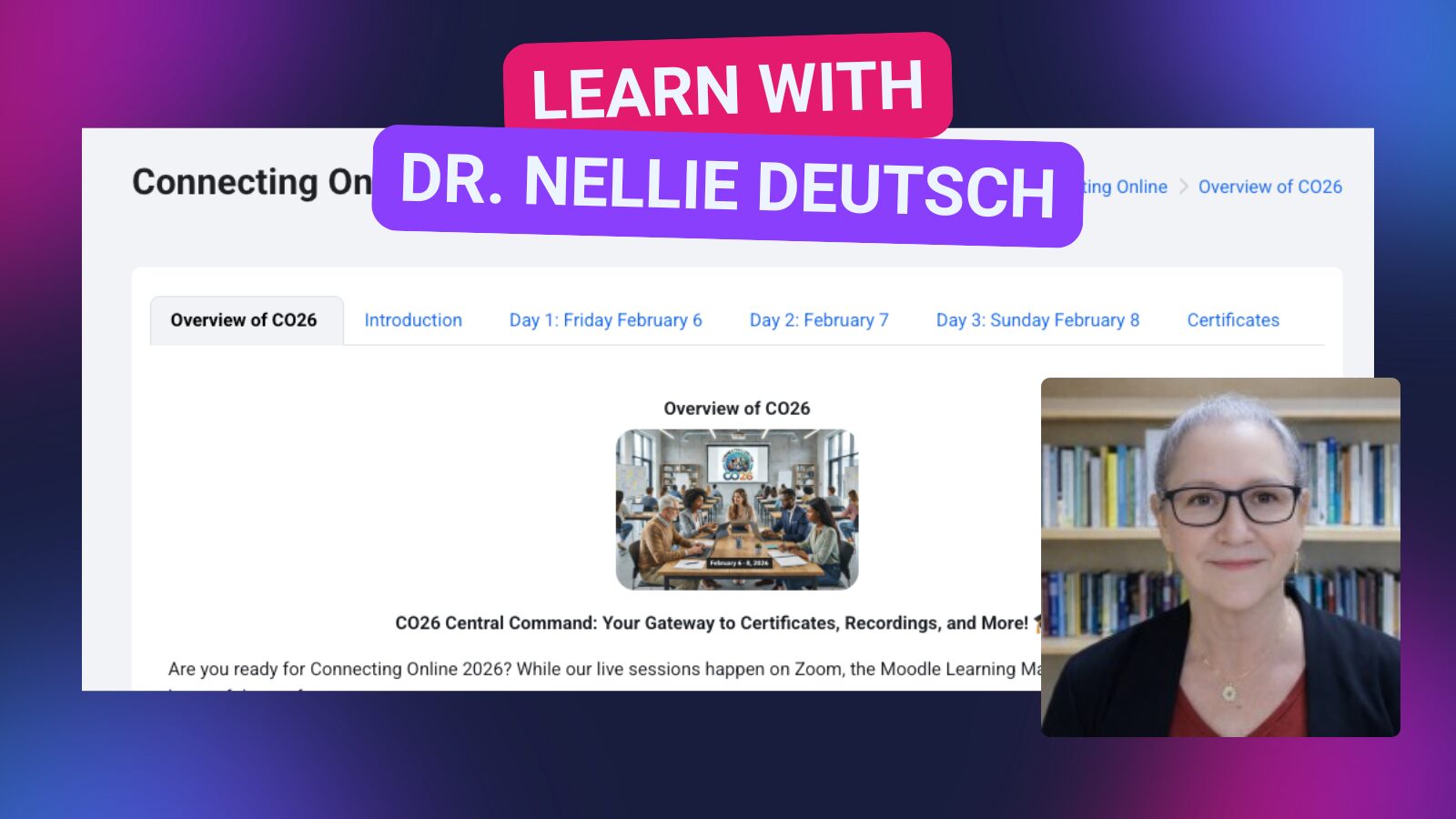
Looking to strengthen your technology integration skills? Dr. Nellie Deutsch offers a variety of free online courses through Integrating Technology for Active Lifelong Learning, designed to help educators confidently apply digital tools in meaningful ways.
One featured course, Connecting Technology, highlights ScreenPal as a recommended tool and guides participants in using video to support teaching, learning, and communication. This comprehensive course offers a 30-hour certificate, providing both practical experience and recognized professional learning.
Dr. Nellie’s courses focus on real-world application, from online course design to learner engagement strategies, all within a supportive global learning community. Whether you’re just getting started with educational technology or looking to refine your digital teaching practices, these courses provide actionable strategies you can implement right away.
🌐 Explore the free courses: https://integrating-technology.org/
📜 Learn more about the Connecting Technology 30-hour certificate course: https://integrating-technology.org/enrol/index.php?id=20
Join educators around the world who are building skills, earning certificates, and discovering new ways to integrate tools like ScreenPal with purpose.
From product updates to professional learning and conference collaboration, everything we share is rooted in one goal: empowering you to communicate, teach, and lead more effectively with video. Thank you for being part of the ScreenPal community and for the incredible work you do every day. If there’s a way we can support your goals, spark new ideas, or collaborate on what’s ahead, we’d love to connect.