Main Menu
Back-to-school with ScreenPal
Easy tools. Powerful results. Made for educators.
Fall into new ideas with these live sessions
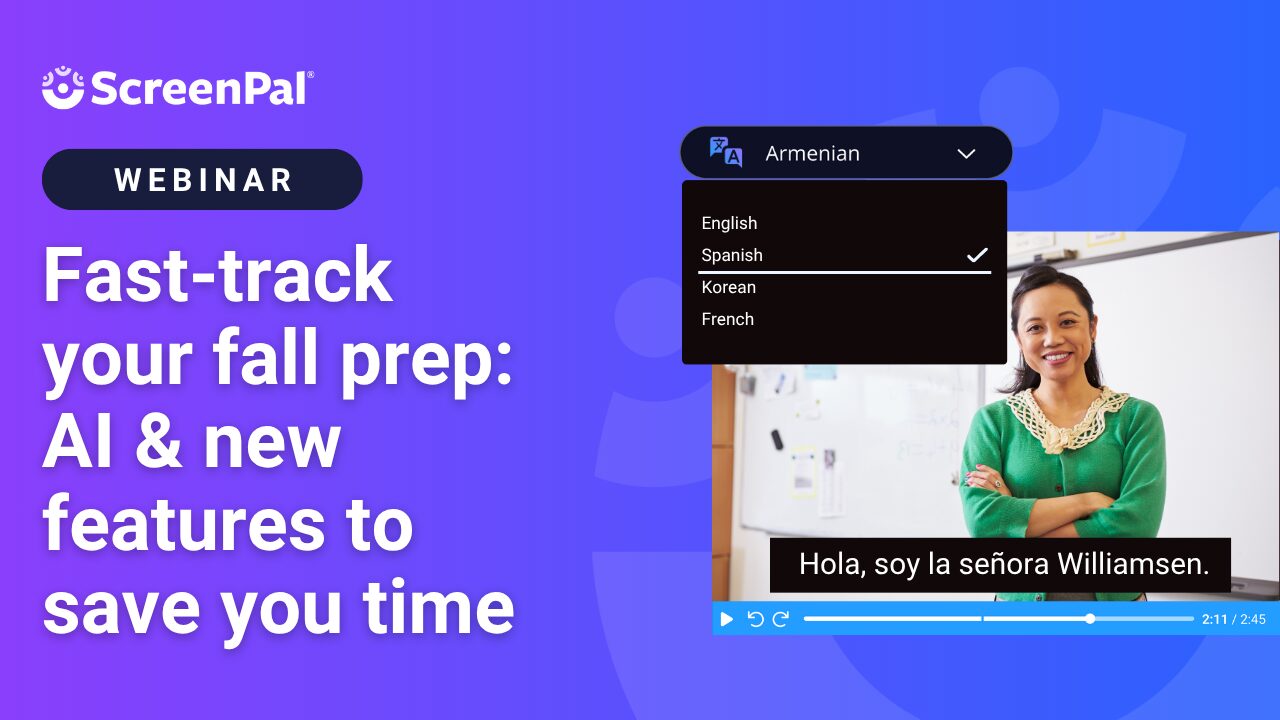
Fast track your Fall prep: AI & new features to save you time
Join the ScreenPal community team to kick off the school year with a fast-paced session on ScreenPal’s newest features, including AI-powered tools, to save time, streamline your workflow, and create engaging content. Learn quick tips with our Chrome extension, explore updates for video feedback and assessment, and walk away with tools you can use tomorrow.
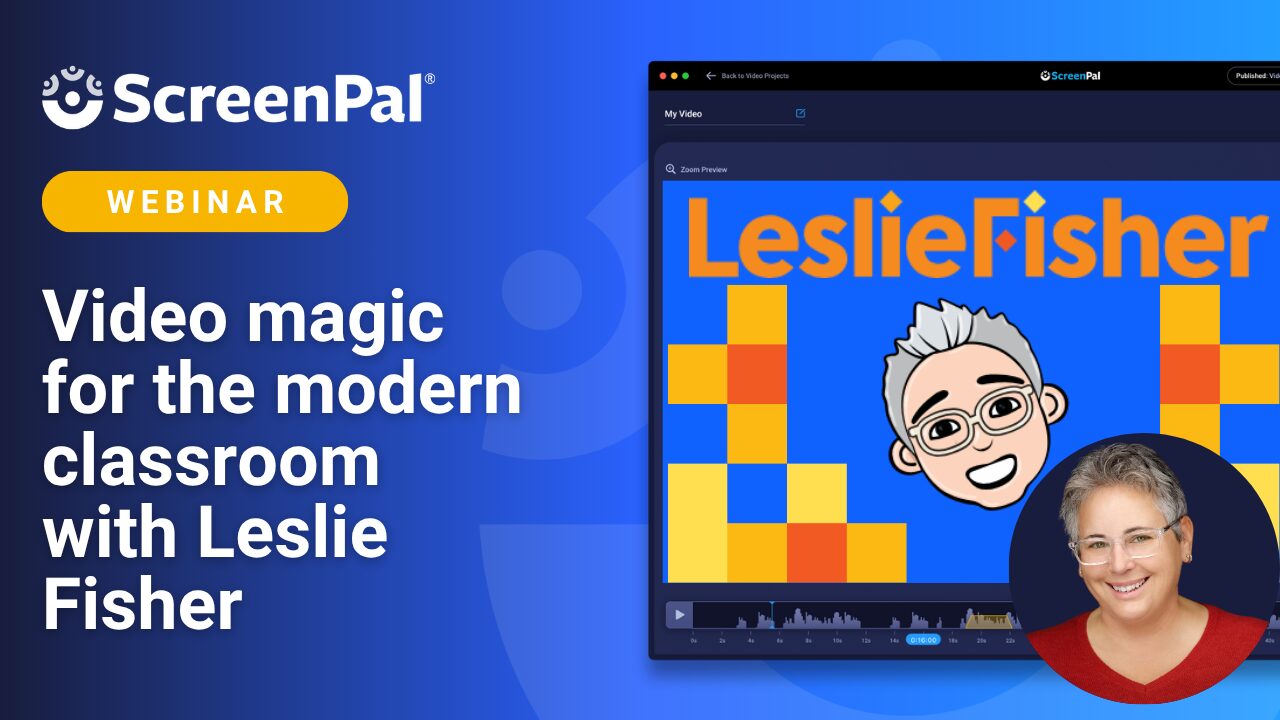
Creating tutorials with ScreenPal
Join Leslie Fisher to learn how to use ScreenPal’s classroom-focused tools to record, edit, and share lessons, tutorials, and student feedback with ease—perfect for flipped, blended, or in-person learning. We’ll also explore the Chrome extension for quick, on-the-fly recordings, plus tips to keep your videos organized, accessible, and ad-free.
Summer learning, on demand
Back-to-school blog series
Our Back-to-School blog series is packed with quick, practical tips to help you save time, boost accessibility, and engage students from day one. Explore AI tools that work for you, strategies for making videos accessible, ways to connect through quick recordings, and how to simplify assessments with interactive video quizzes.
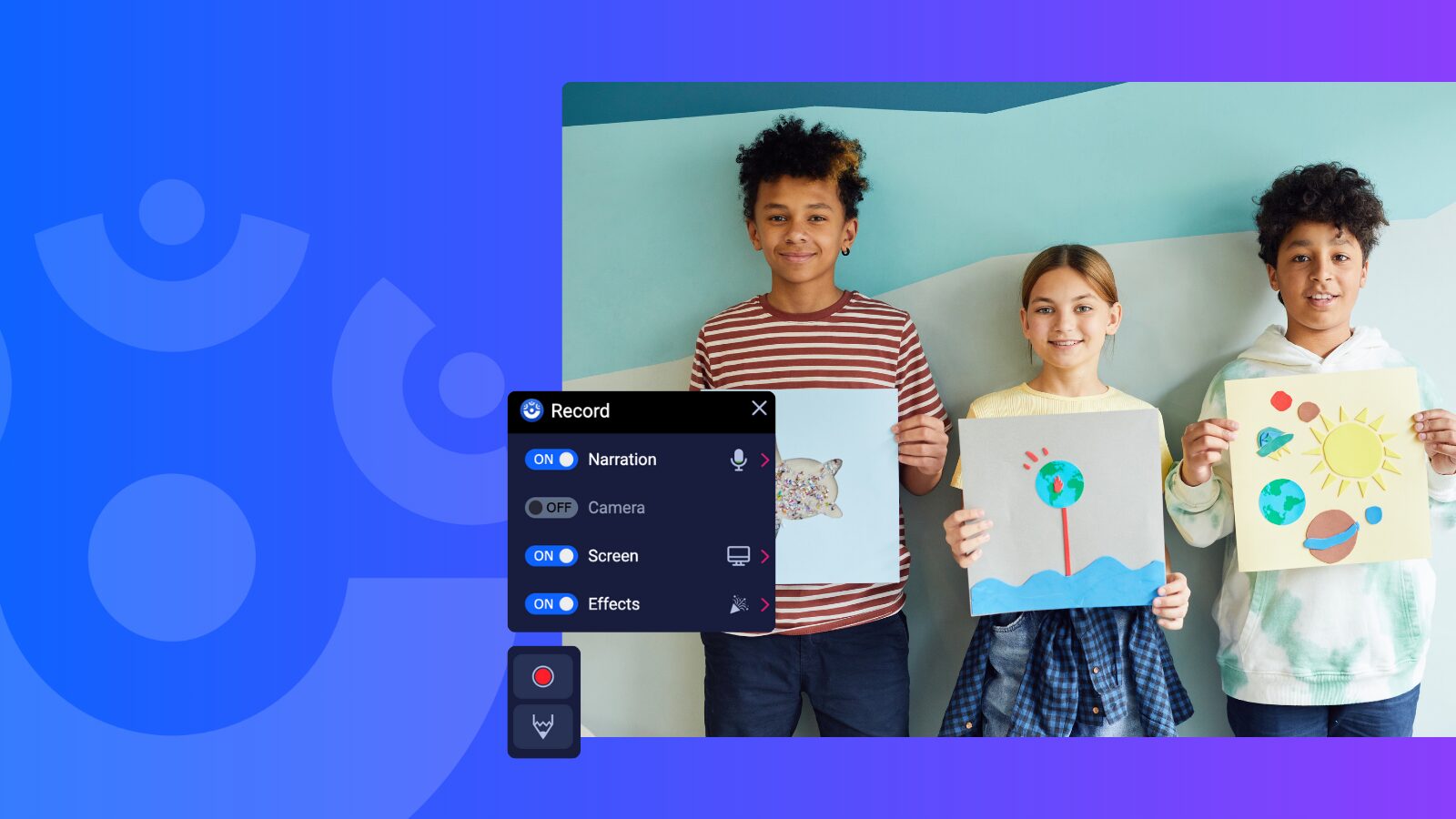
Chrome extension
Click, record, connect: 3 smart ways to use ScreenPal’s Chrome extension for quick communication
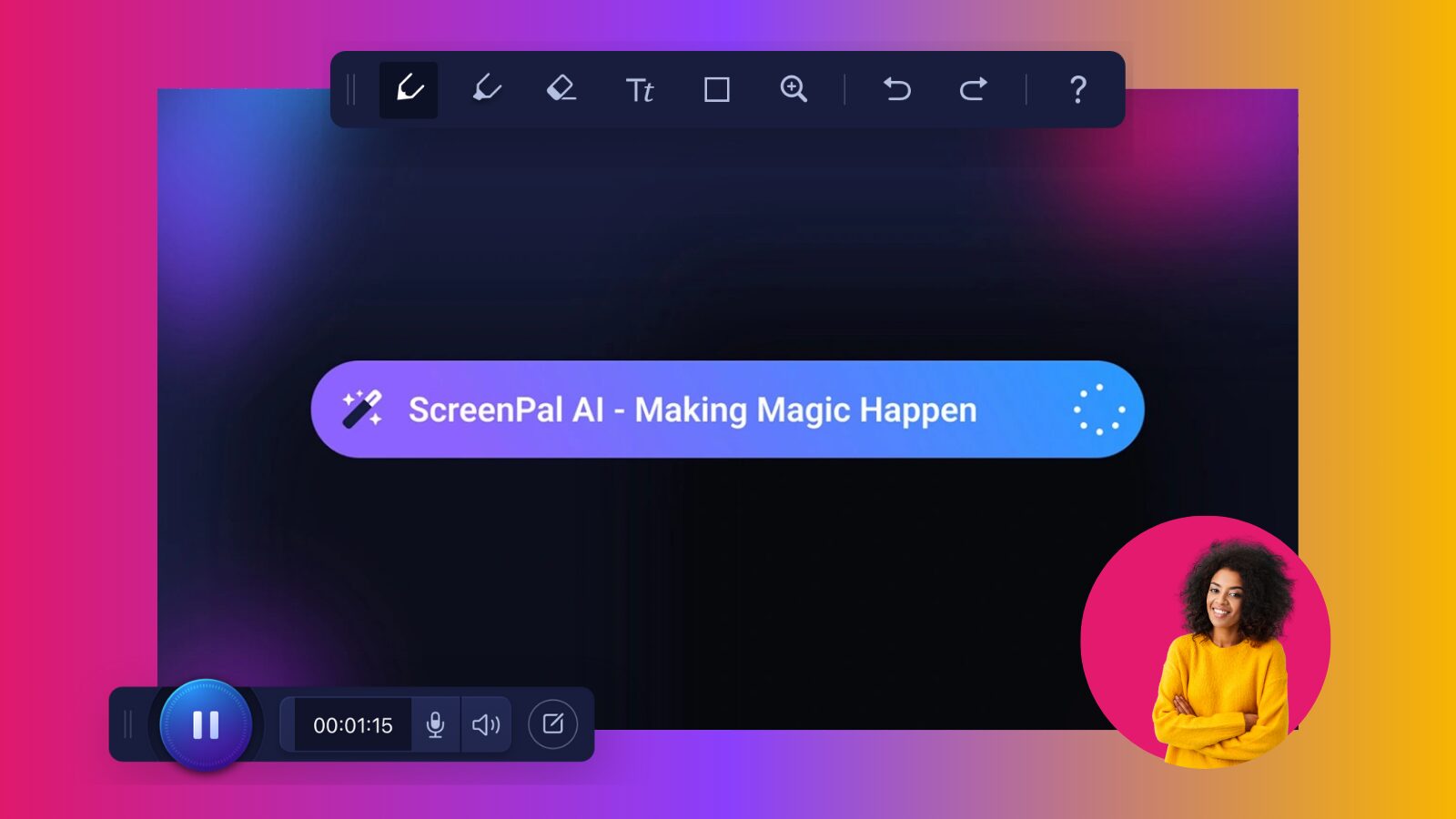
ScreenPal AI
AI that gets you: 3 ways that ScreenPal AI supports productive, inclusive teaching
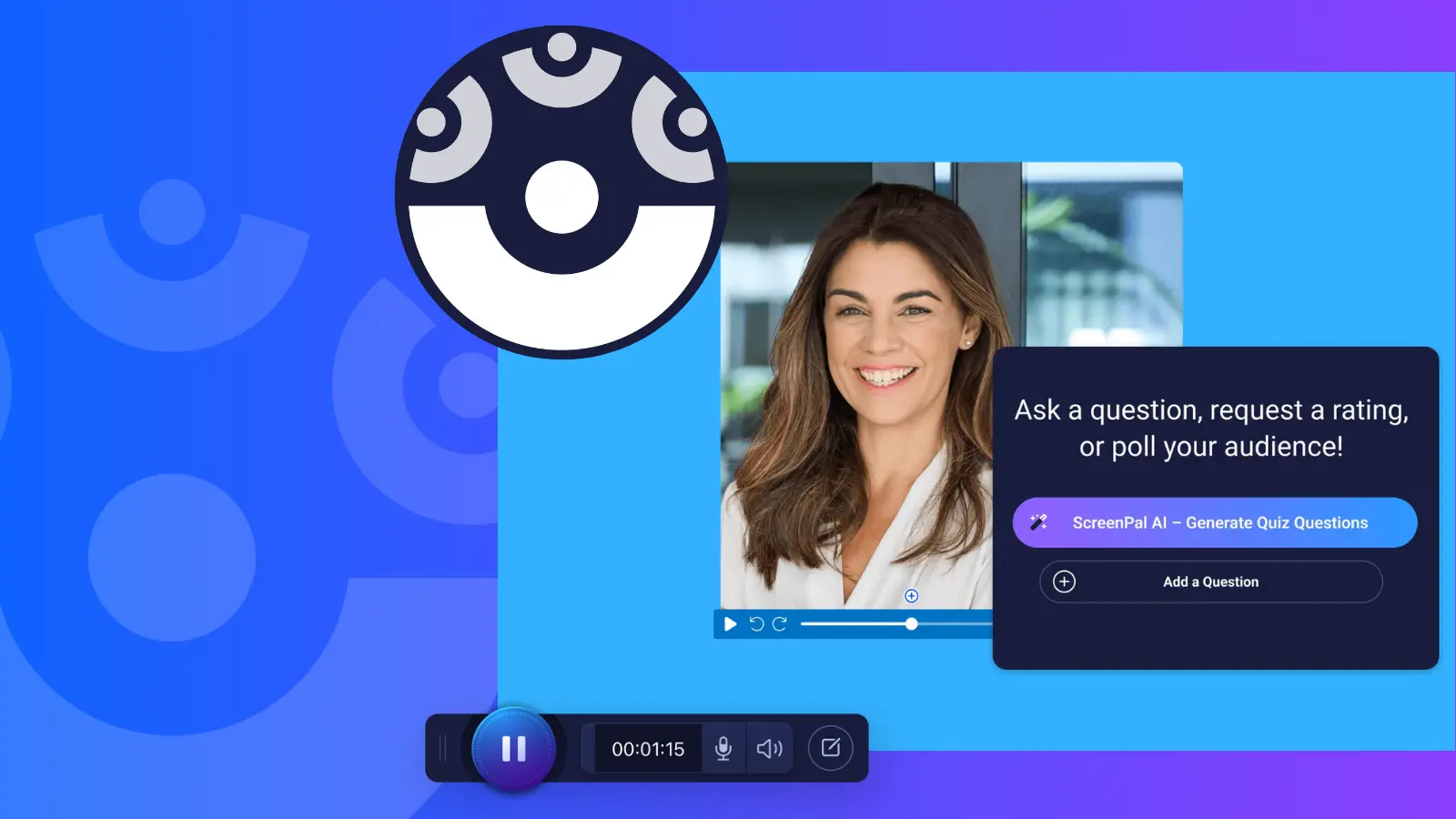
ScreenPal quizzing
Assess with less stress: 3 easy ways to quiz with ScreenPal
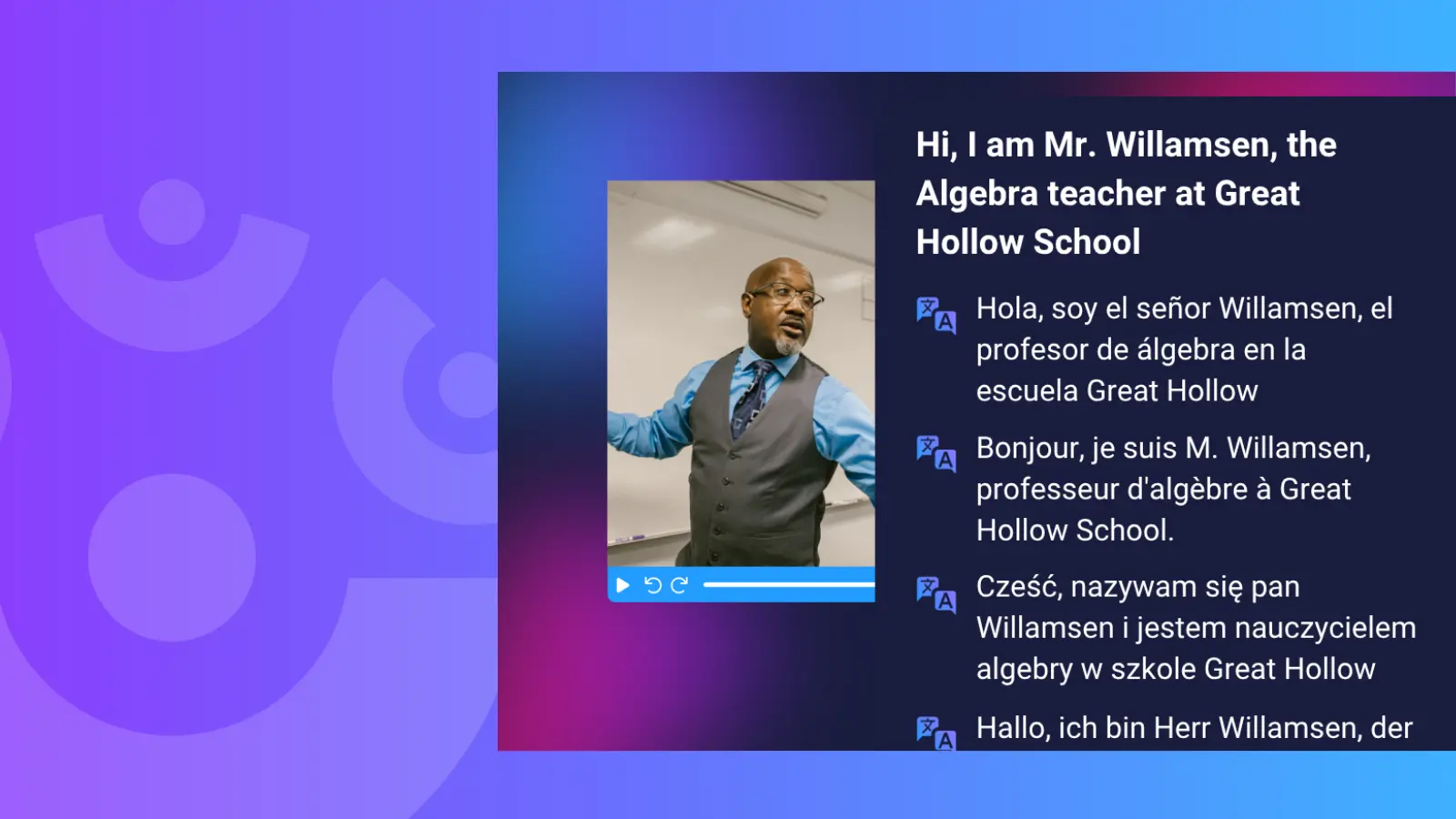
Accessibility
Making videos accessible for all learners: your back-to-school guide
On-demand webinars
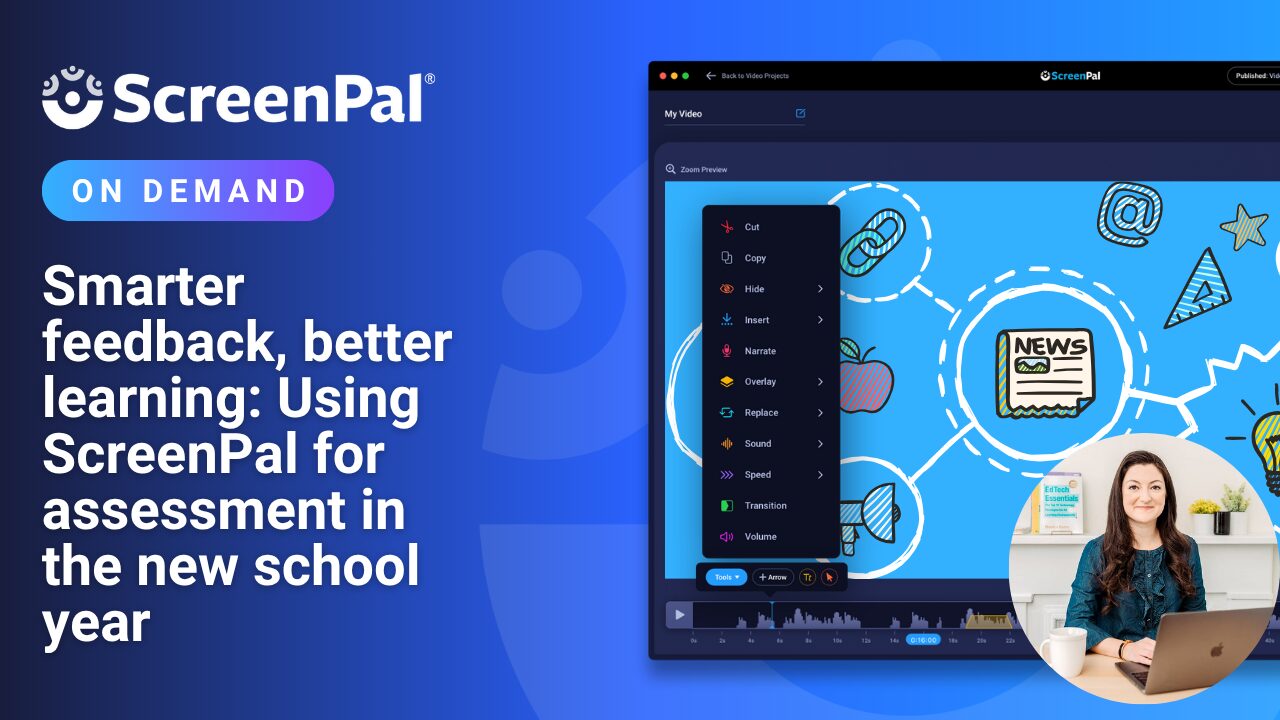
Catch our on-demand webinars anytime, featuring expert tips from Dr. Monica Burns on smarter feedback, creative app smashing with Book Creator, and the full 2024 Back-to-School series. Rewatch, learn at your own pace, and get inspired with strategies you can use right away.
Smarter feedback, better learning: using ScreenPal for assessment in the new school year
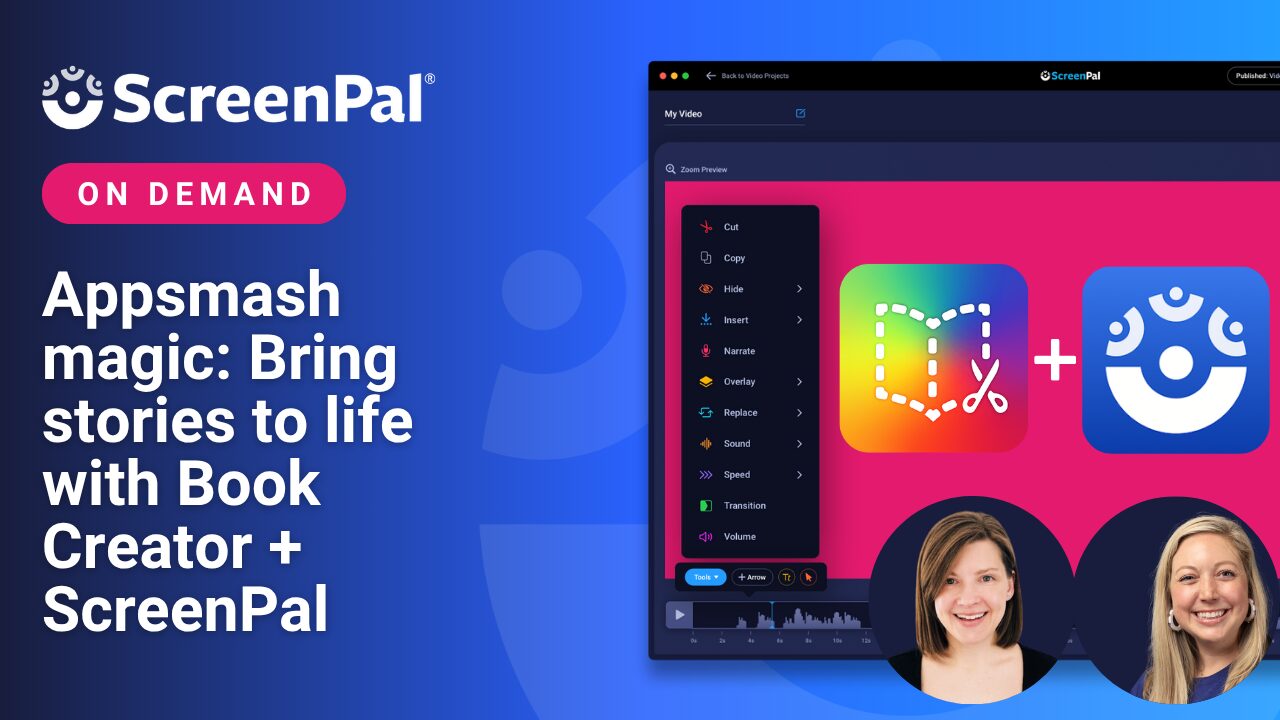
Appsmash magic: bring stories to life with ScreenPal + Book Creator
.
2024 back-to-school webinars on-demand
Our 2024 Back-to-School webinar series featured expert-led sessions packed with tips to save time, spark creativity, and enhance student engagement with video. From AI-powered tools to interactive quizzes and accessibility features, these replays are ready to inspire your year—explore more resources to keep the momentum going.
.

Resources for educators:

Professional development
Complete self-paced micro-credentials and become a ScreenPal Certified Educator.

Webinars and events
Explore on-demand training and virtual events to get the most out of ScreenPal in your classroom.

Community
Join our community! Become a ScreenPal ambassador, present at events, and more.
Why teachers love ScreenPal
Seamless integration
ScreenPal’s user-friendly interface and seamless integration into our existing teaching methods made it an obvious choice. From day one, it was clear that ScreenPal was not just another tech tool; it was a catalyst for active learning and collaboration.

Personalized mentorship
With ScreenPal I’ve been able to extend my expertise and automate some of my more routine tasks by creating high-quality video content and feedback, which then frees up my time for more personalized mentorship.

Secure video sharing
We use ScreenPal internally to create and manage all of the videos we share with educators. ScreenPal makes it easy to create videos with a consistent, branded look and feel, and then to share all of those videos from a central repository.