Main Menu
January highlights:
January may be the heart of winter, but things are heating up at ScreenPal. ❄️🔥 As days get shorter and schedules get busier, we’re focused on helping you create, share, and learn faster- without burning out. This month’s Scoop brings powerful new AI tools to turn ideas into videos in minutes, fresh opportunities to present and collaborate, upcoming live learning to sharpen your workflow, and on-demand webinars you can watch anytime (no need to leave your heated blanket). Whether you’re planning ahead for spring conferences or looking for smarter ways to work right now, we’ve got you covered.
✨ This newsletter includes:
🚀 New AI text-to-video generator- from idea to video in minutes
🎤 Call for proposals season is here- let’s present together
🎥 February webinar: Create videos faster with ScreenPal’s online video editor
▶️ Watch on demand: learn anytime with ScreenPal webinars
🔔 Product update: Export aggregated quiz results
🚀 New AI text-to-video generator- from idea to video in minutes
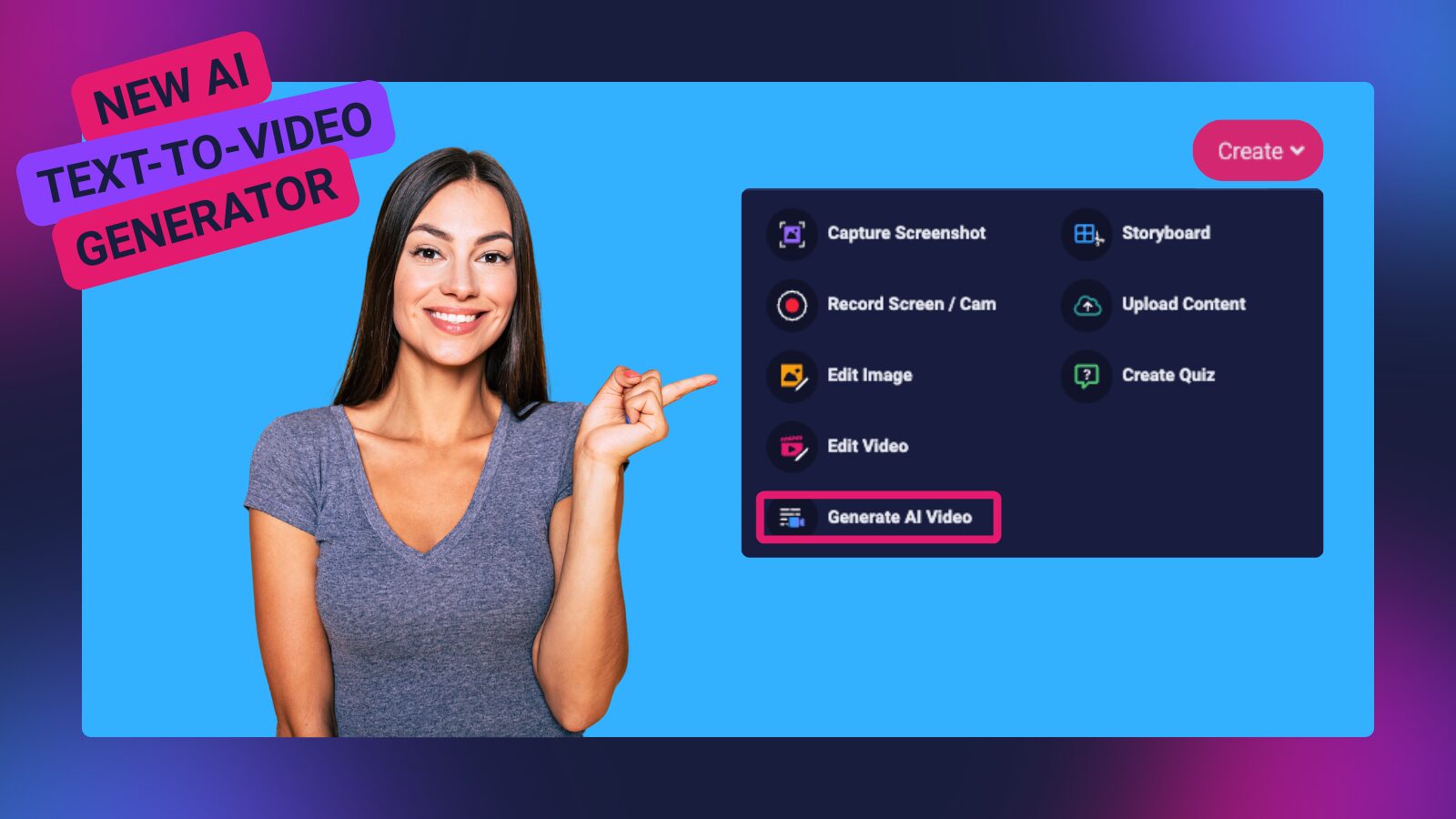
We’re excited to introduce ScreenPal’s AI text-to-video generator– a powerful new way to turn your ideas into polished videos faster than ever before. Whether you’re creating internal communications, training content, how-tos, or social clips, you can now go from a simple text prompt to a complete video with just a few clicks.
Here’s what makes it a game-changer:
✨ Type your idea, get a video
Just describe what you want- even a one-sentence topic like “how to organize your digital workspace”– and ScreenPal’s AI generates an original script on your timeline.
🎯 Customize your content
Choose the tone and duration that fit your audience and goals- from quick social clips to detailed explainers- and ScreenPal adjusts the script to match.
🎬 Instant video generation
Once your script is ready, hit Generate AI Video and get a video complete with relevant stock media and AI-narration. You can preview, revise, or finalize it for sharing.
🌟 Edit, enhance & share anywhere
Every AI video works seamlessly with the full ScreenPal editor- add interactive elements like quizzes or polls, fine-tune scenes, and then share via link or embed.
This tool is already integrated directly into your ScreenPal Create menu and Home Page- making it easier than ever to bring video content to life.
Read more in this blog post ➡️ https://screenpal.com/blog/ai-video-generator
🎤 Call for proposals season is here- let’s present together
Conference season is right around the corner, and open calls for proposals are now live across EdTech, Higher Ed, and corporate training & development events. If you’re submitting a session focused on video creation, AI, accessibility, assessment, or engaging learners at scale, we’d love to explore how ScreenPal can support your proposal.
📣 Open calls for proposals (now accepting submissions)
Here are just a few upcoming events currently accepting proposals:
- AETC | Huntsville, AL | June 15-19 | Applications due March 23
- TETA SI | Bartlett, TN | July 7-10 | Applications due March 31
- NYSCATE | Rochester, NY | November 22-24 | Applications due April 5
- MFPE | Great Falls, MT | October 15-16 | Applications due April 30
✨ Have an event you think ScreenPal should be represented at?
📩 Email our Community Engagement Manager, Sarah, at sarah@screenpal.com and let’s talk!
Whether it’s a conference session, workshop, panel, or hands-on training, we’re always excited to collaborate with educators and trainers who are sharing practical, real-world ideas- and we’d love to help amplify your work.
🎥 February webinar: Create videos faster with ScreenPal’s online video editor
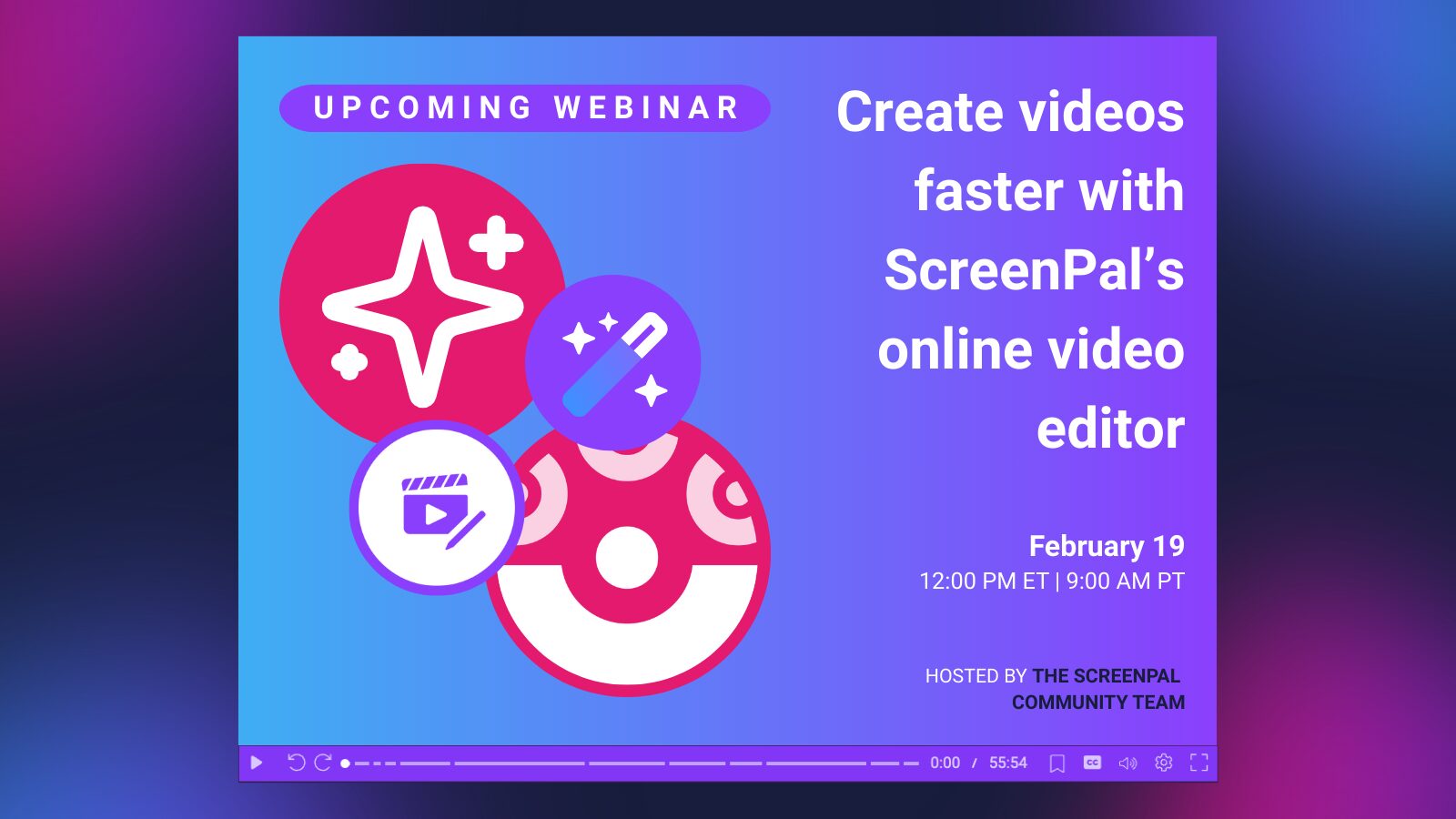
Ready to speed up your video workflow- start to finish? Join us in February for a focused, hands-on walkthrough of ScreenPal’s online screen recorder and browser-based video editor, designed to help you create polished videos in less time.
In this live session, we’ll:
- Launch a recording directly from the online recorder
- Edit video faster using transcript-based editing
- Remove filler words and silences with a click
- Trim, polish, and enhance videos using browser-based tools
- Explore how AI tools like captions and audio descriptions fit seamlessly into your workflow
Whether you’re creating lessons, training videos, or content to share widely, you’ll walk away with practical tips to streamline your process- and spend more time on what matters most.
🗓 Date: February 19
⏰ Time: 5:00 PM UK | 12:00 PM ET | 9:00 AM PT
📍 Location: Live via Zoom (free to attend)
👉 Register now – and even if you can’t attend live, register to receive the recording!
▶️ Watch on demand: learn anytime with ScreenPal webinars

Miss a live session- or want to rewatch your favorites? These ScreenPal webinars are now available on demand, so you can learn at your own pace and revisit strategies whenever it works for you.
🎓 On-demand webinars
- The AI Educator, Dan Fitzpatrick + ScreenPal
Explore how educators are using video and AI to create engaging, accessible content that delivers clearer feedback and better supports all learners. This session features a live ScreenPal demo, a strong focus on accessibility and inclusive video practices, and an interview with ScreenPal CEO Matt Champagne on the evolving role of AI and video in education.
Best for: K-12 & Higher Ed educators, instructional coaches, accessibility leaders, administrators
👉 Watch on demand - The Trainer’s Trainer, Kassy LaBorie + ScreenPal
Go from clueless clicks to confident magic in this energizing, practical session focused on building confidence on camera. A perfect quick-start guide to recording with ScreenPal, no matter your role or experience level.
Best for: Trainers, facilitators, instructional designers, presenters, anyone new to video
👉 Watch on demand - Getting Started with ScreenPal
New to ScreenPal or need a refresher? This foundational session walks through recording, editing, sharing, and best practices to help you get started quickly and confidently.
Best for: New users, educators, trainers, teams onboarding to ScreenPal
👉 Watch on demand
🎬 Watch anytime. Pause, rewind, and learn on your schedule.
🔔 Product update: Export aggregated quiz results
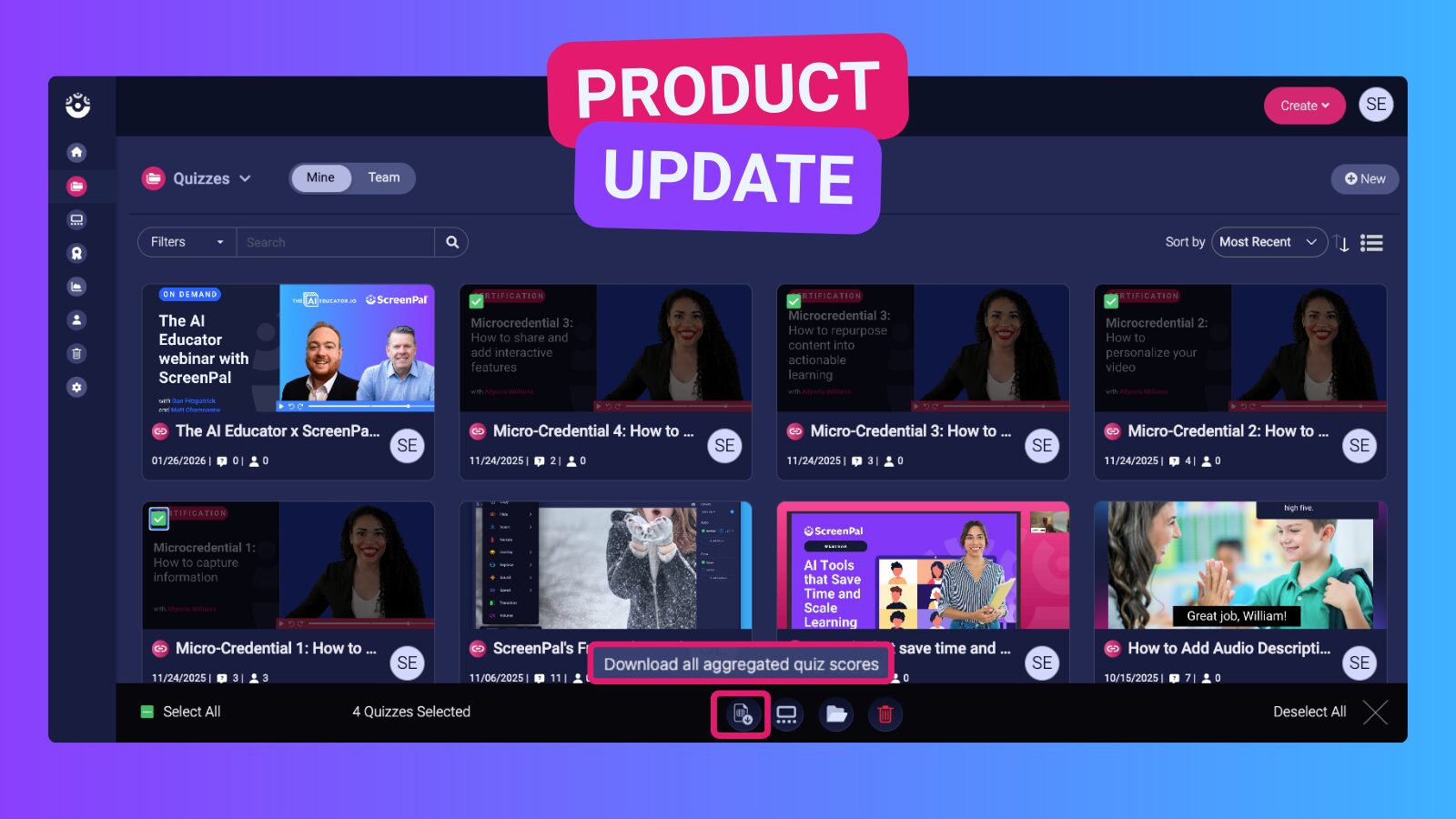
Tracking quiz performance just got easier! You can now export aggregated quiz results directly from your ScreenPal account.
With this update, you can:
- Select multiple quizzes within your ScreenPal Hosting account
- Export a single, aggregated summary of quiz results as a .csv file
How it works:
- Hover over a quiz in Hosting and select the checkbox in the upper-left corner of the quiz thumbnail
- Repeat for each quiz you want to include
- Use the action bar at the bottom of the screen and click “Download all aggregated quiz scores”
- Your aggregated quiz results will download instantly as a .csv file
Perfect for educators, trainers, and teams who want quick insights without jumping between individual quizzes. 📊✨