Main Menu
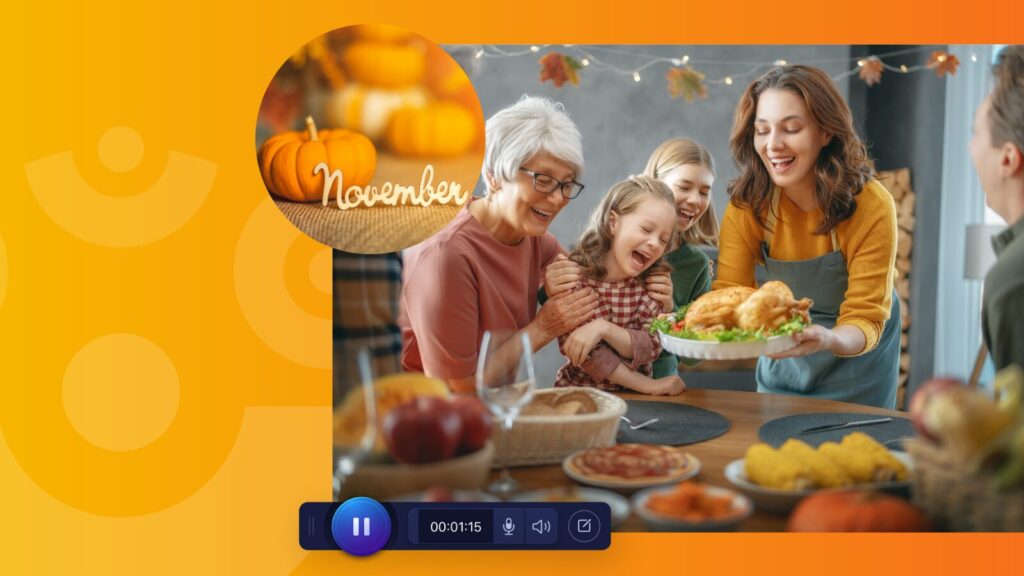
🦃 November highlights: stuffed with goodness
The holiday season is creeping closer (how did that happen?!), and we’re wrapping up the year with a newsletter stuffed fuller than a Thanksgiving plate! From upcoming webinars and fresh learning opportunities to community celebrations and shiny new product updates, November is all about leveling up your creativity while having a little fun along the way.
✨ This newsletter includes:
🎁 Coming this December: “Screen Queen in the Making” with Kassy LaBorie!
💻 New learning in the New Year: The AI Educator webinar with ScreenPal
🎓 New certification course for L&D teams
🎤 We’re supporting 2026 conference speakers!
🛠️ Product updates: What’s new, fixed, and improved
🎉 DevLearn recap: Thanks for an incredible week, L&D community!
🌟 Become a ScreenPal Ambassador in 2026!
🎁 Coming this December: “Screen Queen in the Making” with Kassy LaBorie!
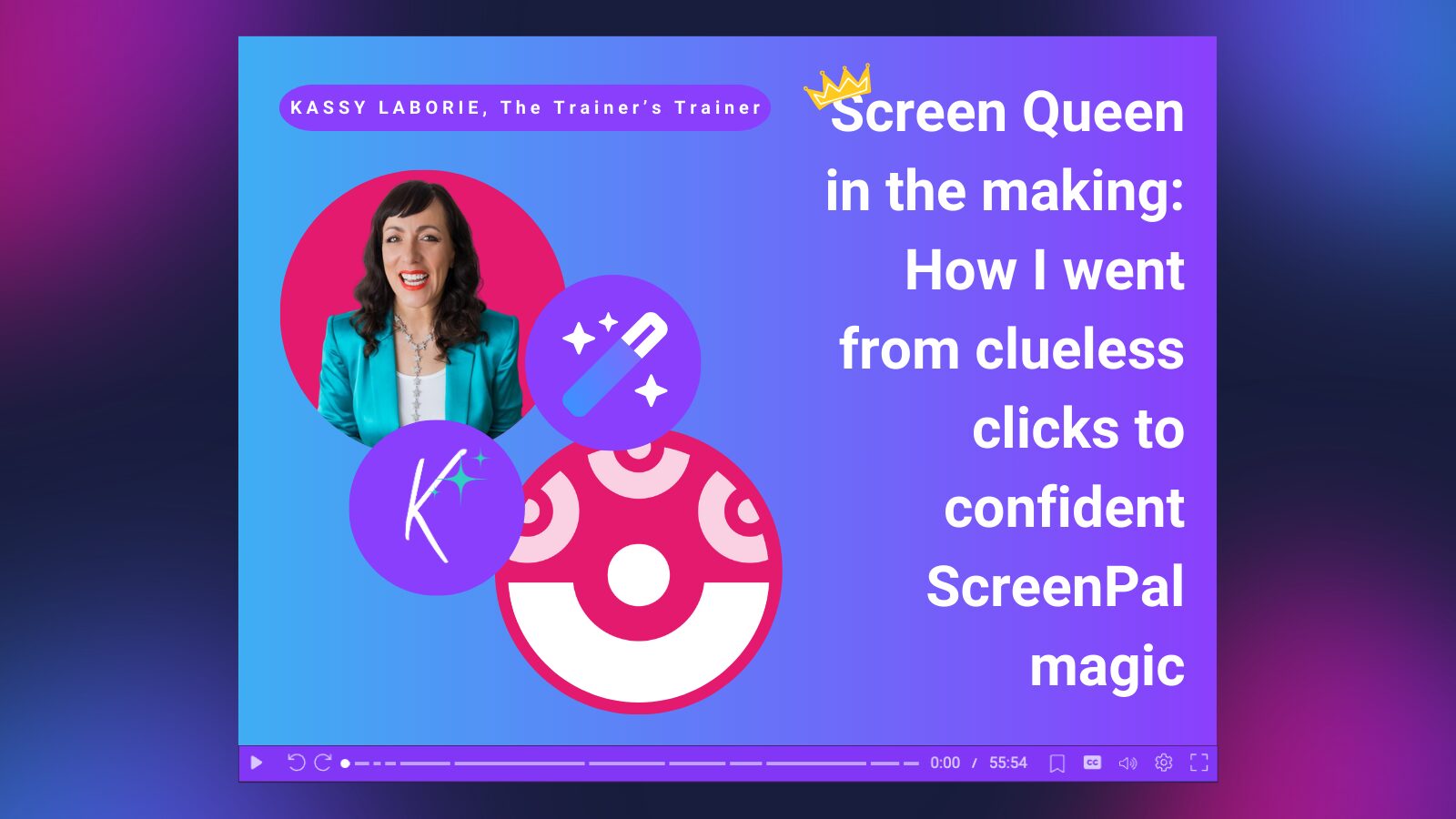
We’re thrilled to close out the year with a special webinar designed to elevate your on-camera confidence and transform the way you present on video. On December 16th, join The Trainer’s Trainer, Kassy LaBorie, for Screen Queen in the Making: How I Went from Clueless Clicks to Confident ScreenPal Magic.
Kassy will share practical, high-impact techniques you can use right away—just in time to gift yourself stronger, more polished presentations for the year ahead. You’ll walk away with:
✨ Strategies to instantly improve webcam presence
✨ Tips to feel confident, natural, and engaging on camera
✨ Ways to use ScreenPal’s AI tools to lighten your workload
✨ A clear structure for videos that captivate your audience
Whether you’re recording training, teaching, or content for your team, this is the perfect end-of-year boost to level up your video skills.
👉 Save your seat now and start 2026 feeling camera-ready!
💻 New learning in the New Year: The AI Educator webinar with ScreenPal
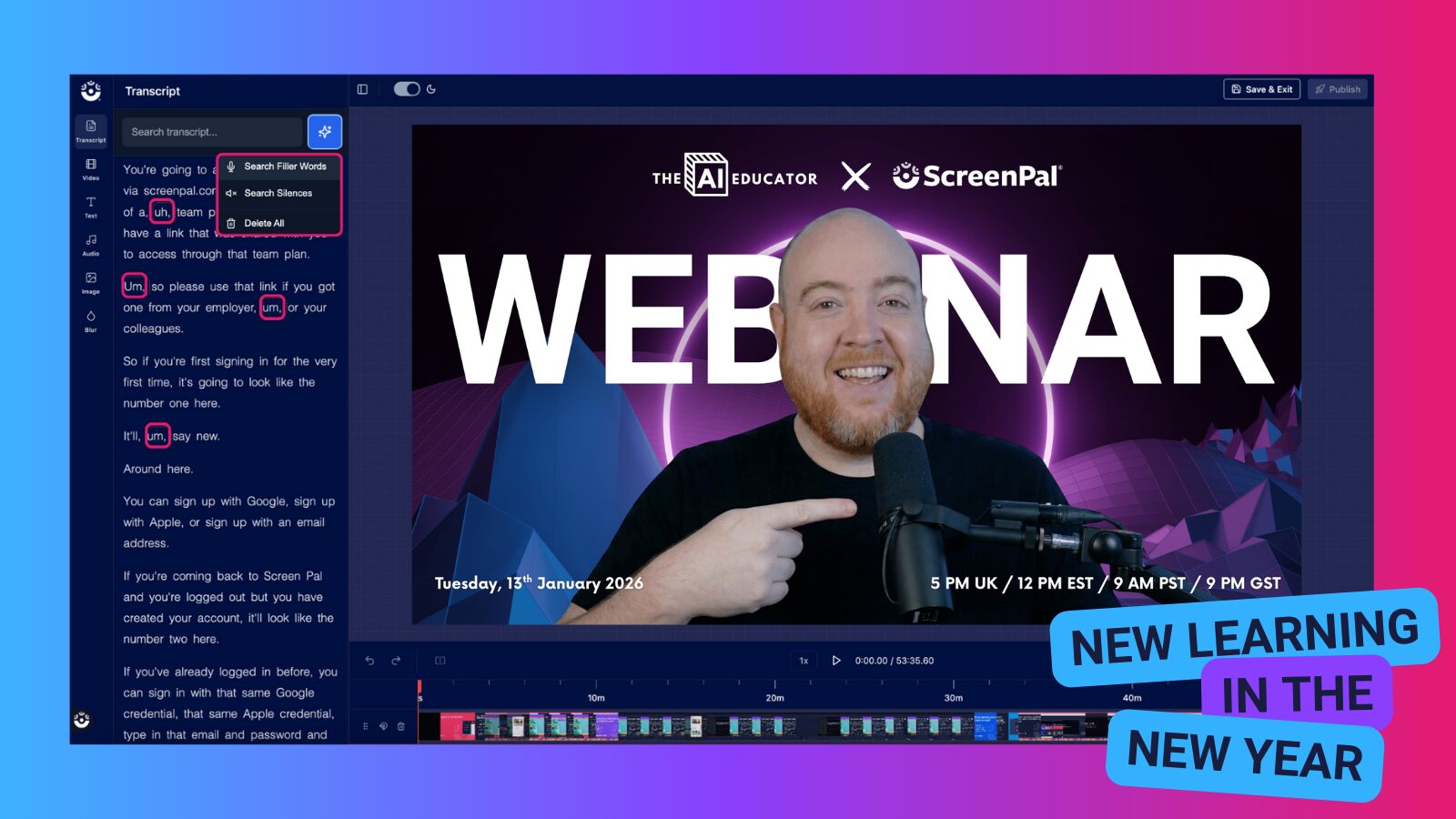
Kick off 2026 with fresh ideas and powerful new strategies! We’re excited to announce the next session in The AI Educator Webinar Series, hosted by bestselling author and educator Dan Fitzpatrick.
In this special event, Dan sits down with our CEO Matt Champagne to explore the story behind ScreenPal—how it began, how it’s grown, and how it’s helping educators everywhere simplify workflows and strengthen learning. You’ll also get a live demo of ScreenPal in action, showcasing how teachers can:
🎥 Create engaging instructional videos
💬 Provide clearer, more personalized feedback
📚 Support students with tools that make learning more accessible
Participants will have the opportunity to ask questions, see real classroom workflows, and discover practical, ready-to-use ways to bring ScreenPal into their daily routines.
Start the new year feeling inspired, empowered, and ready to make the most of AI-powered teaching tools.
👉 Save your spot for The AI Educator Webinar with ScreenPal!
🎓 New certification course for L&D teams
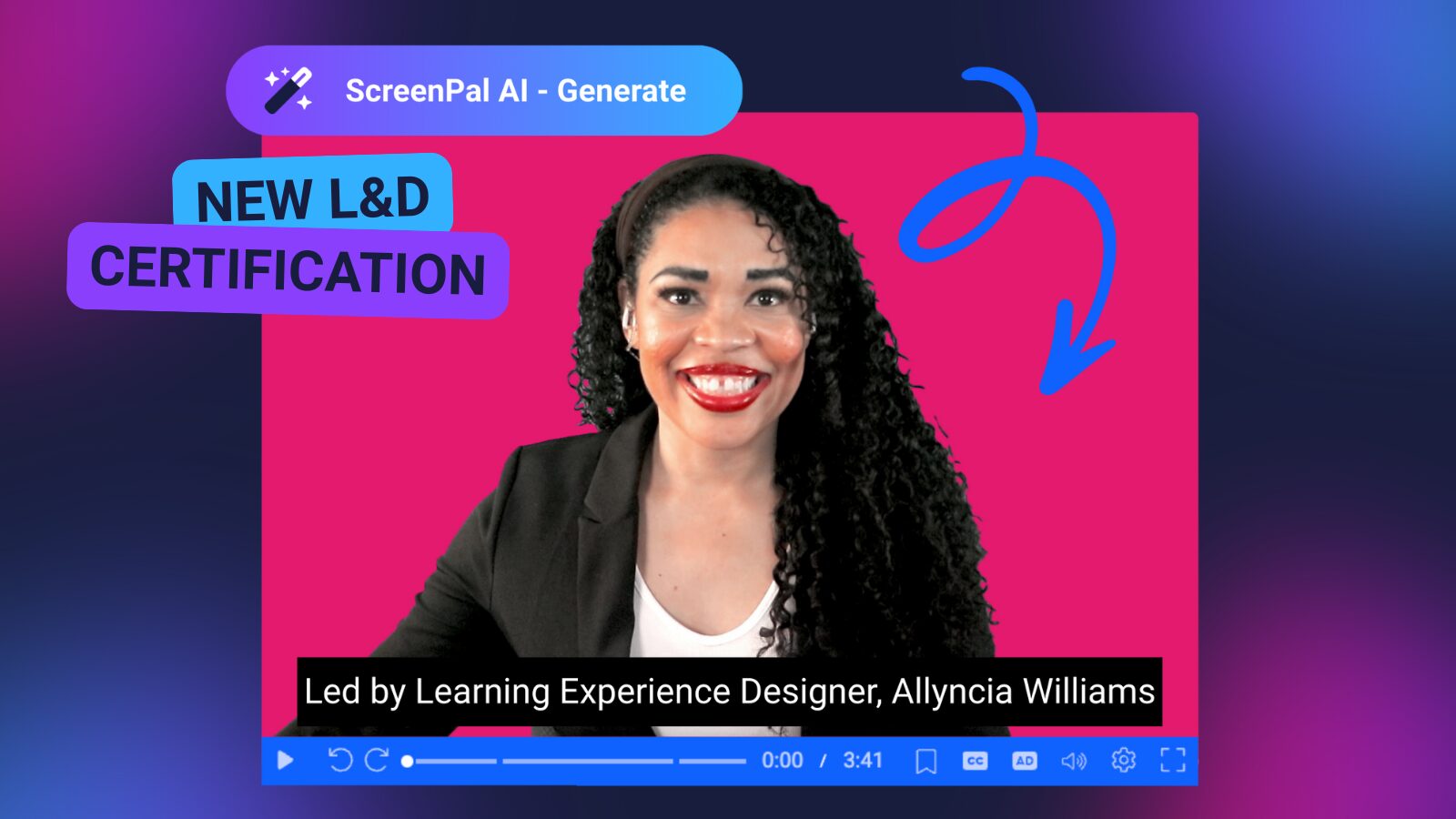
We’re thrilled to introduce a brand-new professional learning opportunity designed specifically for Learning & Development teams: Creating Interactive Video Experiences with ScreenPal, led by Learning Experience Designer and ScreenPal Ambassador Allyncia Williams.
This hands-on certification helps L&D professionals design richer, more engaging learning experiences using ScreenPal’s interactive tools. Across four focused micro-credential modules, you’ll learn how to:
🎬 Capture knowledge effectively using ScreenPal’s recording tools
✨ Personalize instruction with on-screen guidance, AI narration, and accessible design
🔗 Share content seamlessly through hosting, playlists, and learning paths
📊 Assess understanding with interactive quizzes and learner analytics
Each module includes practical examples, step-by-step workflows, and tips from Allyncia’s own instructional design practice—making it easy to bring these techniques directly into your organization’s training programs.
Whether you’re refreshing your content library, scaling onboarding, or modernizing your digital learning strategy, this certification will give you the confidence and tools to build meaningful, learner-centered experiences.
👉 Learn more and start your L&D certification journey with ScreenPal
🎤 We’re supporting 2026 conference speakers!
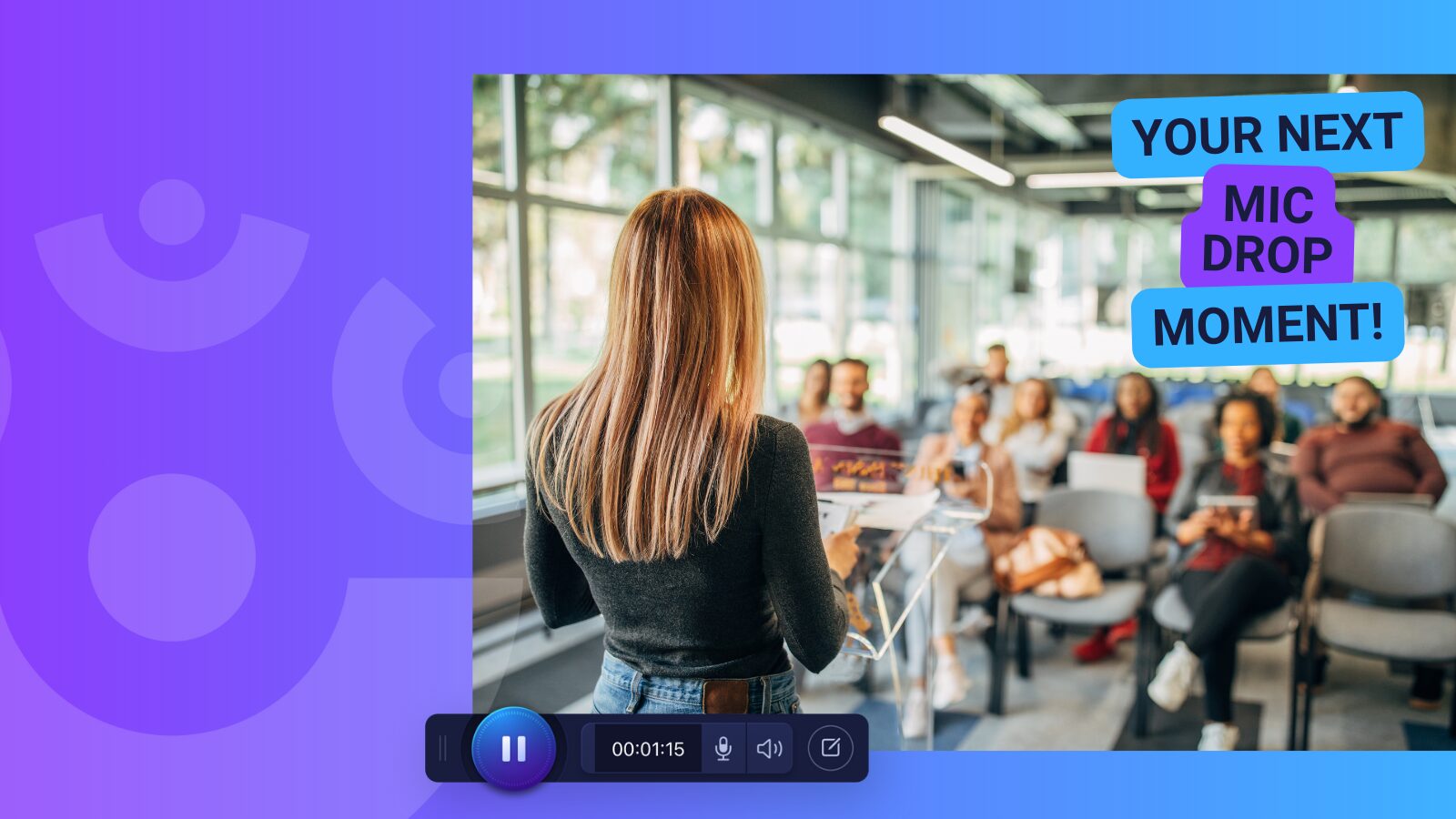
Are you passionate about using ScreenPal and excited to share your ideas with the wider EdTech community? We’d love to spotlight you at upcoming conferences in 2026!
ScreenPal educators have been leading powerful conversations- from AI-enhanced video workflows to creating more accessible and engaging learning experiences. If you’re ready to inspire others, we’re here to support you every step of the way.
As a ScreenPal presenter, you’ll receive hands-on guidance to help you polish your proposal, shape an impactful session, and step on stage with confidence. You’ll also get access to branded materials and presenter perks to make the whole experience smooth and memorable.
Upcoming opportunities:
📍 Learning Forward Annual Conference | Dallas | Dec 6-9, 2026 | CFP due Jan 30, 2026
📍 Innovative Schools Summit | Las Vegas | Jul 6–10, 2026 | CFP due Feb 28, 2026
Ready to take the spotlight? Fill out this quick survey to learn how to become a ScreenPal conference presenter. Let’s make 2026 your year to shine!
🛠️ Product updates: What’s new, fixed, and improved
We’ve been hard at work making ScreenPal even smoother, smarter, and more flexible for your daily workflows. Here’s what’s new this month:
🌟 New Features
More control over screenshot captures
You now have greater precision when capturing screenshots on your desktop:
- Lock the current aspect ratio: Start dragging to select your capture area, then press and hold Shift to lock in the ratio you’ve already selected.
- Lock to a perfect square (1:1): Press and hold Shift before you begin selecting to instantly capture a square.
Drag-and-drop overlays
You can now drag and drop image and video files directly into your video project as overlays in the desktop video editor- making your editing workflow faster and more intuitive.
🐞 Bug fixes
We’ve resolved a few issues that were impacting the editing experience:
- Fixed a bug affecting some users importing .screenpal files where playback issues occurred after unchecking Narration or Computer Audio.
- Fixed an issue where crop tools behaved like resize tools when cropping images or videos.
🔄 What’s changed
Using the desktop app without an account? You can now publish or share up to five projects before being prompted to log in or create a free ScreenPal hosting account.
With a ScreenPal hosting account, you can upload, organize, and securely share your videos and images on ScreenPal.com– all in one place.
P.S. You can check out our product improvements any time on our Release Notes archive!
🎉 DevLearn recap: Thanks for an incredible week, L&D community!
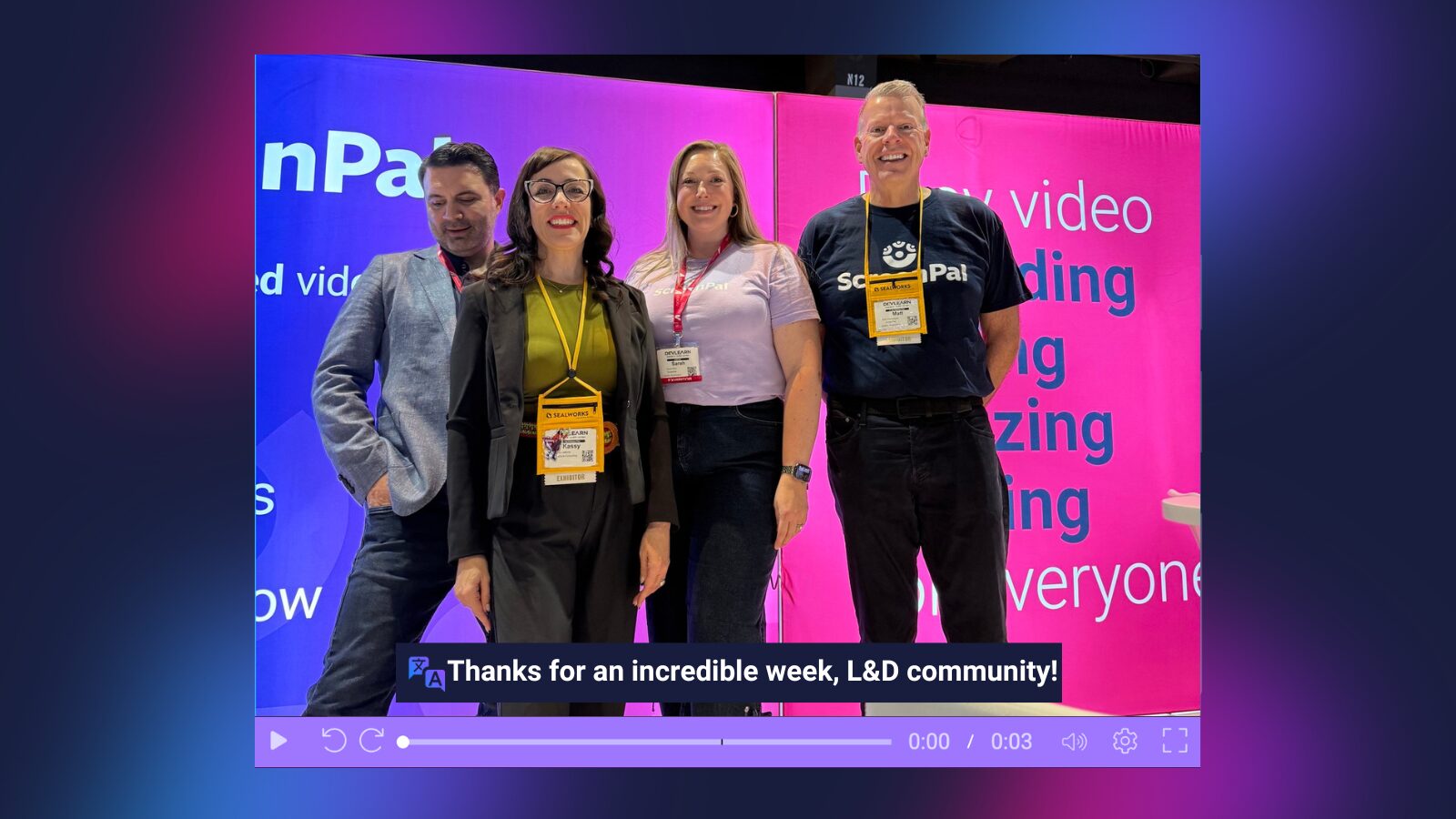
We’re still buzzing from all the energy at DevLearn 2025! It was such a joy meeting so many of you- learning about your projects, hearing your creative approaches to training, and swapping stories about how you’re using ScreenPal to simplify workflows and scale learning across your organizations.
From hands-on demos to surprise booth interviews to deep-dive conversations about AI and accessibility, your enthusiasm made the week unforgettable. Our team left inspired and grateful for the vibrant L&D professionals who make this community so special.
And we’ve got great news for those who couldn’t catch us at the booth (or want to continue the conversation!): If you book a demo by December 31 and mention DevLearn, you’ll receive 20% off your Team plan. 🎉 A perfect end-of-year gift for your L&D team!
And the fun doesn’t stop here! We’re already gearing up for ATD 2026 in Los Angeles, and we hope to connect with even more of you there. Whether you want to explore ScreenPal’s newest features, get personalized workflow tips, or just stop by and say hello—we’d love to see you!
📅 Save the date: ATD 2026 • May 17–20 • Los Angeles, CA
✨ Stay tuned for more details as the event gets closer.
Thanks again for making DevLearn a highlight of our year. We can’t wait for the next opportunity to learn and grow together! 💙
🌟 Become a ScreenPal Ambassador in 2026!
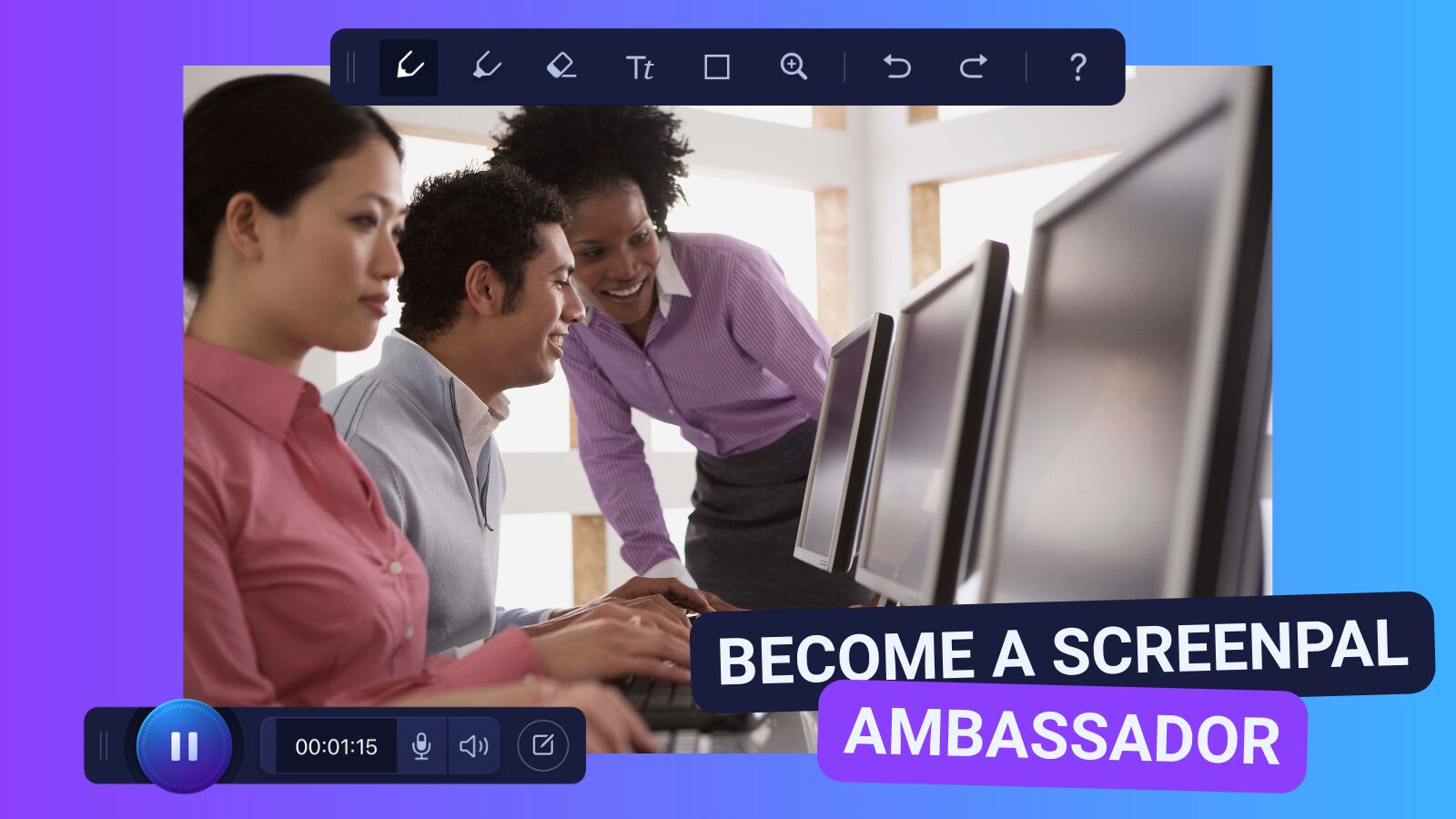
Looking to elevate your ScreenPal skills and empower others to do the same? We’re excited to reopen ScreenPal Ambassador Program applications for the new year! This is your chance to share your expertise, champion creative video practices, and join a vibrant community of educators and trainers who are shaping the future of learning.
To become an Ambassador in 2026, you’ll need to:
✔️ Complete our Level 1 and Level 2 Certification Courses
✔️ Lead a ScreenPal-focused professional learning session at your school, district, or organization
As a ScreenPal Ambassador, you’ll enjoy:
🎁 Exclusive Ambassador swag—designed just for our community leaders
💻 A complimentary Solo Max plan or a Team Education discount for your school—our most powerful tools, at no cost
🌍 Opportunities to collaborate with fellow educators, share best practices, and amplify your voice across the ScreenPal community
If you’re ready to level up your impact and help others discover the power of video, we’d love to have you on the team.
👉 Apply today to become a ScreenPal Ambassador!