Main Menu
April highlights:
This month’s ScreenPal Scoop newsletter is all about turning everyday content into powerful video experiences; faster, smarter, and with greater impact. From exciting product updates to real-world workflows and can’t-miss events, we’re bringing you practical ways to elevate how you create, communicate, and connect.
You’ll get a first look at our new Slides to Video with ScreenPal AI feature, designed to transform static presentations into dynamic, narrated videos in minutes. We’re also gearing up for ATD26 in Los Angeles, where the ScreenPal team (and a few Screen Queens 👑) will be sharing strategies to help you win with video.
Looking to sharpen your skills? Don’t miss our upcoming webinar on instructional design workflows in action, plus fresh insights on why video is the fastest way to onboard new employees. And if you’re catching up, we’ve added even more on-demand webinars to help you create engaging, accessible, and impactful content on your own schedule.
Let’s dive in!
✨ This newsletter includes:
🎬 Product update spotlight: slides to video with ScreenPal AI
🧑🏫 Upcoming webinar: From storyboard to screen- a real-world ID workflow
⚽ ScreenPal heads to ATD26- Let the games begin!
✍️ Why video is the fastest way to onboard new employees
📺 More webinars now available on demand
🎬 Product update spotlight: slides to video with ScreenPal AI
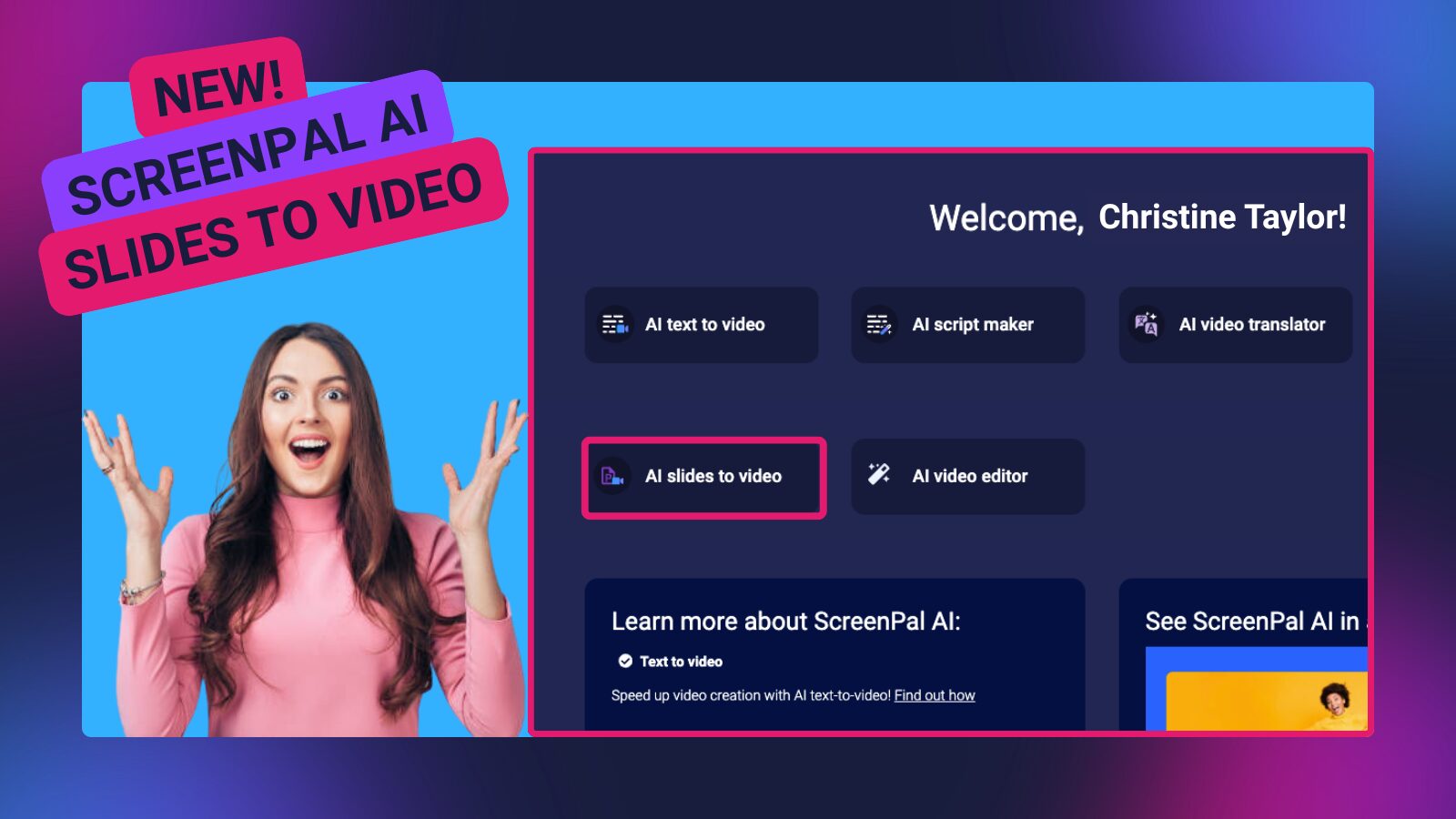
What if your slides could do more than just sit in a deck?
With our newest update, Slides to Video with ScreenPal AI, you can instantly transform PowerPoint or PDF presentations into polished, narrated videos, no recording or editing experience required.
From static slides to dynamic storytelling
Presentations are powerful, but video is where engagement really happens. Research shows that video-based learning boosts retention and motivation, with over 80% of learners preferring video as a format.
Now, ScreenPal makes it easy to meet your audience where they are; by turning everyday slides into content that’s engaging, accessible, and easy to revisit anytime.
⚡ How it works
- Upload your PowerPoint or PDF
- Generate an AI-powered script
- Customize narration, visuals, and tone
- Instantly create and share your video
ScreenPal AI automatically builds a structured script, summary, and chapters, then generates a complete video with natural, professional voiceover.
✍️ Flexible script styles for any use case
Choose the approach that fits your message:
- Summary – highlight key points
- In-depth – detailed, slide-by-slide explanation
- As-is – stay close to your original content
Not quite right? Regenerate your script in seconds until it fits perfectly.
🎥 Built for speed and impact
- Save hours on scripting, recording, and editing
- Create professional-quality videos in minutes
- Tailor content for different audiences and use cases
- Share instantly with links, embeds, or within your courses
From sales decks and training materials to classroom lessons, Slides to Video helps you turn existing content into something your audience will actually watch, and remember.
✨ Your slides deserve more than just clicks, they deserve to be seen, heard, and remembered. Try Slides to Video with ScreenPal AI and bring your ideas to life.
🧑🏫 Upcoming webinar: From storyboard to screen- a real-world ID workflow
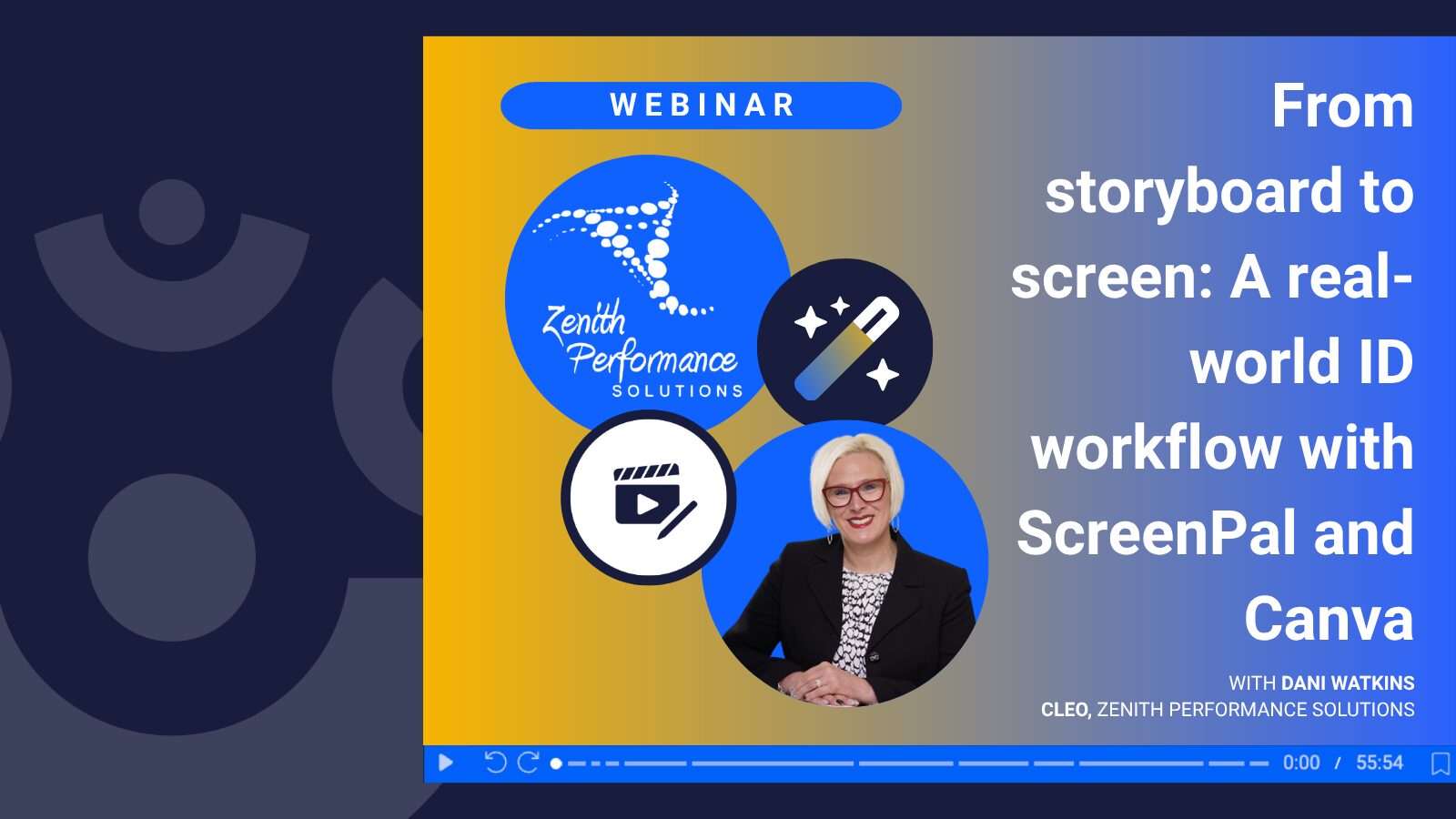
Looking to streamline your video creation workflow from start to finish?
Join Dani Watkins, CLEO of Zenith Performance Solutions, for an inside look at how instructional design comes to life using ScreenPal, paired seamlessly with Canva.
🗓 May 28th
🕐 1:00 PM ET
This isn’t your typical product demo. Instead, Dani walks through a real client workflow, showing how she uses ScreenPal across the entire video development process, from initial planning to final delivery.
You’ll see exactly how to:
- Plan and organize content using ScreenPal’s storyboard feature
- Record high-quality screen capture and narration
- Enhance videos with branded visuals in Canva
- Deliver polished content into tools like Rise, Storyline, and slide decks for ILT and vILT
Whether you’re an instructional designer, eLearning developer, L&D leader, or part of a small (but mighty) team, this session is packed with practical insights you can apply immediately.
✨ Register now to get a behind-the-scenes look at a workflow that turns ideas into professional, engaging learning experiences.
⚽ ScreenPal heads to ATD26- Let the games begin!
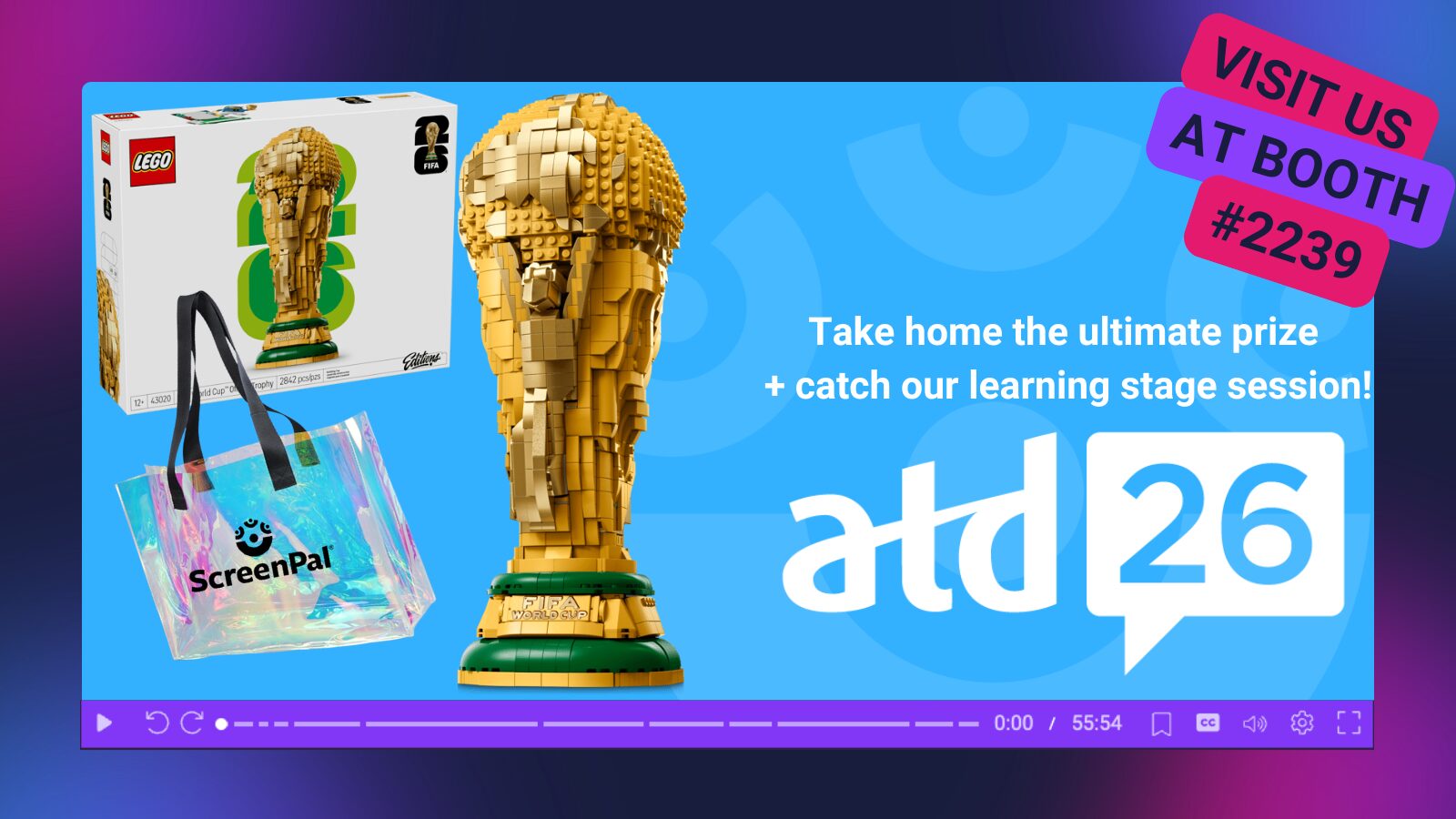
The countdown is on, and ScreenPal is heading to ATD26 in Los Angeles, CA; and we’re ready to bring World Cup energy to the show floor!
🏟️ Find us at booth #2239
Your home base for all things video, training, and team communication. Whether you’re scouting new tools or looking to level up your L&D strategy, we’ve got a winning lineup waiting for you.
🎁 Score big with show specials
Book a demo with us at ATD26 and unlock 20% off for your team. Consider it your championship bonus for stopping by.
🛍️ Swag worth cheering for
We’re bringing fan-favorite giveaways, including our beloved iridescent tote bags ✨ plus, we’re raffling off TWO sets of FIFA Trophy LEGO kits 🏆. Don’t miss your chance to take home the ultimate prize!
🧑🏫 Catch us on the learning stage
Don’t miss resident Screen Queens Kassy LaBorie and Sarah Eiler as they take the stage to share practical, game-winning strategies for using video to engage learners and drive impact. It’s your chance to see ScreenPal in action and walk away with ideas you can put into play right away.
👑 Screen Queens, Leveled Up: Turning ScreenPal Confidence into Real Learning Impact
⌚ 9:45- 10:15 AM PT
📍 Learning Stage Six, Expo, South Hall, Level One
🤝 Meet our all-star lineup
Swing by the booth and meet the team behind the magic:
- Ben Wellington, Director of Sales
- Matt Champagne, CEO
- Sarah Eiler, Community Engagement Manager
🎤 Post-game webinar
Join us on May 28 at 1:00 PM ET for a special webinar with Dani Watkins, where we’ll share strategies to help your team win with video.
Whether you’re joining us in person or tuning in virtually, we’re ready to help your team play smarter, communicate faster, and win bigger with video. See you in LA! 🎉
✍️ Why video is the fastest way to onboard new employees
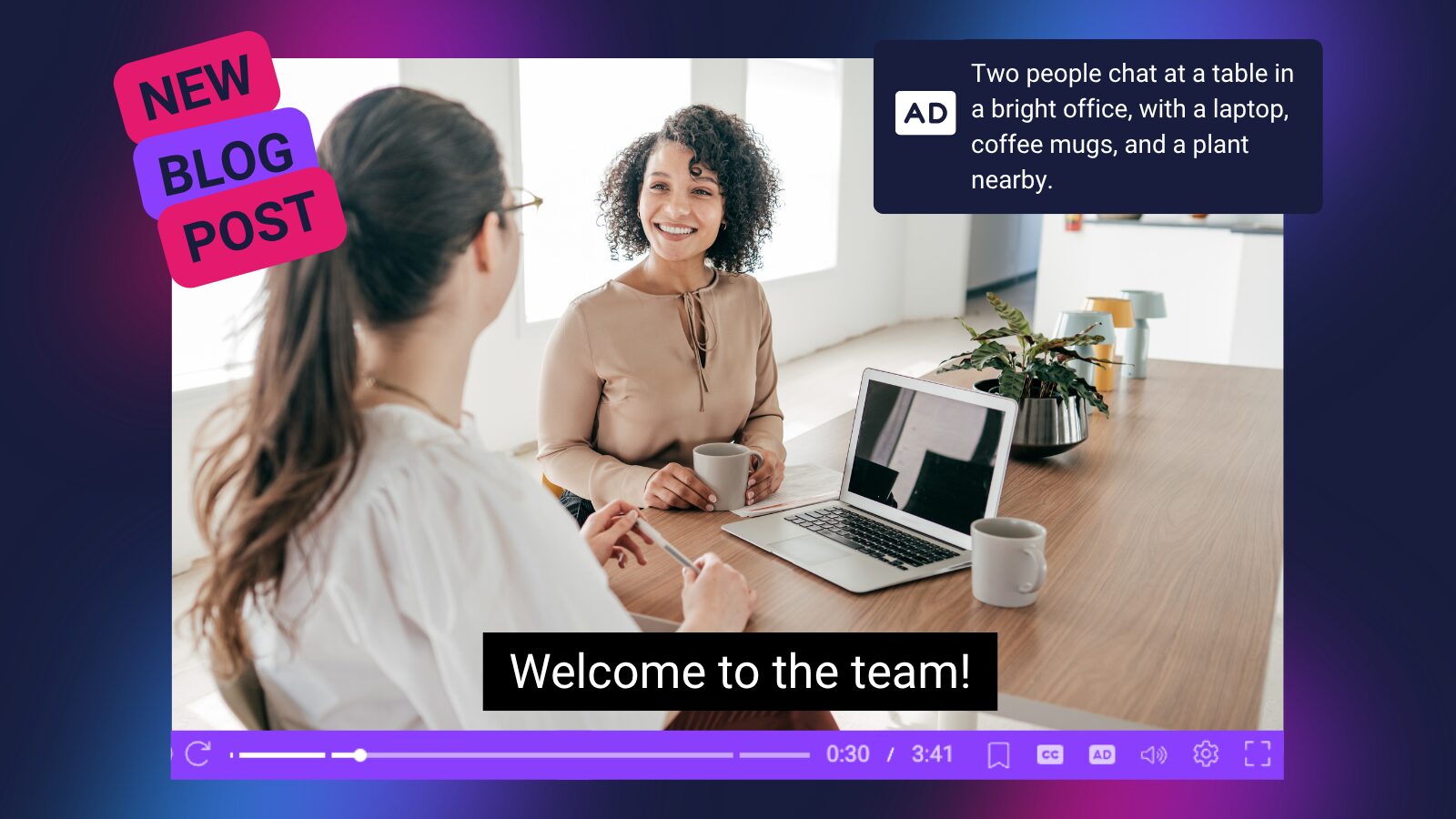
Onboarding isn’t just about welcoming new hires, it’s about helping them become confident, productive contributors faster. Our latest blog explores why video is one of the most effective ways to scale onboarding and improve learning outcomes, especially in today’s hybrid and remote workplaces.
🎯 Smarter onboarding starts with smarter design
Instead of overwhelming new hires with long, information-heavy sessions, the blog highlights the power of microlearning, breaking content into short, focused videos (ideally under 12 minutes) that are easier to absorb, revisit, and apply.
With ScreenPal, teams can easily create structured video modules, organize them into learning channels, and guide employees through a clear, step-by-step onboarding journey.
💡 Turn passive watching into active learning
Great onboarding isn’t just about watching, it’s about doing. By adding interactive elements like quizzes, prompts, and scenario-based questions, you can boost engagement, improve retention, and create meaningful checkpoints along the way.
ScreenPal makes this easy with built-in tools for embedding questions, collecting responses, and tracking understanding in real time.
🎥 Connect training to real-world performance
The most effective onboarding answers a simple question: What does success look like in this role?
Using screen recordings, walkthroughs, and subject matter expert insights, ScreenPal helps teams create authentic, role-specific training videos that show- not just tell- how work gets done.
✨ When onboarding shifts from static content to interactive, video-based learning, it becomes a true performance accelerator, not just a checklist item.
👉 Read the full blog to discover how to build onboarding programs that actually stick.
📺 More webinars now available on demand!
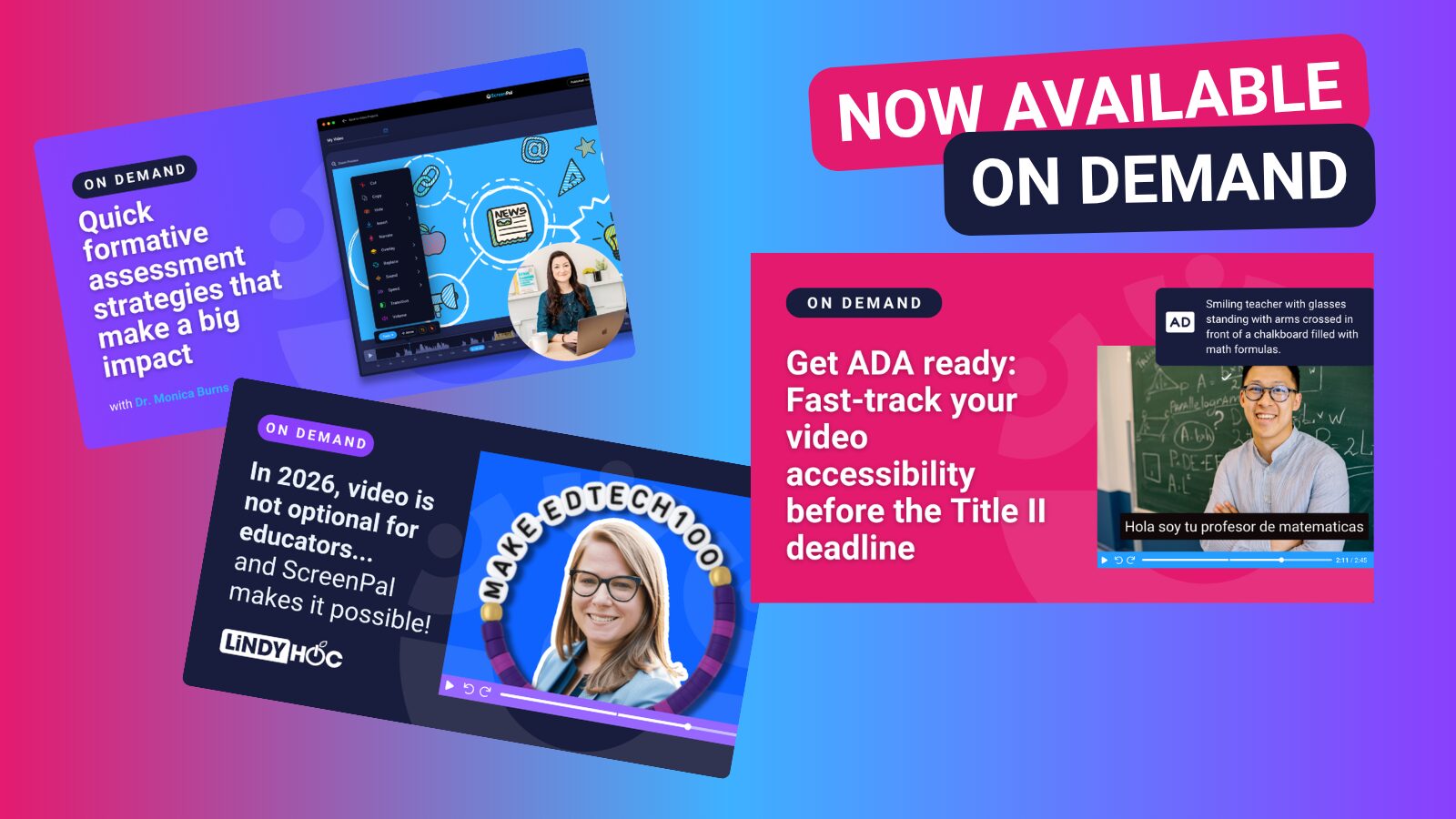
Catch up on three powerful webinars, now available on demand, designed to help you create more engaging, accessible, and impactful video content with ScreenPal.
🎓 In 2026, video is not optional for educators… And ScreenPal makes it possible
Featuring Lindy Hockenbary, this session dives into a simple reality: your learners are already watching videos, a lot of them. The question is, are they watching yours?
Lindy explores how educator-created video builds connection, belonging, and engagement, and shows exactly how to bring your content to life using ScreenPal’s AI-powered online video editor. Walk away with practical strategies to create videos your audience actually wants to watch.
♿ Get ADA-ready: Fast-track your video accessibility
While the Title II ADA compliance deadline has been extended to 2027, now is the time to get ahead. This action-focused webinar shows you how to quickly make both new and existing videos accessible using ScreenPal.
You’ll learn how to:
- Update legacy content to meet accessibility standards
- Create new, accessible recordings with ease
- Use AI-powered captions, translations, and audio descriptions
- Generate natural-sounding text-to-speech narration
- Share accessible content seamlessly via links, embeds, or LMS
Walk away with a clear, step-by-step approach to building inclusive video experiences, without the overwhelm.
📝 Quick Formative Assessment Strategies that Make a Big Impact
Join Dr. Monica Burns for a fast-paced session packed with practical ways to check for understanding and keep learners engaged. You’ll discover simple formative assessment strategies you can immediately pair with video to gather insights, guide instruction, and support student success. From quick checks to creative prompts, Dr. Burns shares ideas that are easy to implement and powerful in practice.
✨ Don’t wait to start creating content that connects, includes everyone, and drives meaningful learning. Watch all sessions anytime, on your schedule.