Main Menu
May is a season of milestones, celebrations, and looking ahead to what’s next. As classrooms wrap up another school year, learning teams prepare for summer initiatives, and organizations continue investing in employee growth, one thing remains clear: video continues to transform how we teach, train, communicate, and connect. This month’s newsletter celebrates that momentum with exciting updates from across the ScreenPal community.
You’ll get a first look at our upcoming ScreenPal Learning Innovation Summit 2026, explore practical video creation strategies from instructional design expert Dani Watkins, and catch up on highlights from an incredible week at ATD26 in Los Angeles. We’re also sharing fresh insights into the power of short-form video for learning, spotlighting our partnership with the Modern Classrooms Project, and highlighting new opportunities to learn from educators, trainers, and learning leaders who are helping shape the future of video-powered learning.
Whether you’re wrapping up a school year, planning your next training initiative, or simply looking for new ideas to engage your audience, we hope this month’s stories inspire you to create, connect, and communicate with confidence.
Happy reading, ScreenPals!
✨ This newsletter includes:
📅 Save the date: ScreenPal Learning Innovation Summit 2026
🧑🏫 Now available on-demand: From storyboard to screen- a real-world ID workflow
⚽ ScreenPal takes the victory lap at ATD26!
📱 Short-form video in action: Bite-sized learning that works
🏫 Modern Classrooms Project 2026 Leadership Collaborative Summit
💻 Featured blog post: Dani Watkins shares a real-world video workflow using Canva + ScreenPal
📅 Save the date: ScreenPal Learning Innovation Summit 2026
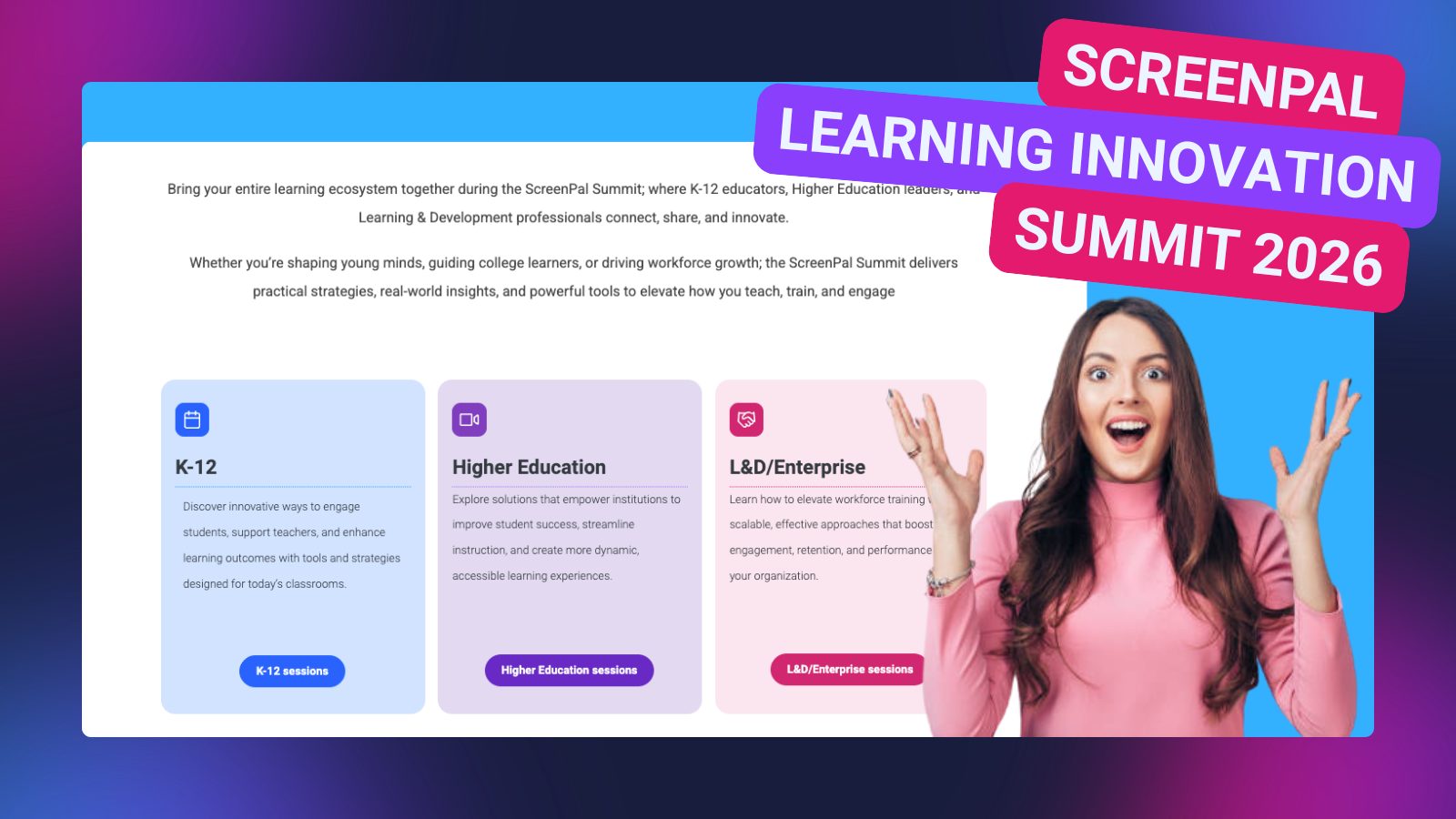
Get ready to join educators, enterprise leaders, and learning innovators from around the world at the upcoming ScreenPal Learning Innovation Summit 2026, where educators, enterprise leaders, and learning innovators shape the future of video-powered learning.
This year’s virtual event, from July 28-30, features three dedicated learning tracks designed to meet the unique needs of today’s learning communities:
- K–12 education
- Higher education
- Learning & Development / Enterprise education
Whether you’re exploring new ways to increase student engagement, improve training outcomes, support knowledge sharing, or create more impactful learning experiences, Summer Summit offers practical strategies and fresh perspectives on the power of video in learning.
In our next ScreenPal Scoop, we’ll announce our outstanding lineup of featured speakers who are helping shape the future of teaching, training, and communication.
Expect inspiring sessions, actionable ideas, and meaningful conversations about how video continues to transform the way people learn, connect, and grow.
Stay tuned for registration details and the full agenda, we can’t wait to see you there!
🧑🏫 Now available on-demand: From storyboard to screen- a real-world ID workflow
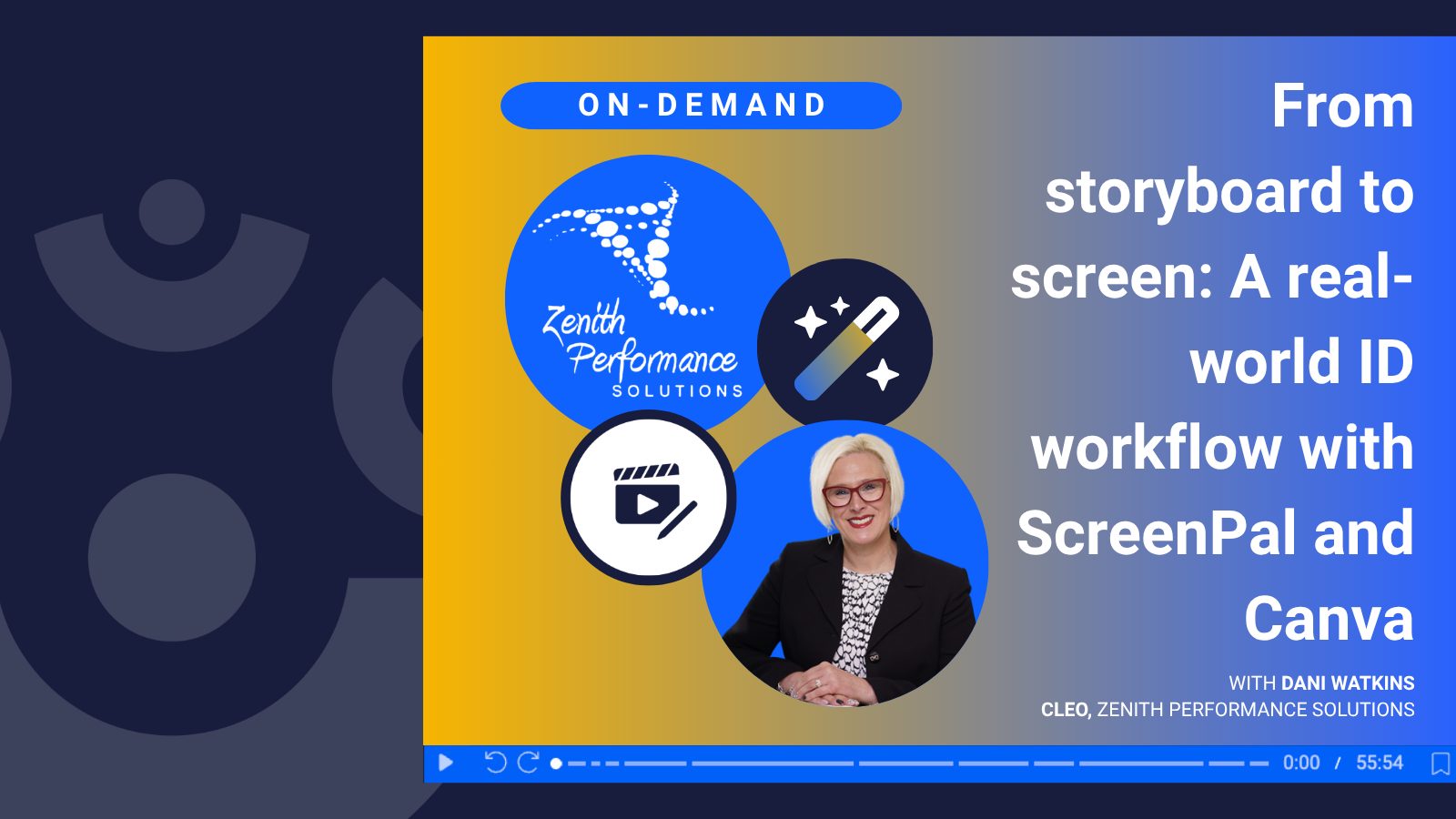
Looking to streamline your video creation workflow from start to finish?
Now available on demand, join Dani Watkins, CLEO of Zenith Performance Solutions, for an inside look at how instructional design comes to life using ScreenPal, paired seamlessly with Canva.
This isn’t your typical product demo. Instead, Dani walks through a real client workflow, showing how she uses ScreenPal across the entire video development process, from initial planning to final delivery.
You’ll see exactly how to:
- Plan and organize content using ScreenPal’s storyboard feature
- Record high-quality screen capture and narration
- Enhance videos with branded visuals in Canva
- Deliver polished content into tools like Rise, Storyline, and slide decks for ILT and vILT
Whether you’re an instructional designer, eLearning developer, L&D leader, or part of a small (but mighty) team, this session is packed with practical insights you can apply immediately.
✨ Watch the on-demand session to get a behind-the-scenes look at a workflow that turns ideas into professional, engaging learning experiences.
⚽ ScreenPal takes the victory lap at ATD26!
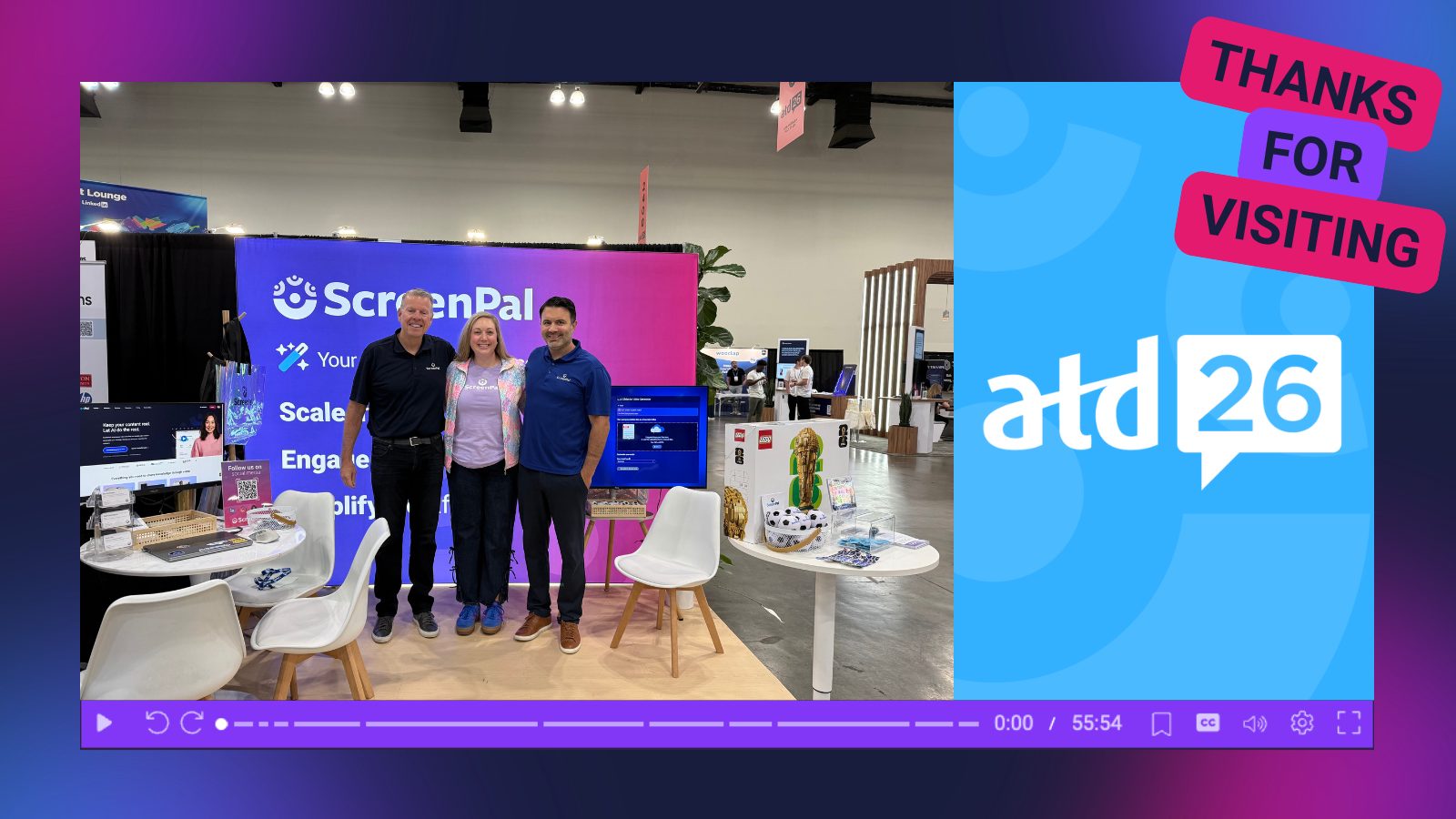
Last week, Sarah, Ben, and Matt headed to Los Angeles for ATD26, and we absolutely loved meeting so many ScreenPals on the floor of the expo hall! From inspiring conversations to a fabulous learning stage session, and nonstop energy at the booth, this year’s conference was one to remember.
🏟️ Thank you for stopping by Booth #2239
Whether you came by to explore new ways to use video in learning, talk training strategy, or just grab some swag, we loved connecting with each of you.
🎁 Congrats to our giveaway winners
Our iridescent tote bags were once again a fan favorite ✨ and congratulations to the lucky attendees who took home our *two* FIFA Trophy LEGO kit raffle prizes 🏆.
🧑🏫 Packed learning moments with the Screen Queens
Kassy LaBorie and Sarah Eiler brought practical, engaging strategies to the ATD learning stage during their session:
👑 Screen Queens, Leveled Up: Turning ScreenPal Confidence into Real Learning Impact
Couldn’t make it to ATD? No #FOMO here; we’re sharing the slide presentation from their session so you can still explore the tips, strategies, and ideas attendees took back to their teams.
Whether we met you in person or connected virtually, thank you for being part of the ScreenPal community. We’re excited to keep helping teams communicate faster, train smarter, and create more impactful learning with video. 🎉
📱 Short-form video in action: Bite-sized learning that works
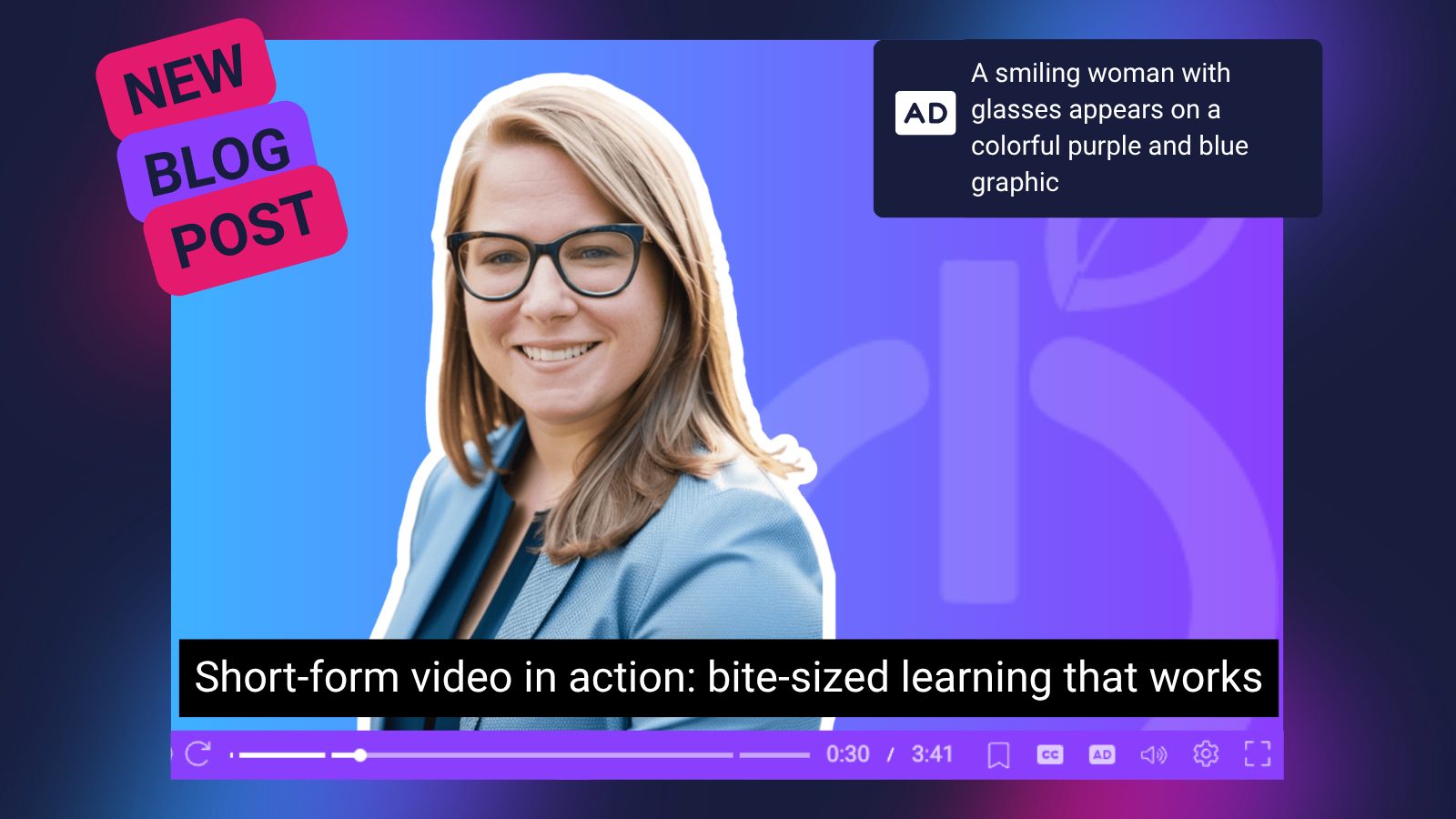
What makes short-form video so effective for learning and engagement? In a recent ScreenPal webinar, educator and creator Lindy Hockenbary explored how quick, intentional videos can help educators and trainers build stronger human connections with their audiences. From creating a sense of belonging to capturing attention in the scroll, Lindy shared practical strategies for making short-form video both meaningful and manageable.
The companion blog post breaks down key takeaways from the session, including:
- Why short-form video boosts engagement and connection
- Simple ideas for creating scroll-stopping educational content
- Tips for analyzing successful short-form videos
- Easy ways to level up your filming and editing workflow with ScreenPal
Whether you’re creating content for students, employees, or customers, this post is packed with approachable ideas to help you start small and create videos that make a big impact.
✨ Read the full blog post here: Short-Form Video in Action: Bite-Sized Learning That Works
🏫 Modern Classrooms Project 2026 Leadership Collaborative Summit
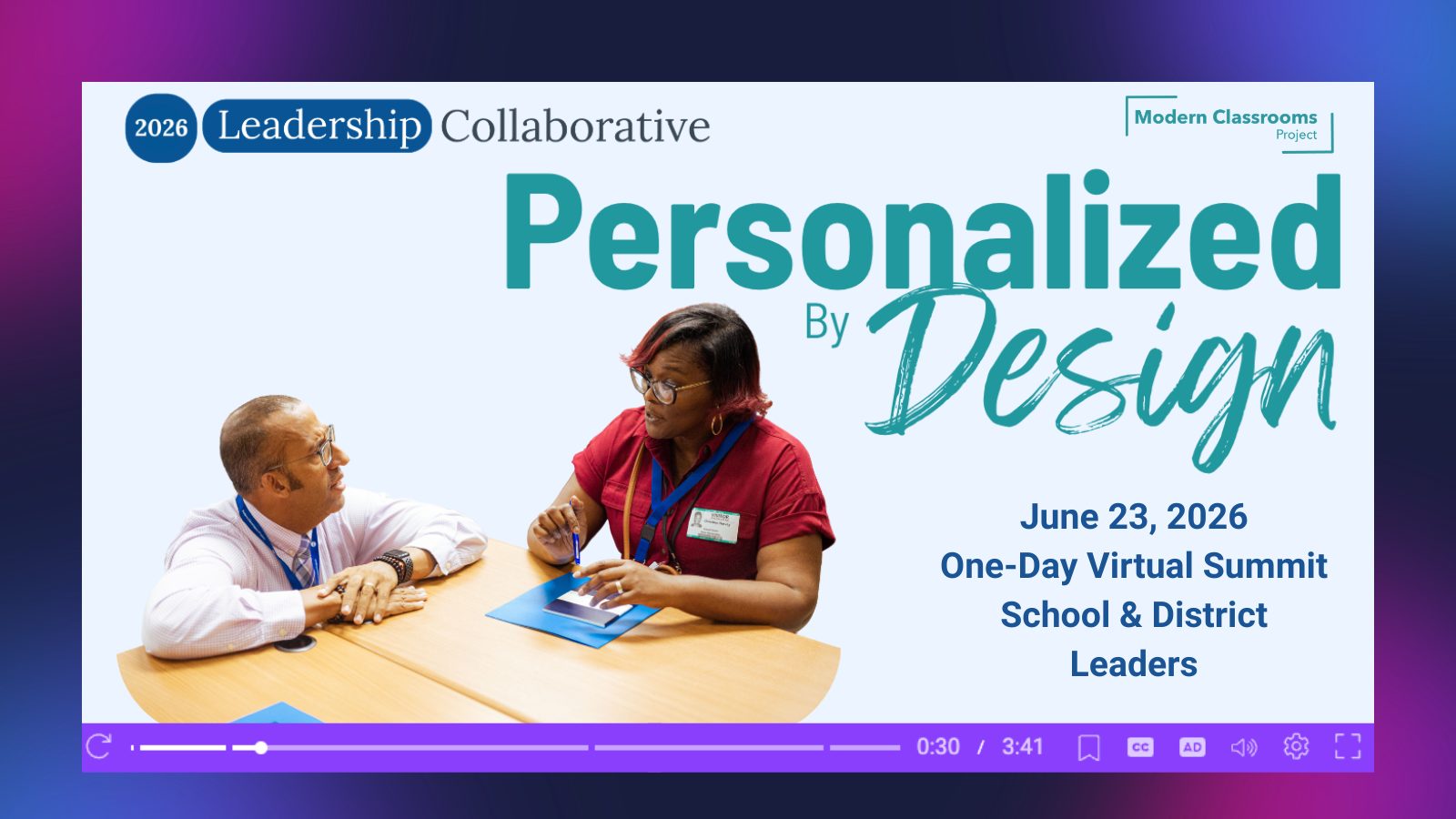
We’re proud partners of the Modern Classrooms Project, an organization helping educators create student-centered classrooms through blended, self-paced, mastery-based learning. Their work empowers teachers and school leaders to meet every learner’s needs while building more sustainable and engaging learning experiences.
On June 23rd, MCP is hosting the Leadership Collaborative Summit, a one-day virtual event designed for school and district leaders looking to deepen their understanding of modern instructional practices and personalized learning systems. The summit focuses on building the structures, culture, and support systems that help differentiation thrive across schools and districts.
As part of our partnership, ScreenPal supports MCP educators with accessible video creation tools that align with MCP’s mission of increasing engagement and learner ownership. MCP even highlights ScreenPal as a recommended video creation platform within their educator resources.
✨ Learn more about the Leadership Collaborative Summit here: Explore the Summit
💻 Featured blog post: Dani Watkins shares a real-world video workflow using Canva + ScreenPal
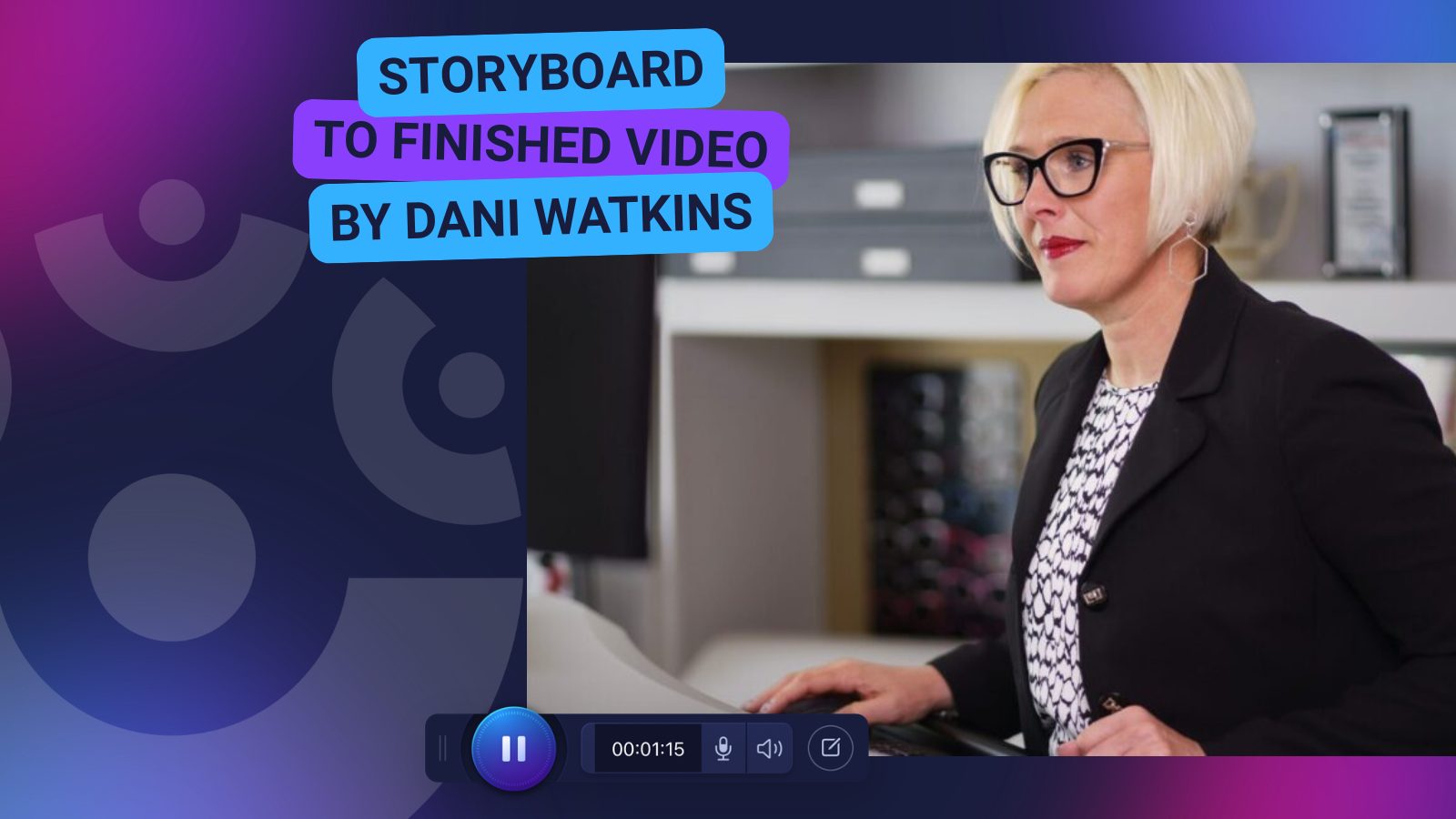
What does an actual instructional design video workflow look like when deadlines are tight, stakeholders are involved, and the final product still needs to look polished?
In her latest blog post, Dani Watkins of Zenith Performance Solutions walks through her real-world process for creating learning videos using Canva and ScreenPal together, from initial storyboard planning all the way to final delivery.
The post breaks the workflow into four practical phases:
- Planning and storyboarding
- Recording in ScreenPal
- Designing branded visuals in Canva
- Delivering finished content into Rise, Storyline, or live training sessions
Dani also shares why ScreenPal remains her go-to tool for screen recording and production, highlighting the efficiency of moving from capture to polished output without juggling multiple disconnected platforms.
If you create eLearning, vILT, onboarding, or training content, this is a great behind-the-scenes look at how experienced instructional designers build professional learning assets inside real-world constraints.
👉 Read the full blog post:
https://www.zenithperformancesolutions.com/real-world-id-workflow-from-storyboard-to-finished-video-using-canva-and-screenpal/