Main Menu
In a world where students are constantly scrolling, tapping, and consuming short-form video, educators are facing a new reality: attention is earned differently than it used to be.
That doesn’t mean meaningful learning is out of reach, it just means we have to meet students where they are.
In a recent webinar with ScreenPal, educator and creator Lindy Hockenbary explored how short-form video, research on belonging, and even the concept of parasocial relationships can help educators build stronger, more human connections with their students. The takeaway? Video isn’t just a tool for delivering content, it’s a powerful way to extend presence, foster engagement, and make students feel seen.
Let’s break down the why, the how, and the practical ways you can start using video; without adding more to your already full plate.
Keep reading to dive deeper in:
- Parasocial relationships
- Improving the student-teacher dynamic with short-form video
- What the research says about short-form video
- Short-form video ideas
- Where should I start?
- Catch them in the scroll
- Analyze existing short-form video
- Lights, Camera, BINGO! Level up your short-form videos
- How to film and edit short-form videos
- Let ScreenPal do the heavy lifting
- Take your short-form videos to the next level
- Wrapping up: start small, stay intentional
Parasocial relationships
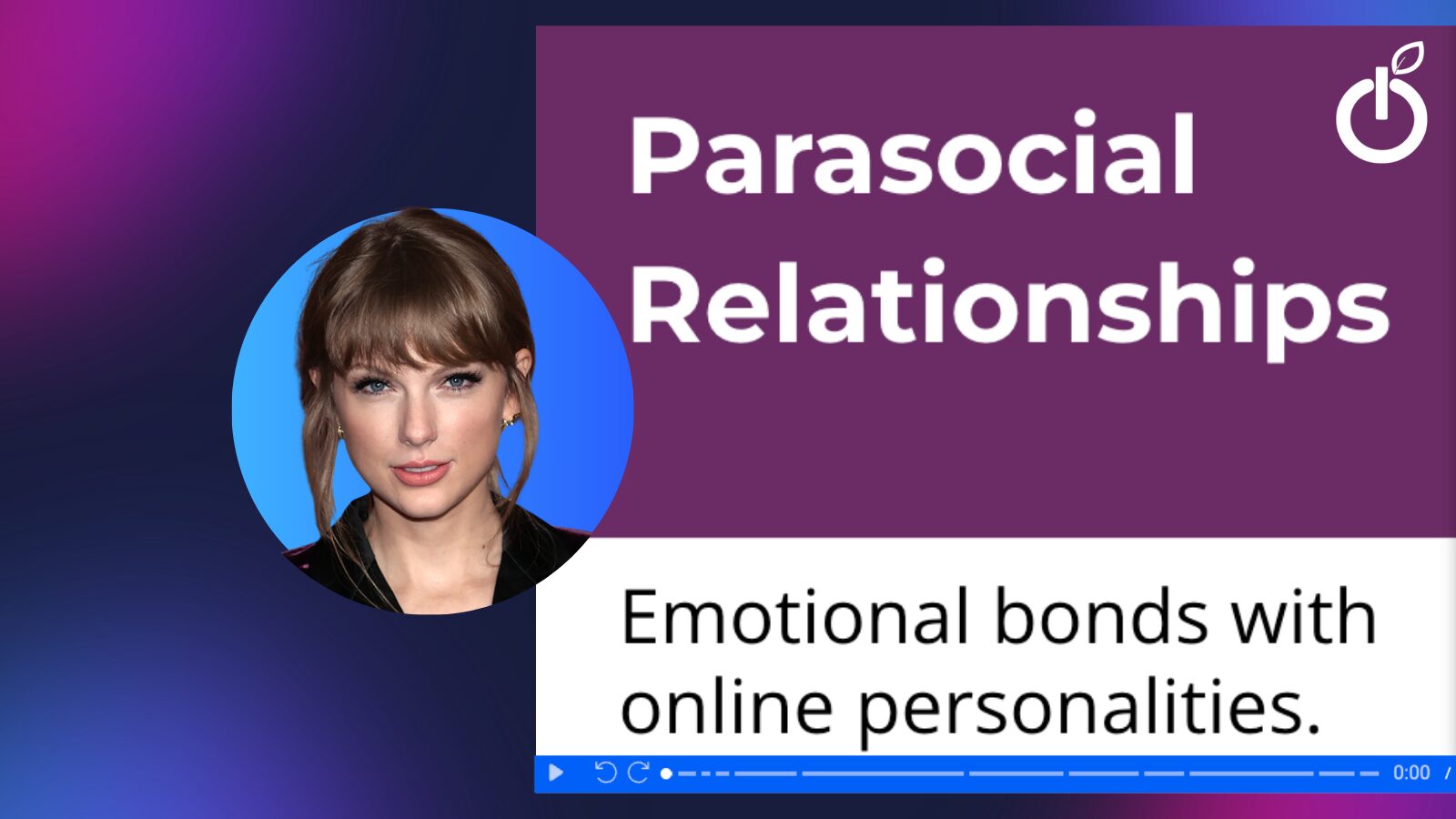
Lindy opened the webinar with a simple but relatable question: is there someone you admire, trust, or feel connected to, even though you’ve never actually met them? She shared her own example as a devoted Taylor Swift fan, joking that they’d be best friends in real life. It’s a lighthearted way to introduce a powerful concept: parasocial relationships, or the emotional bonds we form with people we primarily know through media.
These relationships aren’t new, but they’re evolving fast. Parasocial connections show up across all learning environments, whether virtual, in-person, or blended. What’s changed is the level of interaction. Lindy pointed to Bill Nye as an early example; many people felt like they “knew” him from TV, especially in educational contexts. But that relationship was one-sided. There was no way to respond, comment, or engage.
Today, social media has transformed that dynamic. Learners can now interact, respond, and participate in communities built around these personalities, deepening the sense of connection in ways that were previously impossible.
So how does this apply to educators creating videos for their students?
Improving the student-teacher dynamic with short-form video
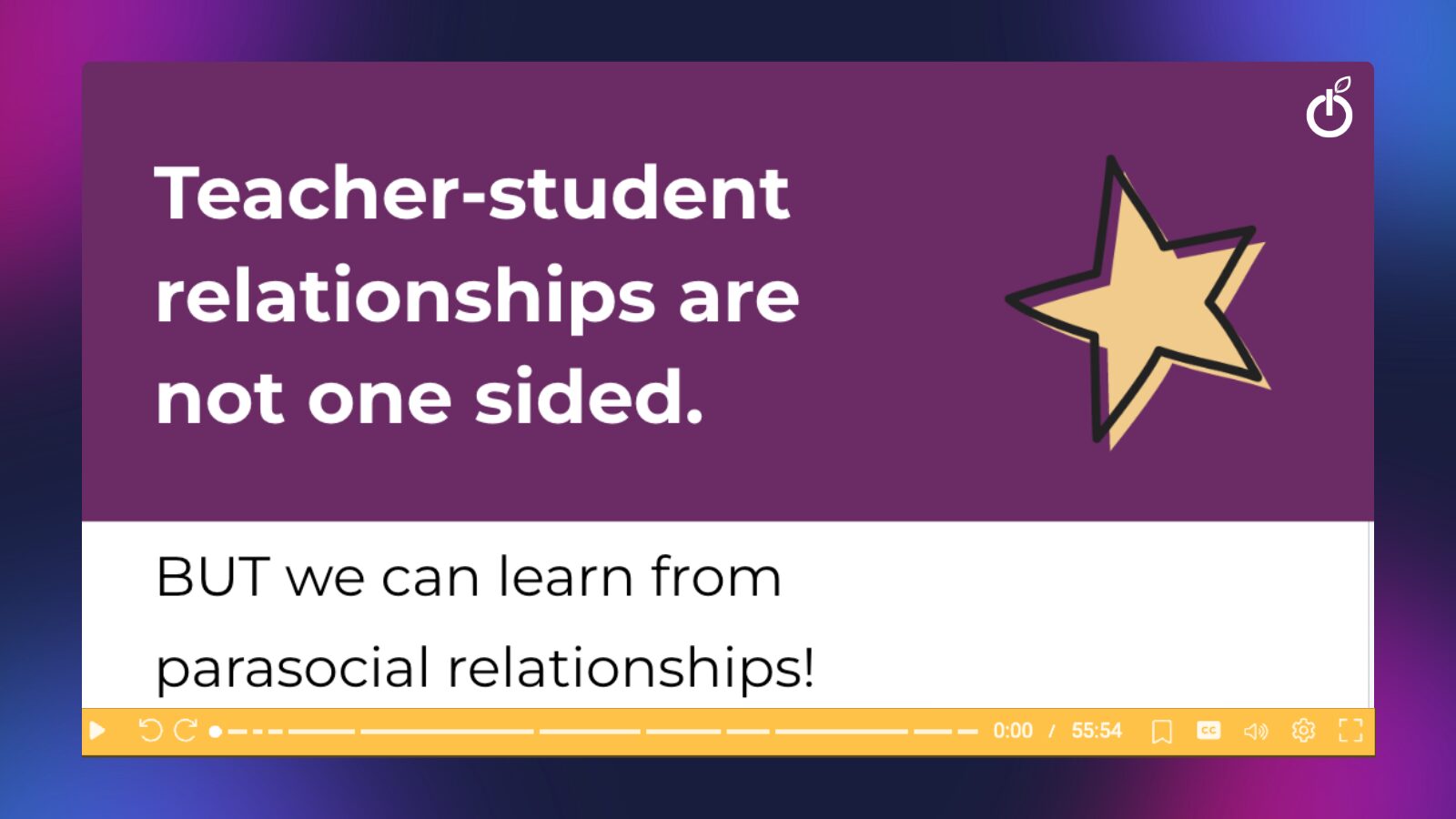
Unlike parasocial relationships, the teacher–student dynamic isn’t meant to be one-sided, and that’s a good thing. The goal isn’t to replicate influencer-style relationships or create that “ick” factor of forced closeness. Instead, it’s about borrowing the effective elements of parasocial connection and thoughtfully applying them to teaching.
Great educators can take cues from what makes online personalities engaging- authenticity, relatability, consistency- and use those qualities to strengthen connection with their students.
When instructors show up as real people on video, speak directly to their audience, and create a sense of presence, it can make learning feel more personal and engaging.
The key difference is that, in education, the relationship doesn’t stop there. It becomes a two-way interaction, where that initial sense of connection supports deeper engagement, participation, and trust.
In 2026, video isn’t optional for educators, it’s essential. And even within the limited non-instructional time you have, creating videos for your students is absolutely doable.
At the heart of this conversation is connection, and how it’s evolving in a digital world.
What the research says about short-form video
Let’s start with the research. A strong sense of belonging plays a critical role in student success. When students feel accepted and connected, they’re far more likely to be academically engaged. There’s also extensive research on the importance of the student–educator relationship; so much so that a lack of connection can actually hinder learning.
Naturally, the next question is: When do I have time for this?
The reality is, many educators only have a minute or two each day to connect with students. In higher education, you might only see students a few times a week. That limited interaction makes it harder to build meaningful relationships, and that’s exactly where video comes in.
Educator-created video helps bridge that gap. In one study, instructors who incorporated video saw increased student satisfaction and participation, while also fostering a stronger sense of connection; a kind of “quasi-relationship” that supports learning.
And here’s the part that surprises many educators: production quality isn’t the priority. Research consistently shows that the teacher matters more than the tech.
Students don’t need perfectly polished videos, they want to see and hear you.
Your presence, your tone, and your enthusiasm have a greater impact than high-end production ever could.
When you connect the research on belonging with what we know about parasocial relationships, a clear takeaway emerges: video is a powerful tool to build, strengthen, and extend the student–educator relationship beyond limited class time.
But how long should these videos be?
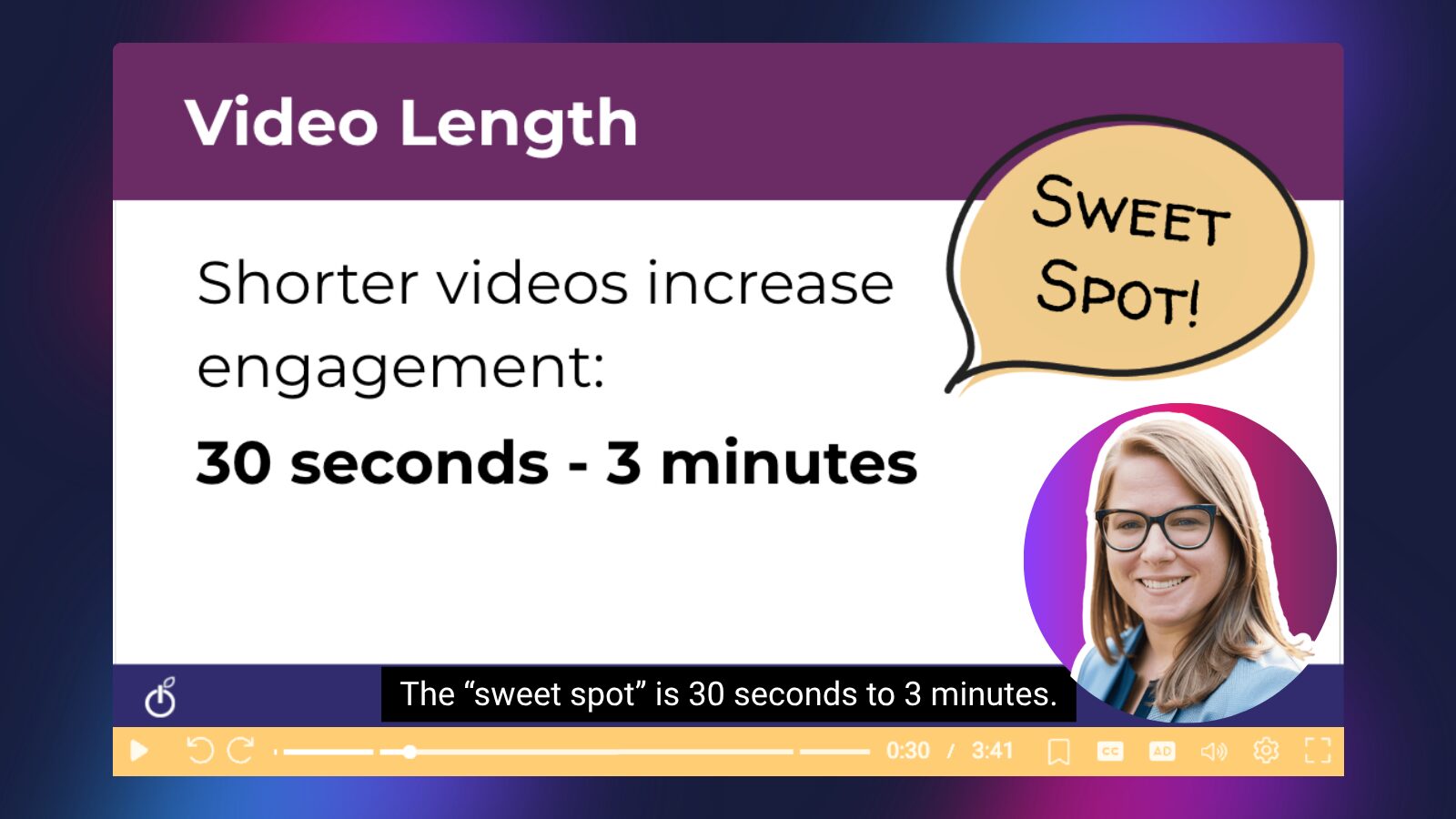
The research varies, but more recent studies point to a sweet spot of 30 seconds to 3 minutes. Once videos reach the 3-4 minute mark, attention tends to drop off across age groups. At the same time, videos that are too short (under 30 seconds) can feel overly fragmented and less effective. The goal is to be concise, but still meaningful.
Short-form video ideas
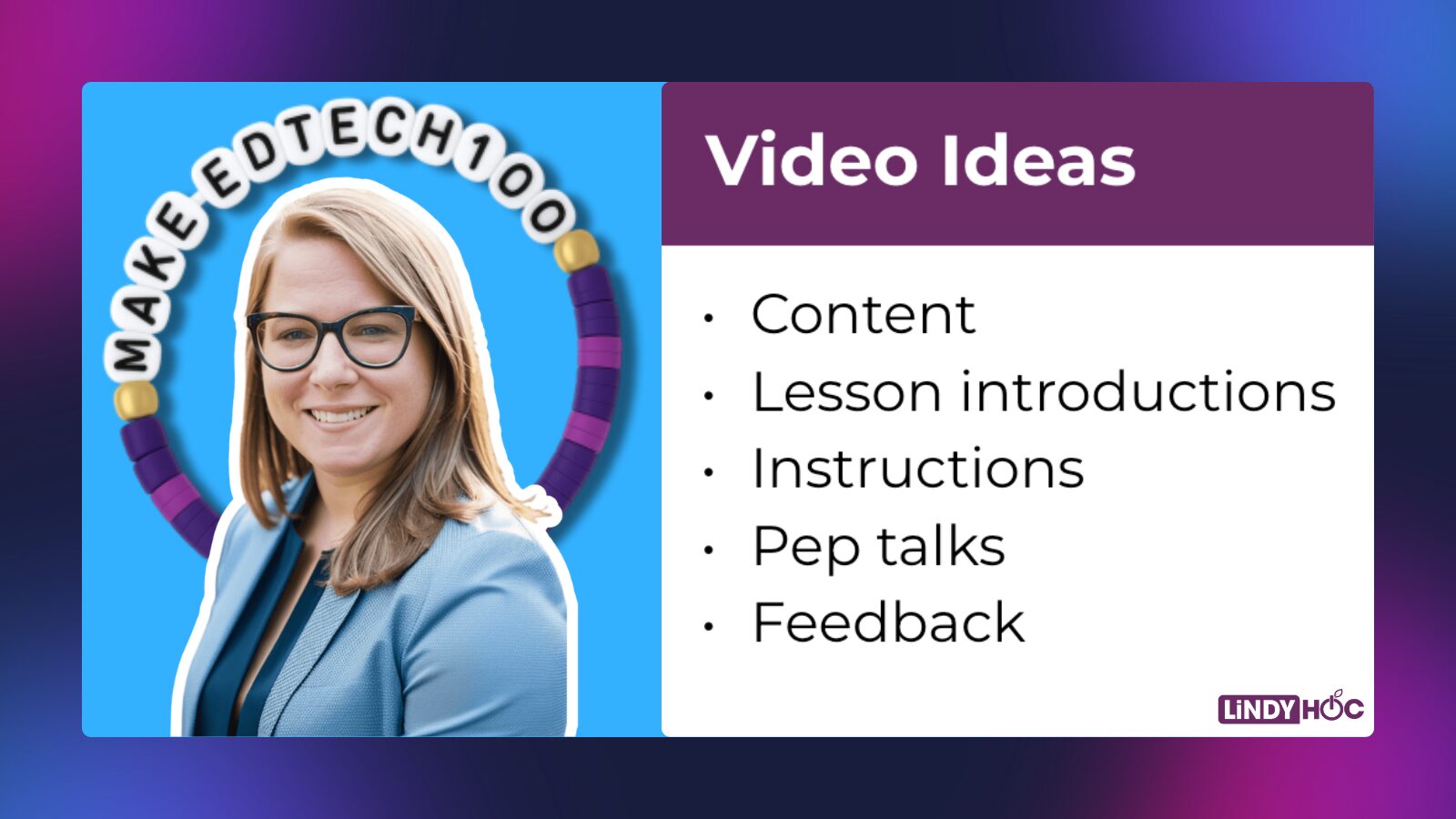
And while many educators immediately think of content delivery (like in a flipped classroom), that’s just one piece of the puzzle. Video can support connection and engagement in a variety of ways:
- Lesson introductions: Kick off the day with a quick video preview of what students will learn. It sets the tone while giving you time to handle attendance or prep.
- Instructions: Instead of repeating directions or writing them on the board, record them once and let students revisit as needed.
- Pep talks: Often associated with K–12, but just as impactful in higher ed. A quick, encouraging message can boost morale and motivation.
- Feedback: One of the most underutilized uses of video. Swap red pen for a quick recording using a “compliment sandwich”- what they did well, what to improve, and another strength to reinforce.
- Gamification: Create a short “movie trailer”-style video to build excitement for an activity or game-based lesson.
Ultimately, video isn’t just about delivering content, it’s about showing up. Small, intentional moments on video can create a stronger sense of connection, making students feel seen, supported, and more engaged in their learning.
We’ve talked about the research. We’ve explored parasocial relationships. Those are two of the big “whys.”
Where should I start?
So where should you start?
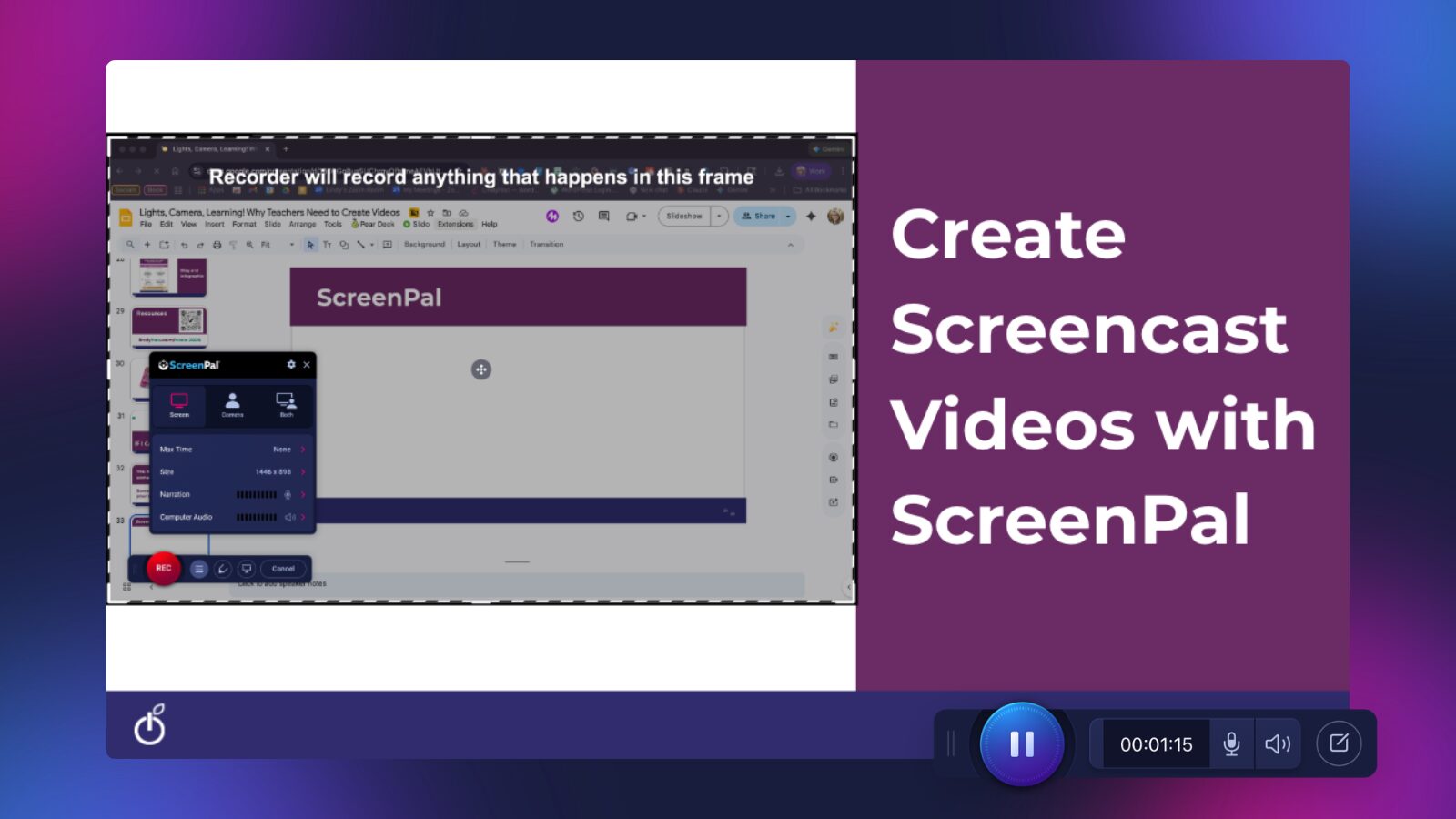
If you’re new to creating video, the easiest entry point is screencasting. You don’t need to turn on your camera, you can simply talk over your screen as you walk students through content, instructions, or feedback. It’s low-pressure, quick to create, and highly effective.
Lindy shared that she creates anywhere from 2 to 10 screencast videos a day using ScreenPal; proof that this approach can fit into even the busiest educator schedules.
She highlighted a few reasons why ScreenPal works so well for her workflow:
- Instant sharing: When you finish recording using the Chrome extension, your video automatically uploads to ScreenPal, generates a shareable link, and even copies it to your clipboard, ready to drop into an email or LMS.
- Built-in hosting: No need to worry about where your videos will live. ScreenPal provides hosting, which is especially helpful if you’re working with limited cloud storage.
- Automatic syncing: You can set up your account so that all recordings are automatically saved to your ScreenPal library, keeping everything organized without extra steps.
The key takeaway: getting started with video doesn’t have to be complicated. With simple tools and short, purposeful recordings, you can begin building stronger connections with your students right away.
Catch them in the scroll
Lindy also introduced a concept she calls “catch them in the scroll.”
Over the past year, she’s been paying close attention to how she (and her students) consume video. Unsurprisingly, a lot of it involves scrolling. We’re living in a world dominated by short-form video, typically ranging from 10 seconds to about 3 minutes. Platforms like TikTok, Instagram Reels, Facebook Reels, and YouTube Shorts have all converged around this format.
That’s not a coincidence.
Research shows that 30 seconds to 3 minutes is the sweet spot for engagement: the exact same range that defines short-form video. In other words, the way we naturally consume content aligns with how we learn best in short bursts.
And just as importantly, audiences aren’t looking for perfection, they’re looking for authenticity.
Take the popularity of “Get Ready With Me” (GRWM) videos. These clips are simple, informal, and often unpolished, yet they consistently perform well because they feel real. That same principle applies in education. Research shows that students are more engaged when instructors are enthusiastic and authentic; far more than when videos are highly produced.
So how can educators catch students in the scroll?
The goal isn’t to fight scrolling, it’s to redirect it. Instead of viewing it as “doomscrolling,” educators can model what productive scrolling looks like. Lindy shared how she’s trained her own algorithm to serve content that helps her learn, stay informed, and even have a little fun. By curating her feed (whether through her “For You” page, Following, or Friends) she’s turned scrolling into a more intentional experience.
In fact, much of what she’s learned about AI has come from short-form videos and podcasts, quick, digestible bursts of information.
That’s the opportunity for educators.
By creating short, purposeful video content, you can meet students where they already are and show them how to engage with content in a more meaningful way. It’s about modeling how to use screen time well, turning passive consumption into active learning.
Because the reality is, students are already scrolling. The question is: how can we make that time more productive?
Analyze existing short-form video
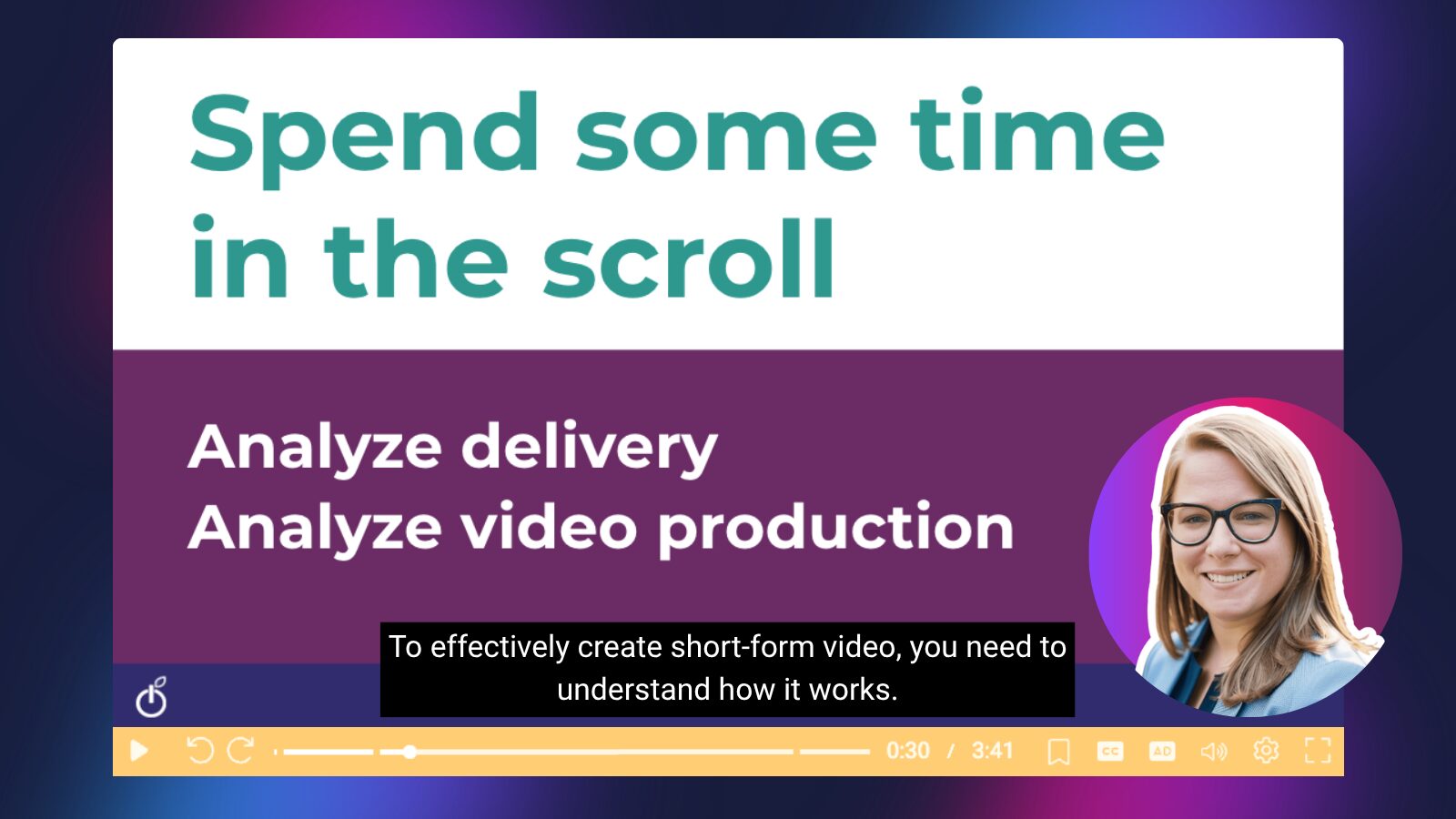
So, how do we actually create short-form video for our students?
The first step might surprise you: spend some time in the scroll.
To effectively create short-form video, you need to understand how it works. That means intentionally engaging with platforms like TikTok, Instagram Reels, Facebook Reels, and YouTube Shorts; not just as a consumer, but as an observer. Pay attention to how videos are delivered. What draws you in? What keeps you watching?
Start by analyzing a few key elements:
- Delivery: Are creators using humor, storytelling, or high energy to keep attention?
- Engagement: What makes the video compelling? Is it relatable, fast-paced, or emotionally resonant?
- Production details: Look beyond the surface. Notice the small things- quick cuts, movement, text on screen, shifts in visuals- that keep the video dynamic.
These subtle production choices often go unnoticed, but they play a huge role in maintaining attention. Movement, in particular, is key. Even small changes; switching screens, adding annotations, or shifting visuals, can make a video feel more engaging.
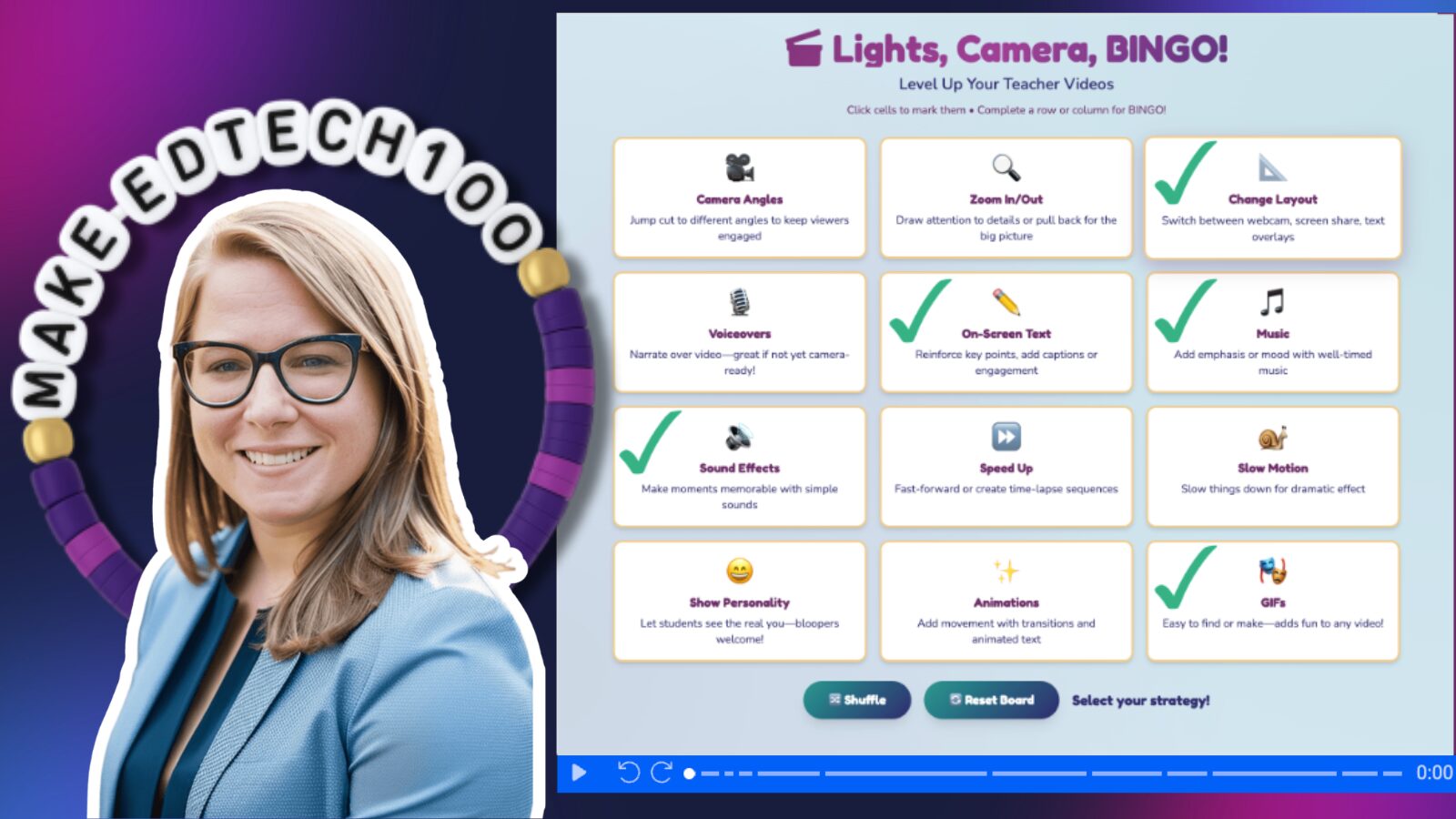
Lights, camera, BINGO! Level up your short-form videos
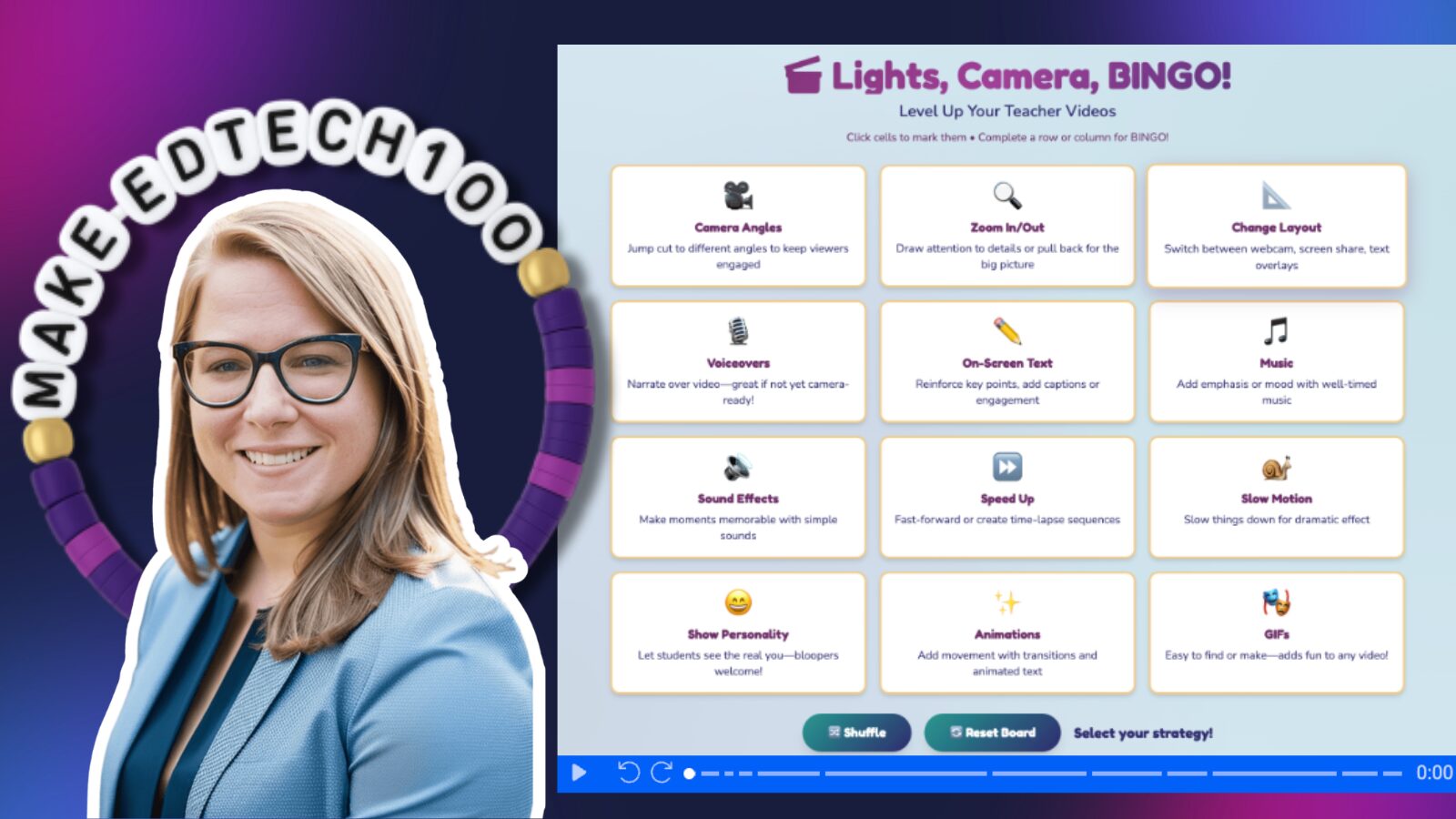
To help educators put this into practice, Lindy created a framework called “Lights, Camera, Bingo.” It’s a simple way to level up your videos without feeling overwhelmed. The idea is to focus on small, intentional improvements; like adding movement, incorporating visuals, or varying delivery, and aim to complete just one row on the bingo board. No need to go for a full “blackout” right away.
This approach is especially important when you consider your audience. Around 95% of today’s students, across both K–12 and higher education, are Gen Z or Gen Alpha learners. They’ve grown up in a world of short-form video, and their expectations for content reflect that.
Meeting those expectations doesn’t mean becoming an influencer, it means being intentional about how you present information. With a few thoughtful adjustments, educators can create videos that feel more natural, engaging, and aligned with how students already consume content.
How to film and edit short-form videos
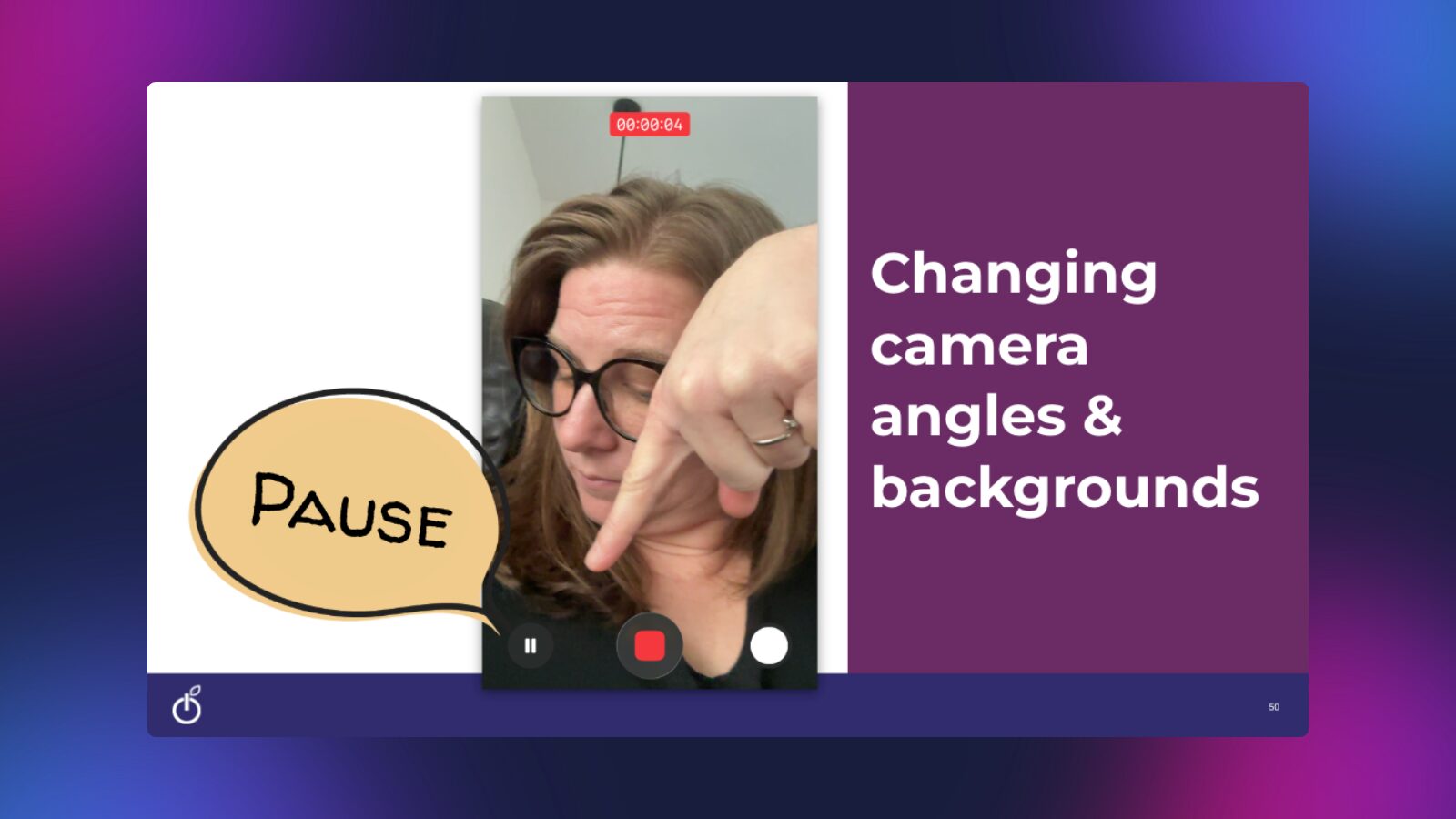
Once you understand why short-form video works, the next step is learning how to actually create it. The good news? You already have one of the most powerful tools you need, right in your pocket.
Most traditional video is filmed in a 16:9 (horizontal) format. But short-form video lives in a 9:16 (vertical) format. That means your smartphone is the perfect tool to get started; just open your camera and hit record.
Today’s phone cameras also make it easier than ever to create dynamic, engaging videos:
- Pause while recording to switch angles or adjust your background
- Change framing on the fly by zooming in and out with a simple pinch
- Create natural “cuts” without needing advanced editing skills
With just these small actions, you can add movement and variety, two key ingredients for keeping attention in short-form video.
Let ScreenPal do the heavy lifting
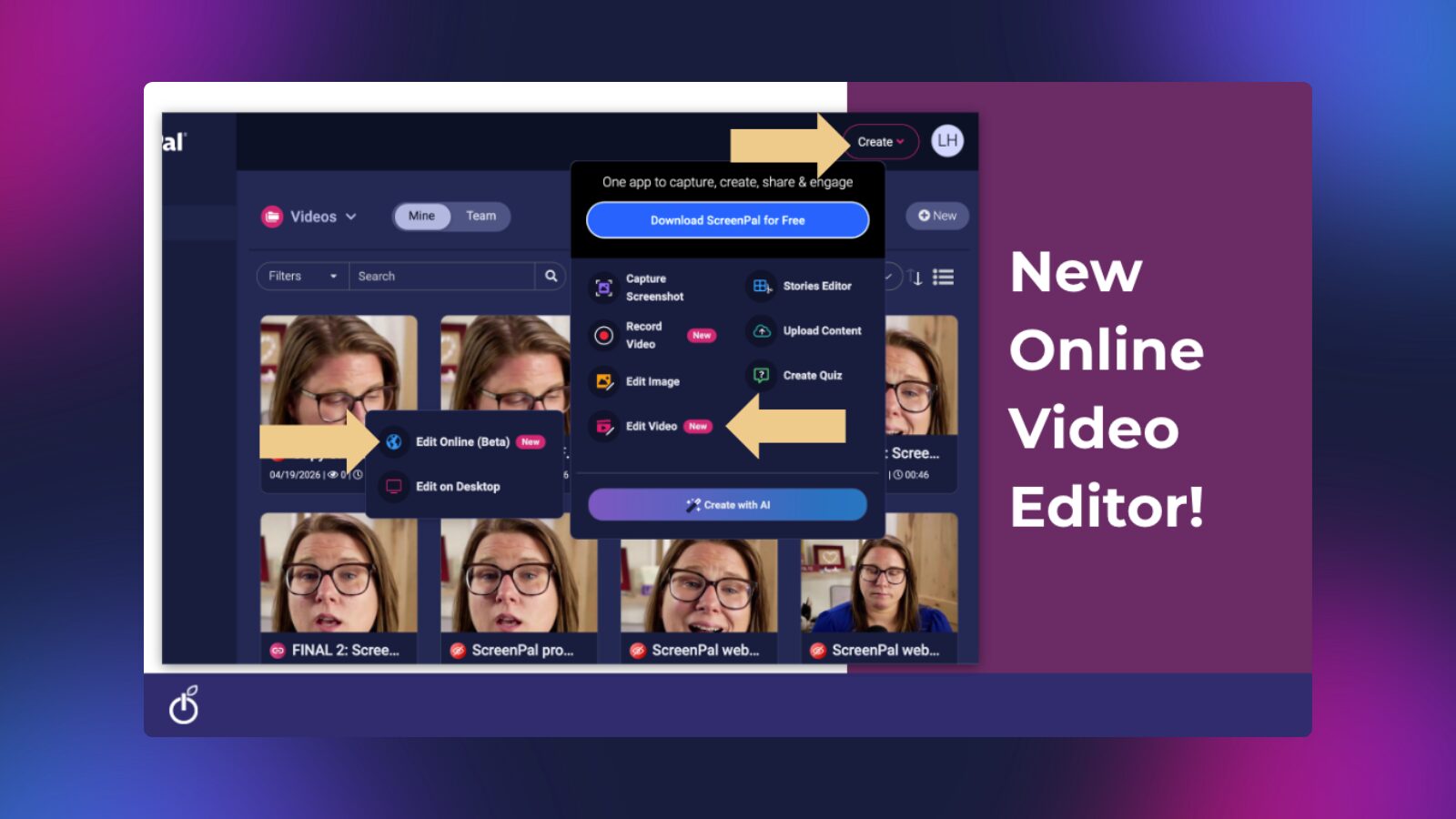
Once you’ve recorded your video, you don’t need complicated editing software to polish it. ScreenPal’s online video editor makes it easy to turn raw footage into something engaging and concise.
Here’s a simple workflow based on Lindy’s process:
- Edit with the transcript
In the editor, click Transcript to automatically generate text from your video. This allows you to edit your video by editing the text.- Lindy uses a simple trick: if she makes a mistake while recording, she says “cut.”
- She can then search for the word “cut” in the transcript and instantly remove that section from the timeline.
- Remove filler words and silences
The editor can automatically detect filler words and pauses, making it easy to clean up your video.- While not every word (like “so,” “like,” or “right”) is flagged automatically, you can quickly search and remove them manually.
- This is especially helpful as you get more comfortable on camera; editing helps bridge the gap while you build confidence.
- Keep it short and snappy
Short-form video doesn’t require perfectly polished transitions. In fact, hard cuts are completely acceptable, and expected.- Use the transcript tools to trim silences and tighten pacing
- Lindy recommends shortening silences to around 0.1 seconds to keep the video moving quickly
Leave bloopers in (and speed them up)
This might feel counterintuitive, but it works. Keeping quick, sped-up bloopers adds personality and authenticity, and students genuinely enjoy it.
Take your short-form videos to the next level
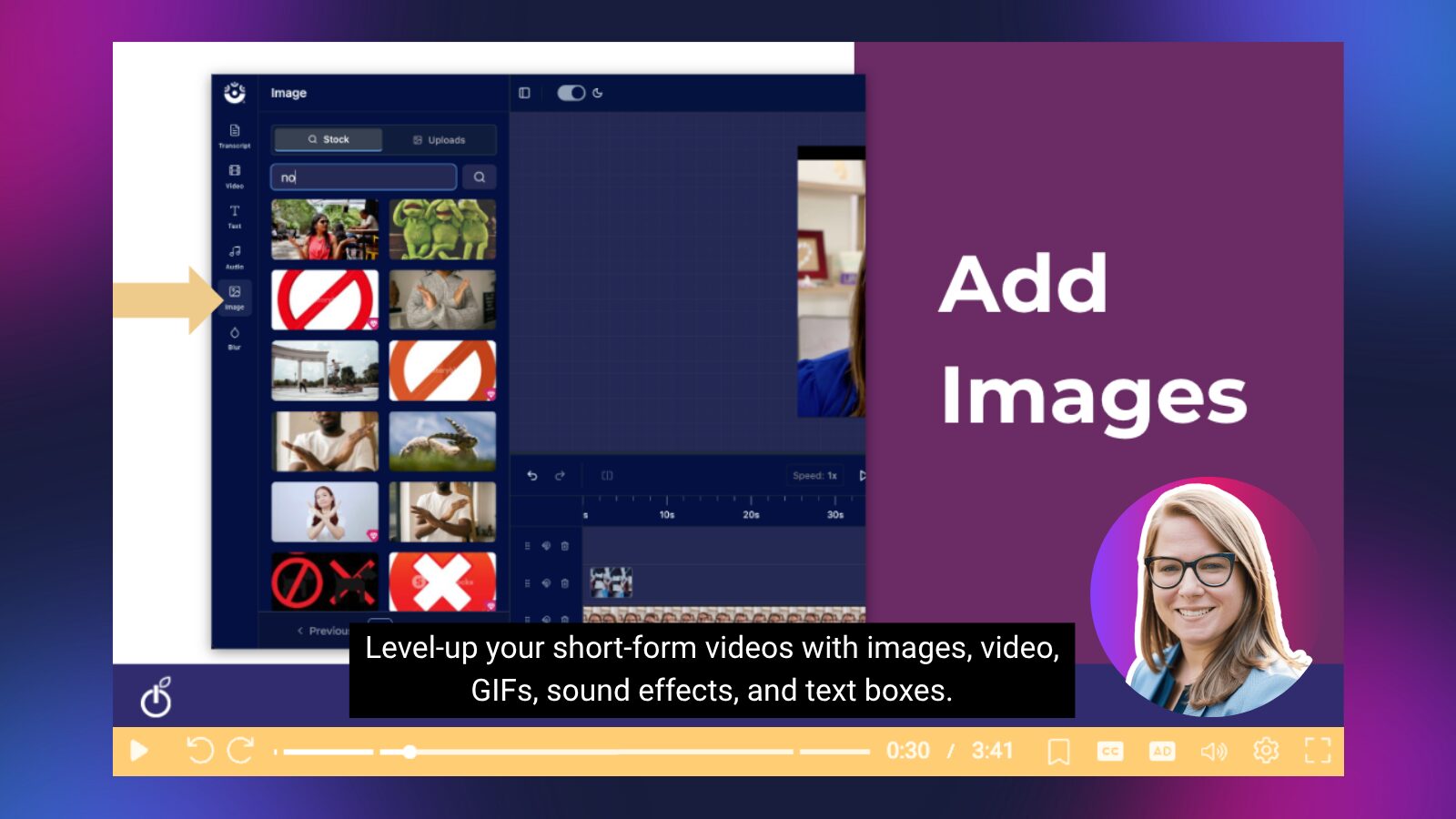
Once you’re comfortable with the basics, a few small enhancements can make your videos even more engaging:
- Add multimedia for movement
ScreenPal’s editor includes built-in stock media. Lindy shared an example of adding a clip of a phone scrolling to visually reinforce her message and keep the screen dynamic. - Layer in additional recordings
You can upload clips or record directly inside your video; essentially creating a “video within a video.”- Walk through steps visually while you explain them
- Add supporting clips or demonstrations
- Include images (stock or custom) to reinforce key ideas
- Use GIFs for quick, engaging visuals
Lindy recommends incorporating GIFs (moving images) to add energy. You can download them from sites like GIPHY, upload them into the editor, and drop them right into your video. - Reinforce with text
On-screen text is a simple but powerful way to emphasize key points.- Example: “Bring your Chromebook charged tomorrow”
This helps ensure students remember important information, even if they’re passively watching.
- Example: “Bring your Chromebook charged tomorrow”
The takeaway: you don’t need fancy equipment or advanced editing skills to create effective short-form video. A smartphone, a few intentional filming techniques, and simple editing tools can go a long way in making your videos more engaging; and more aligned with how students already consume content.
Wrapping up: start small, stay intentional
Lindy closed the session with a simple but powerful challenge: spend time in the scroll.
Pay attention to the short-form videos your students are already consuming. Not just what they’re watching, but how those videos are delivered. What keeps you engaged? What makes you keep watching? Start identifying small elements of delivery and production that you can bring into your own videos.
You don’t have to overhaul everything at once. Start small. Experiment. Try one new technique at a time.
If you’re ready to put this into practice, tools like ScreenPal’s online video editor can make a big difference. Features like transcript-based editing aren’t just convenient; they’re a game changer for creating quick, polished, short-form videos without adding more to your workload.
And if you want to keep learning alongside Lindy, she encourages educators to “learn out loud.” You can follow her journey and get more insights on creating engaging educational videos through her EdTech 100 podcast.
Because at the end of the day, this isn’t about becoming a content creator, it’s about becoming more intentional in how you connect with your students.