Main Menu
☀️ Welcome to the June ScreenPal Scoop!
If you’ve been following the FIFA World Cup™, you’ve probably enjoyed seeing visitors experience the U.S. for the first time; whether that means discovering the wonder of Buc-ee’s, learning that Waffle House is both a restaurant and a cultural institution, or realizing that yes, we really do put ice in almost every beverage. We’ve brought that same big welcome energy to this month’s ScreenPal Scoop newsletter.
Inside this edition, we’ll preview the incredible sessions coming to the ScreenPal Learning Innovation Summit 2026, highlight the latest product enhancements in What’s New in ScreenPal, explore why educators couldn’t stop talking about ScreenPal this spring, and recap our recent webinar with instructional design expert Dani Watkins.
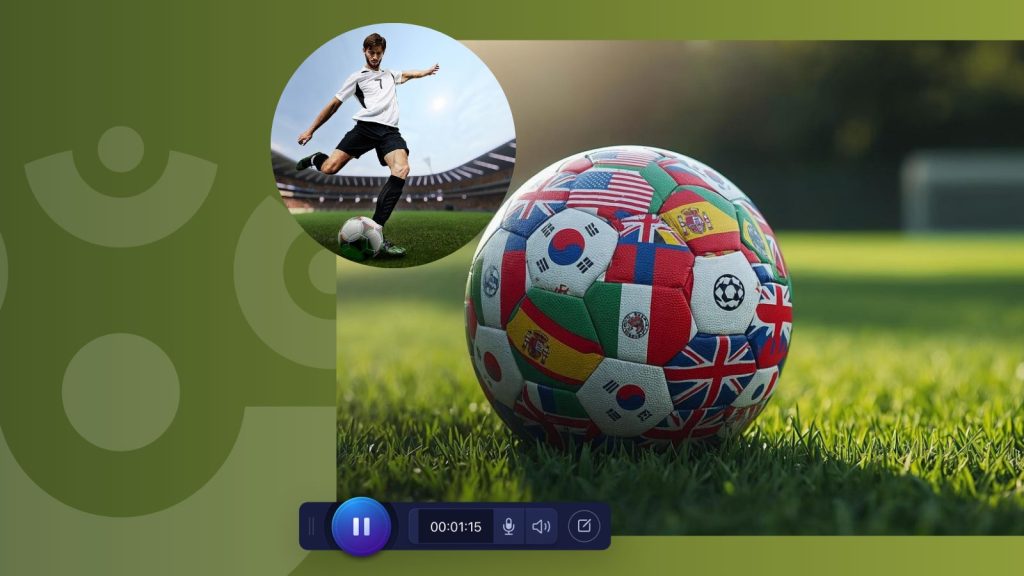
And if you’re anything like us, you’ve probably been following, and cheering for, your favorite country throughout the World Cup group stages and knockout rounds. Thinking about recording a reaction video after a big match? Open ScreenPal’s Stock Media Library to add your country’s flag or soccer-themed graphics to your next video, then share your celebration (or commiseration!) with friends, colleagues, or students.
Now that’s a GOOOOOAAALLLL! ⚽🎉
As always, thank you for being part of the ScreenPal community. We hope you discover a few new features, find inspiration for your next video, and maybe even learn something new before the final whistle blows. 😉
Inside this newsletter:
🌟 Join us during the ScreenPal Learning Innovation Summit 2026
🍎 Why educators couldn’t stop talking about ScreenPal this spring
🎥 Webinar recap: From storyboard to screen with Dani Watkins
🌟 Join us during the ScreenPal Learning Innovation Summit 2026
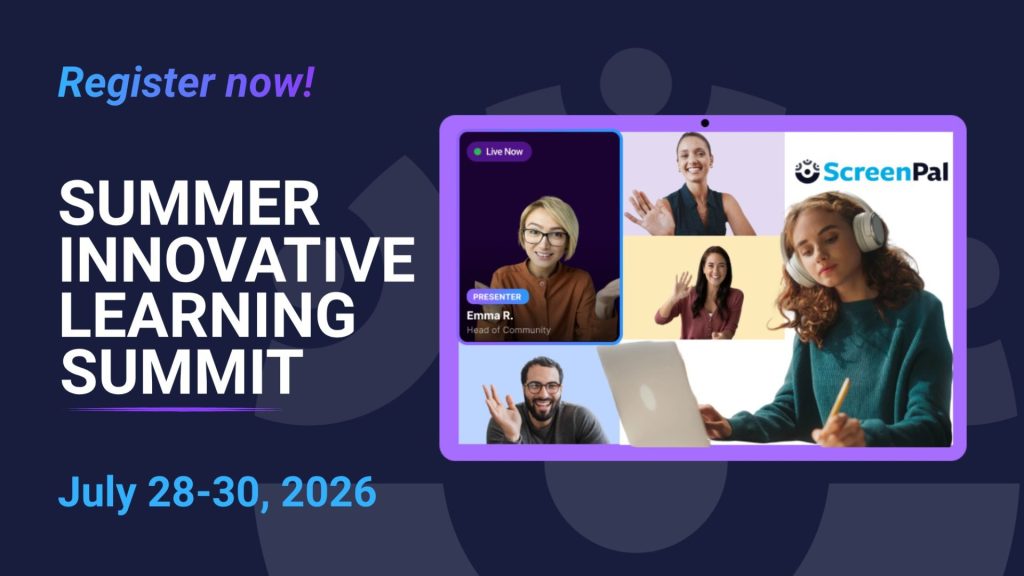
Registration is now open for the inaugural ScreenPal Learning Innovation Summit, taking place July 28-30! Whether you teach in a K-12 classroom, support higher education, or lead learning in the workplace, there’s a learning track designed just for you. Join educators, instructional designers, trainers, and learning leaders virtually from around the world as they share practical strategies for using video, AI, accessibility, and instructional design to create more engaging learning experiences.
🍎 K–12 Education Track
Discover classroom-ready strategies from leading educators who are transforming teaching with video.
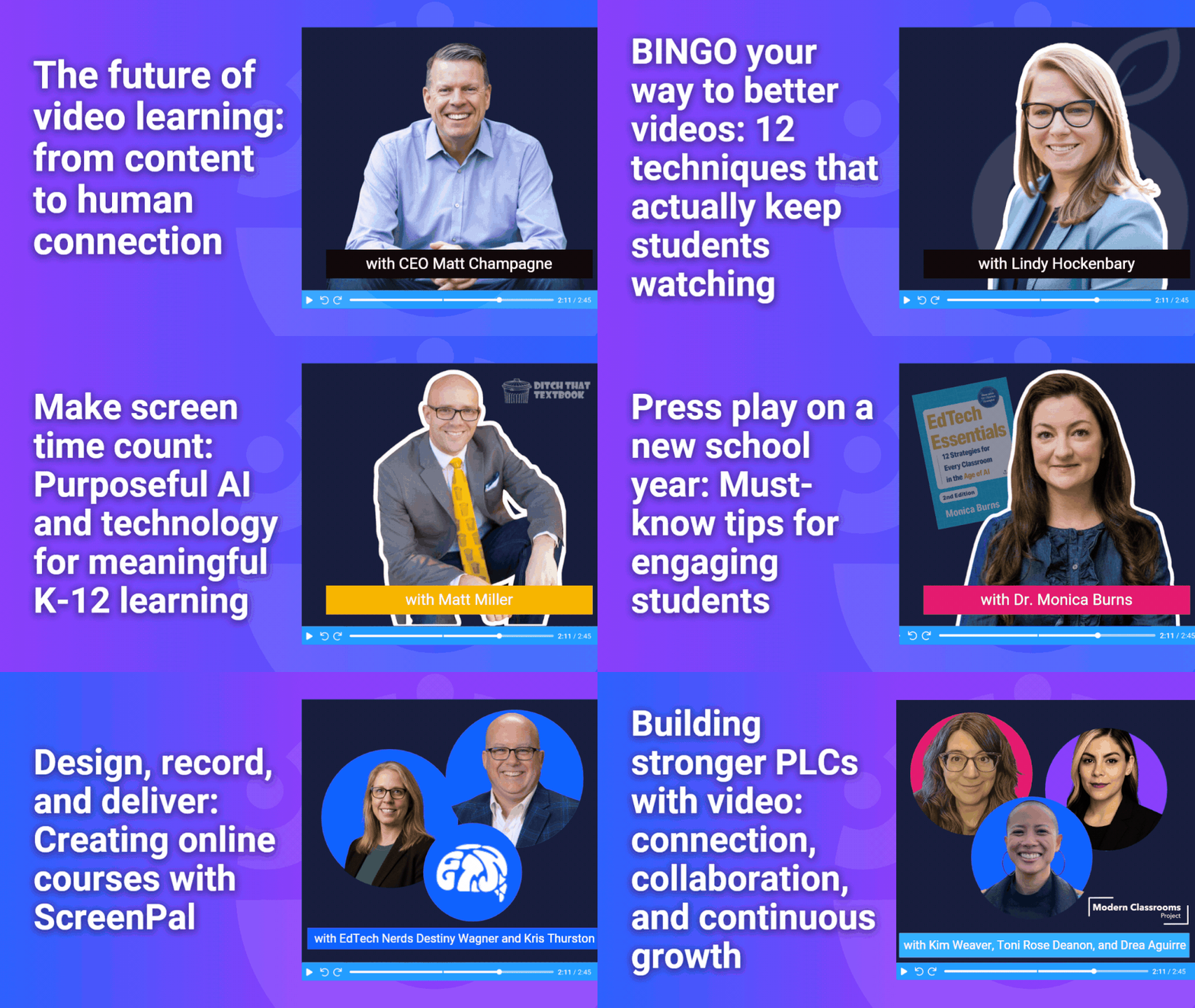
Featured sessions include:
- Opening keynote: The future of video learning: from content to human connection with ScreenPal CEO Matt Champagne
- BINGO your way to better videos: 12 techniques that actually keep students watching with K-12 EdTech Advisor and author Lindy Hockenbary
- Design, record, and deliver: Creating online courses with ScreenPal with EdTech Nerds Destiny Wagner and Kris Thurston
- Make screen time count: Purposeful AI and technology for meaningful learning with author Matt Miller
- Press play on a new school year: Must-know tips for engaging students with ClassTechTips.com’s Dr. Monica Burns
- Building stronger PLCs with video: connection, collaboration, and continuous growth with Modern Classrooms Project’s Toni Rose Deanon, Drea Aguirre, and Kim Weaver
🎓 Higher Education Track
Learn how colleges and universities are using video to improve accessibility, strengthen instruction, increase student engagement, and support faculty success.
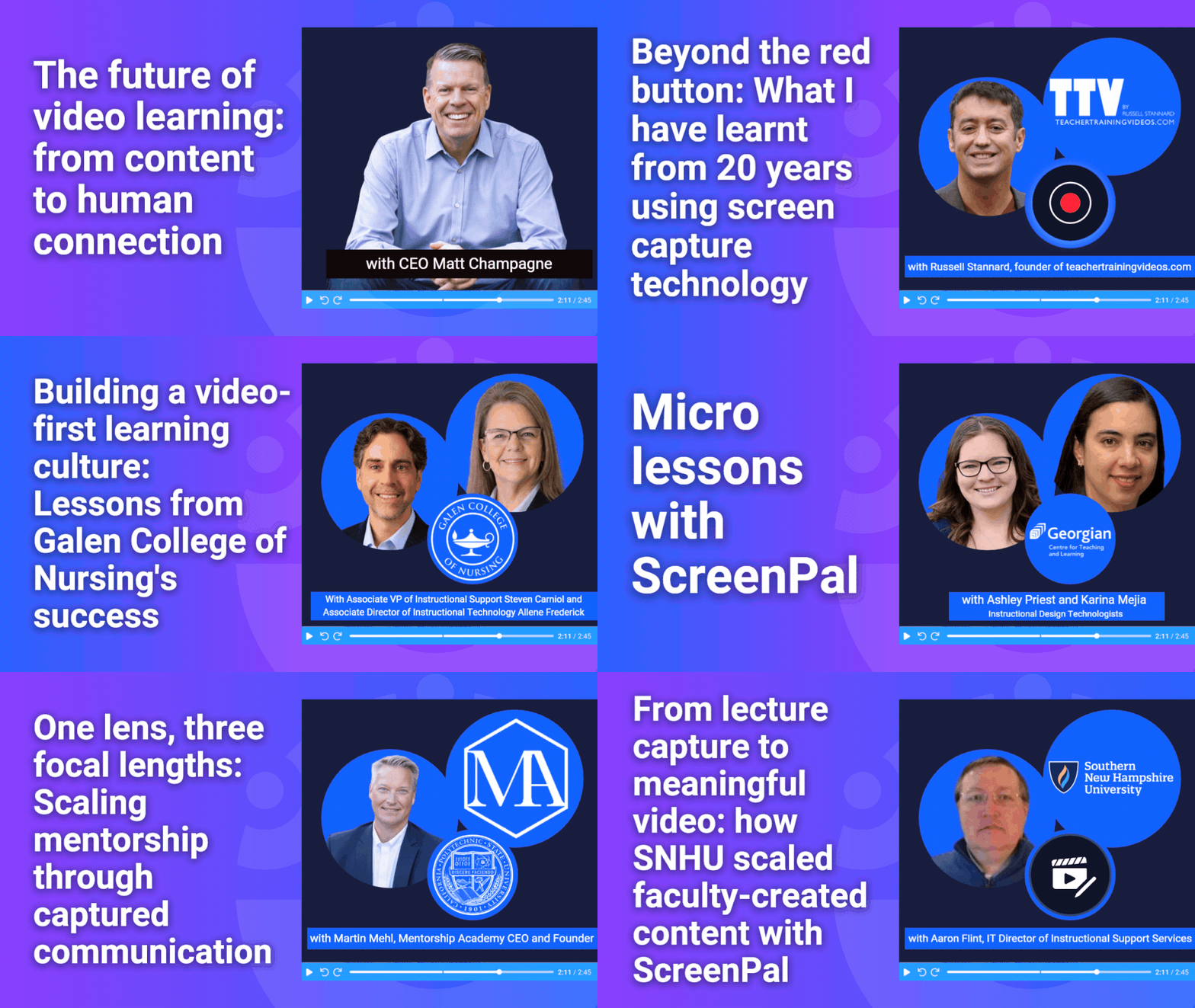
Featured sessions include:
- Opening keynote: The future of video learning: from content to human connection with ScreenPal CEO Matt Champagne
- Beyond the red button: What I have learnt from 20 years using screen capture technology with TeacherTrainingVideos.com’s Russell Stannard
- One lens, three focal lengths: Scaling mentorship through captured communication with CalPoly’s Martin Mehl
- Building a video-first learning culture: Lessons from Galen College of Nursing’s success with Associate VP of Instructional Support Steven Carniol and Associate Director of Instructional Technology Allene Frederick
- From lecture capture to meaningful video: how SNHU scaled faculty-created content with IT Director of Instructional Support Services Aaron Flint
- Microlessons with ScreenPal with Georgian College Instructional Design Technologists Ashley Priest and Karina Mejia
💼 Learning & Development / Enterprise Track
Explore how today’s learning teams are using video and AI to improve onboarding, knowledge sharing, instructional design, and employee performance.
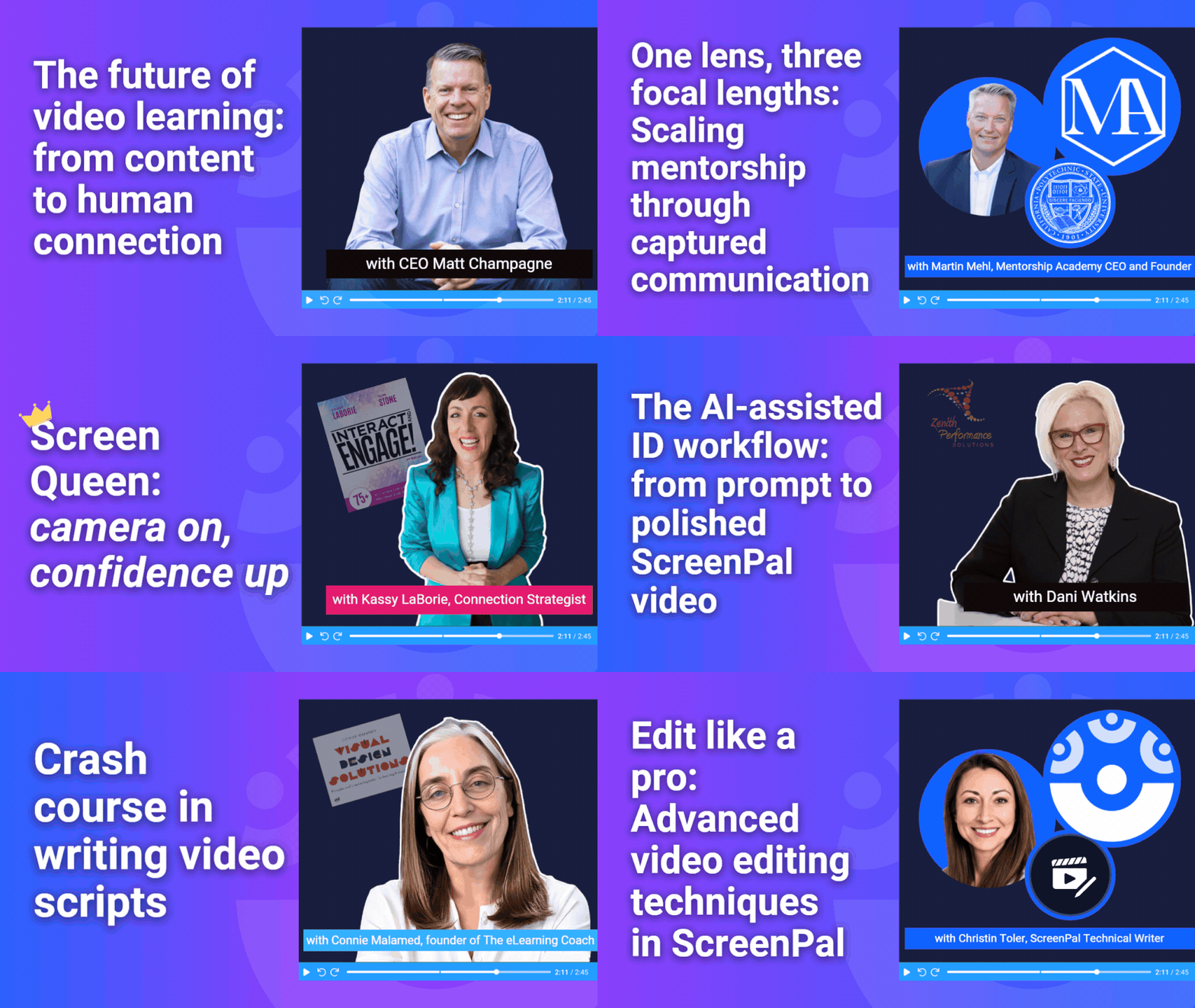
Featured sessions include:
- Opening keynote: The future of video learning: from content to human connection with ScreenPal CEO Matt Champagne
- One lens, three focal lengths: Scaling mentorship through captured communication with CalPoly’s Martin Mehl, founder of The Mentorship Academy
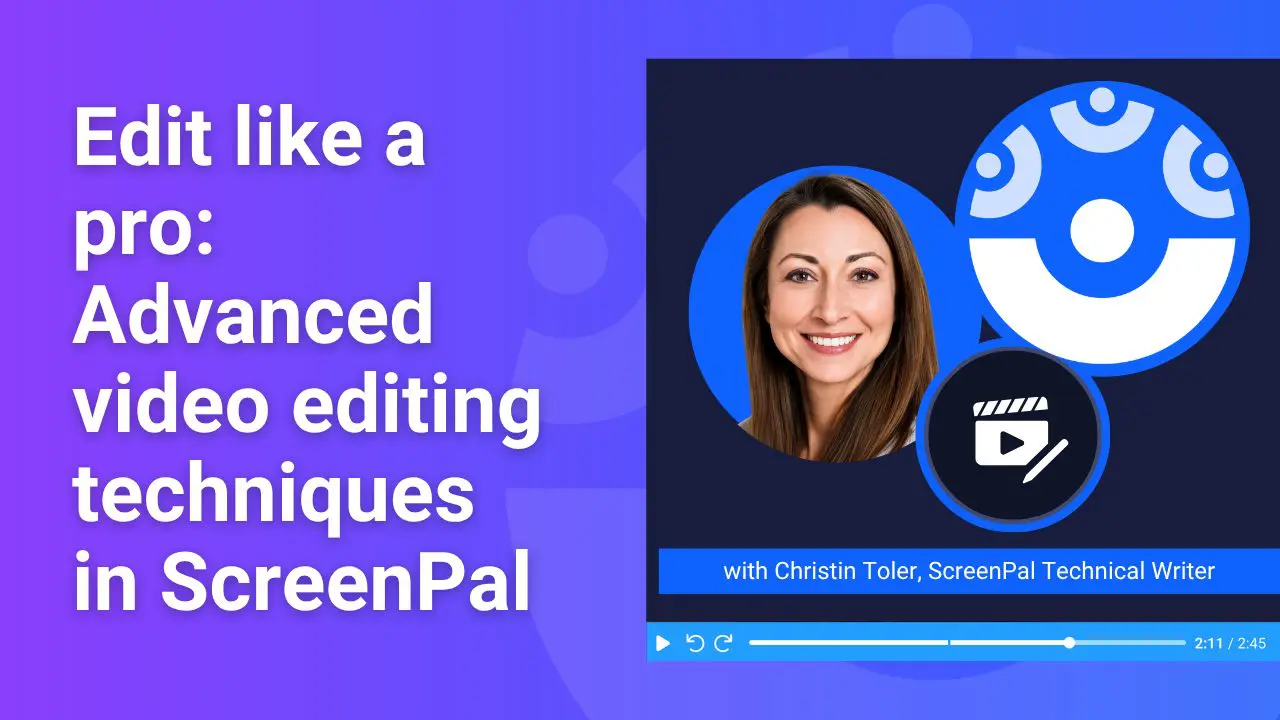
- Edit like a pro: advanced video editing techniques in ScreenPal with our Technical Writer, Christin Toler
- The AI-assisted ID workflow: from prompt to polished ScreenPal video with Zenith Performance Solutions’s CLEO Dani Watkins
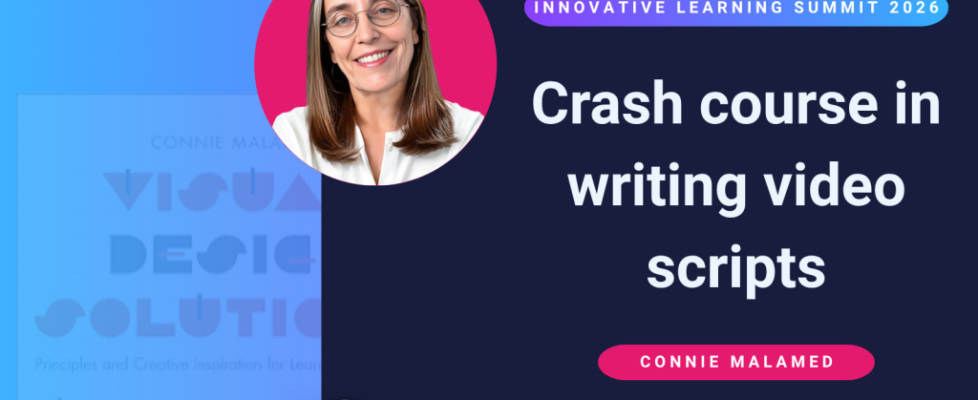
- Crash course in writing video scripts with Connie Malamed, founder of the eLearning Coach
- Screen Queen: camera on, confidence up with Connection Strategist Kassy LaBorie
🎟️ Reserve your spot today! Browse the full agenda, explore each learning track, and register for the virtual sessions that matter most to you. We can’t wait to learn with you this summer!
🚀 What’s new in ScreenPal
We’ve been busy rolling out new features and enhancements designed to make creating, managing, and sharing video easier than ever. Here are some of the latest updates now available in ScreenPal!
🎤 Teleprompter arrives in the online recorder
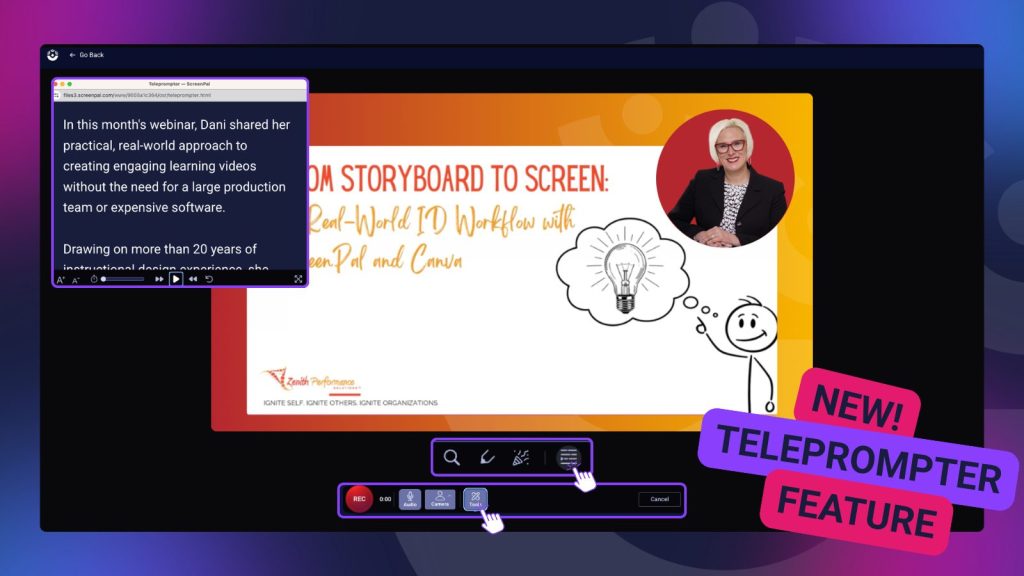
One of our most requested features is finally here! The Online Recorder now includes a built-in teleprompter, making it easier to maintain eye contact with your audience while delivering a polished presentation.
To try it:
Create → Record Video → Online Recorder → Tools → Teleprompter
Simply paste your script, adjust the text size and scrolling speed, and press play before you begin recording.
📺 Add videos to Channels in one click
Managing your video library just got even easier. When viewing a video in your ScreenPal Hosting Library, you’ll now see a new Add to Channel button next to the Share menu. Click it to quickly search for and add your video to one or more Channels—no extra navigation required.
🎓 New LMS default settings for Team Plan administrators
ScreenPal Team Plan Owners and Administrators can now configure default playback settings for videos embedded in their organization’s Learning Management System (LMS).
Navigate to Settings → Permissions → LMS Settings to establish organization-wide defaults, including player behavior and whether team members can override those settings.
📝 Smarter quiz experience
Quizzes that require learners to enter information before beginning now display a video thumbnail overlay. This visual cue helps learners recognize interactive quizzes, and clicking the play button launches the required information form before the video begins.
🤖 Better AI-generated scripts with PowerPoint speaker notes
Creating videos from presentations just became even smarter. When using the AI Slides to Video Generator, you can now choose to incorporate your PowerPoint speaker notes to improve the AI-generated script.
Simply upload your PPTX file and check “Use speaker notes to improve AI-generated script” for richer, more accurate narration.
♿ Make every video more accessible
If your organization is using a ScreenPal Team Plan and hasn’t added AI Audio Descriptions yet, now is the perfect time to explore this powerful accessibility feature. AI Audio Descriptions help make visual content accessible to learners with visual impairments while supporting accessibility initiatives and compliance efforts.
Contact our Support team to learn more about our team pricing options and how easy it is to add AI Audio Descriptions to your organization’s workflow.
🍎 Why educators couldn’t stop talking about ScreenPal this spring
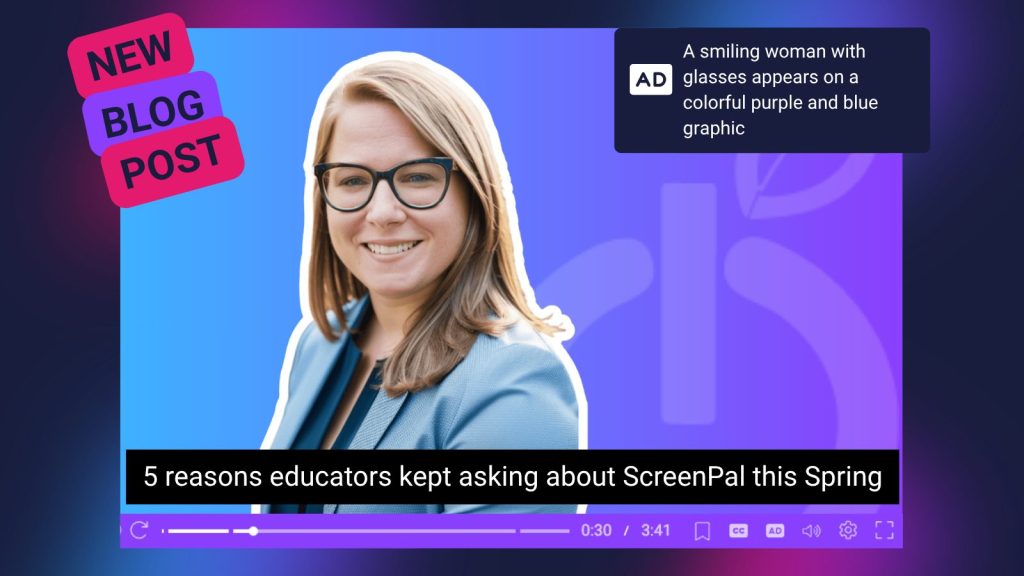
This spring, one thing became clear to author Lindy Hockenbary: educators weren’t just looking for another edtech tool, they were searching for practical ways to save time, increase engagement, and make learning more accessible.
In our latest blog post authored by Lindy, we explore the five biggest reasons teachers, instructional coaches, and school leaders kept asking about ScreenPal this season. From AI-powered features that streamline video creation to interactive quizzes, accessibility tools, and quick video feedback, discover what’s helping educators create meaningful learning experiences without adding more to their plates.
Whether you’re already using ScreenPal or looking for fresh ideas before the new school year begins, this roundup highlights the features and workflows educators found most valuable.
👉 Read the blog: 5 reasons educators kept asking about ScreenPal this Spring
🎥 Webinar recap: From storyboard to screen with Dani Watkins
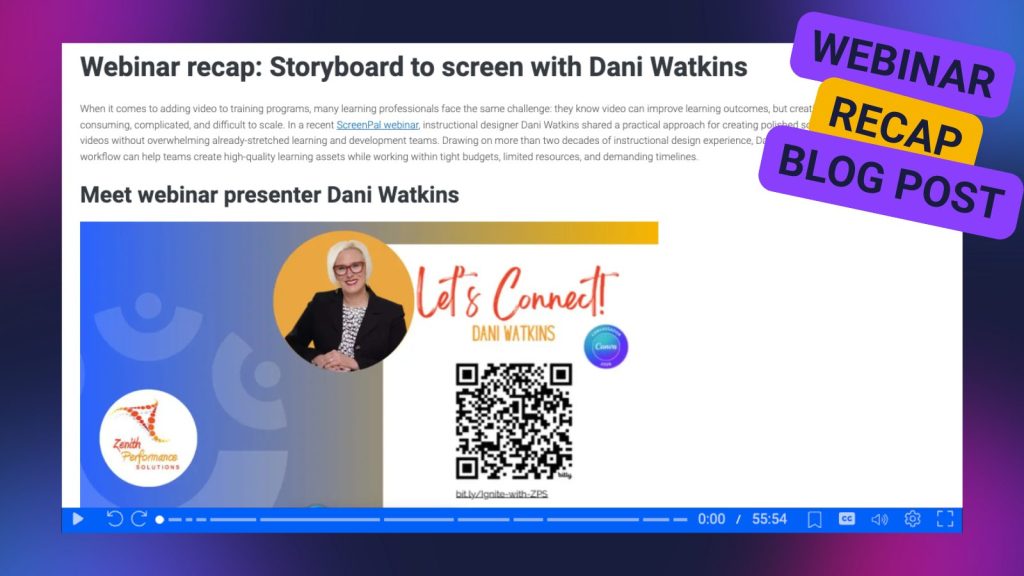
Missed our recent webinar with instructional designer Dani Watkins? We’ve got you covered.
In last month’s webinar, Dani shared her practical, real-world approach to creating engaging learning videos without the need for a large production team or expensive software. Drawing on more than 20 years of instructional design experience, she demonstrated how a lean, connected workflow can help learning professionals move efficiently from planning and storyboarding to recording, editing, and delivering polished learning content.
The recap blog highlights several of Dani’s biggest takeaways, including why planning before you record saves valuable time, how reusable workflows help small teams create high-quality learning assets, and how pairing ScreenPal with Canva creates an efficient process for developing professional training videos. Whether you’re an instructional designer, educator, or L&D professional, you’ll walk away with practical strategies you can apply to your next video project.
👉 Read the full webinar recap: Storyboard to screen with Dani Watkins