Main Menu
🍂 October brings new magic with ScreenPal
The leaves are turning, the air is crisp, and inspiration is in full fall bloom! This month, we’re celebrating creativity, connection, and a little movie-making magic with ScreenPal. From the launch of our brand-new Online Video Editor to upcoming events that will have you feeling inspired (and maybe a bit enchanted), there’s plenty to explore.
Whether you’re editing videos from your browser, presenting at your next conference, or discovering new ways to make learning more inclusive with AI, we’re here to help you create, share, and shine this season. ☕✨
Grab your favorite fall beverage and settle in for an edition packed with new releases, creative collabs, and opportunities to grow with the ScreenPal community.
✨ This newsletter includes:
🎬 New Release: Edit videos right in your browser with our Online Video Editor
🌟 Take the Stage: Present as a ScreenPal Educator at national conferences
🪄 See You at GAETC: Magic, muggles & movie-making with ScreenPal
🎓 Watch Anytime: Getting Started with ScreenPal on-demand webinar
📚 AppSmash Bash: Amplify student voice with Book Creator + ScreenPal
🤖 BTS AI Summit Replay: Back-to-school innovation with Dan Fitzpatrick
💫 Make your own magic: Become a ScreenPal Ambassador
🎬 New release: Online Video Editor now available in ScreenPal
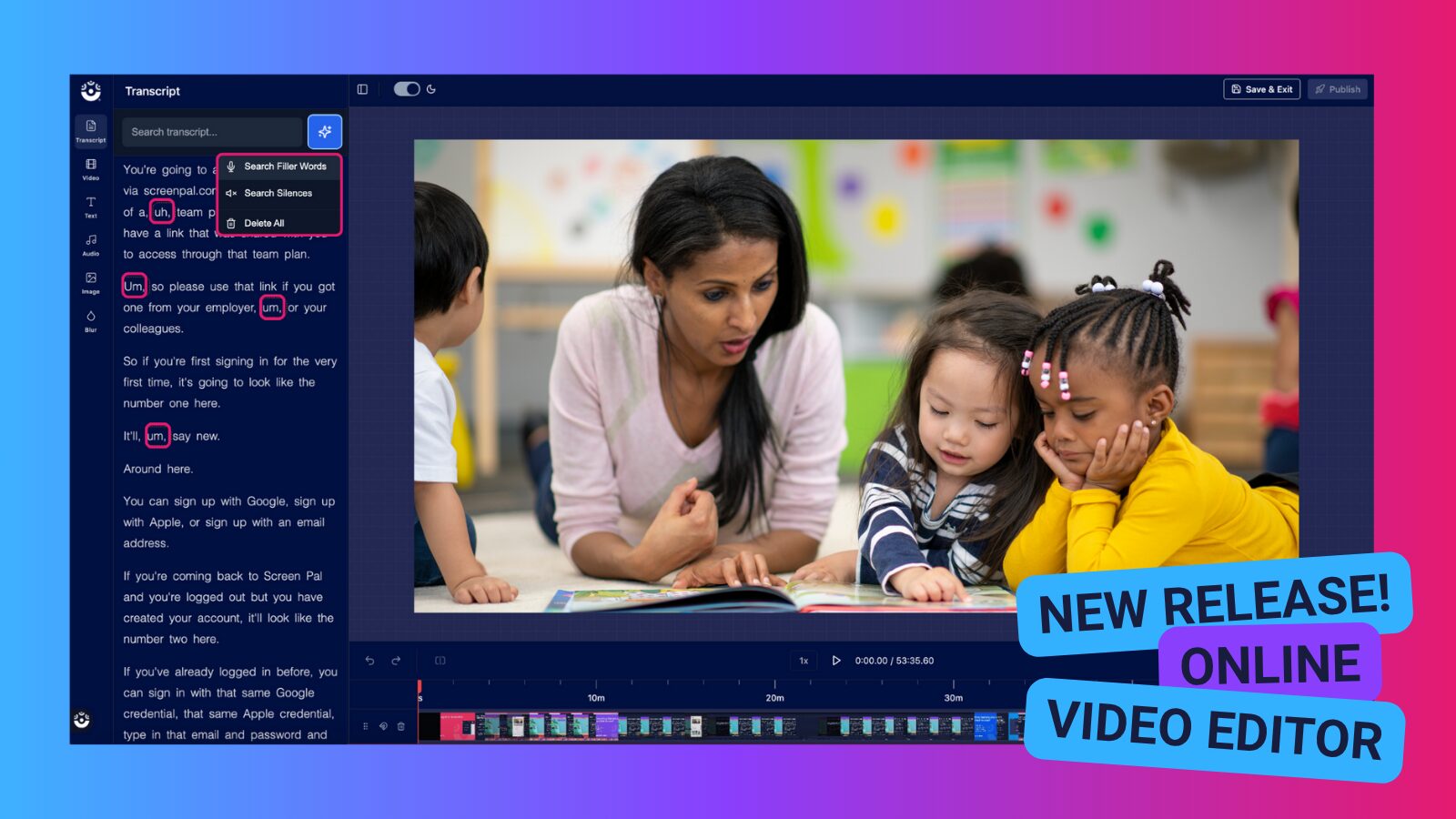
We’re excited to announce the launch of our brand-new online Video Editor, designed to make editing your videos easier than ever—right inside your browser.
Here’s what you can do with it:
- Upload or publish your video to ScreenPal.com, then trim, crop, merge and rearrange clips—no external software required.
- Add animated text, overlay images or videos, apply transitions, filters and music to polish your content.
- Seamlessly send videos you already host in ScreenPal’s Content Hosting to the editor with just a few clicks.
- Enjoy a workflow built for flexibility: online editing is simple for students working on Chromebooks and educators looking for quick, easy editing in the browser.
Why this matters for you:
- Teachers and students can skip the steep learning curve of traditional editing tools and focus on creating.
- Video-lessons, student projects, training modules—or any content—can be edited faster and shared more easily.
- Everything stays inside your ScreenPal account, so your videos remain secure, manageable and sharable.
Ready to try it?!
- Head to your ScreenPal dashboard
- Look for “Edit Video” on any uploaded media submitted via Content Hosting.
- Begin transforming your clips!
If you’d like some quick inspiration or workflow ideas, check out our “New: Edit videos online!” blog post. Stay tuned for upcoming webinars and guides where we’ll walk you through best practices for editing, optimizing for accessibility, and scaling your video workflows.
We’re looking forward to seeing what you (and your students) create!
🌟 Take the stage as a ScreenPal educator
Love using ScreenPal and sharing ideas that inspire others? We’re looking for passionate educators to represent ScreenPal at upcoming EdTech conferences!
From showcasing innovative AI video workflows to sparking student engagement and accessibility, ScreenPal presenters have made an incredible impact at events nationwide, and we’d love to help you do the same.
As a featured ScreenPal educator, you’ll receive personalized support to help you craft your proposal, design your session, and make your presentation shine. We’ll also make sure you have everything you need to travel confidently and present with pride- from branded resources to special presenter perks.
Upcoming opportunities:
📍 ASTE | Anchorage, AK | Feb 14–16, 2026 | CFP due Nov 2
📍 KAST | Louisville, KY | Mar 11-13, 2026 | CFP due Nov 14
📍 Common Ground | Towson, MD | Mar 19-20, 2026 | CFP due Nov 19
Ready to share your story? Fill out this survey to learn more about becoming a ScreenPal conference presenter. Let’s make your next conference a memorable one!
✨ See you at GAETC! Magic, muggles & movie-making with ScreenPal
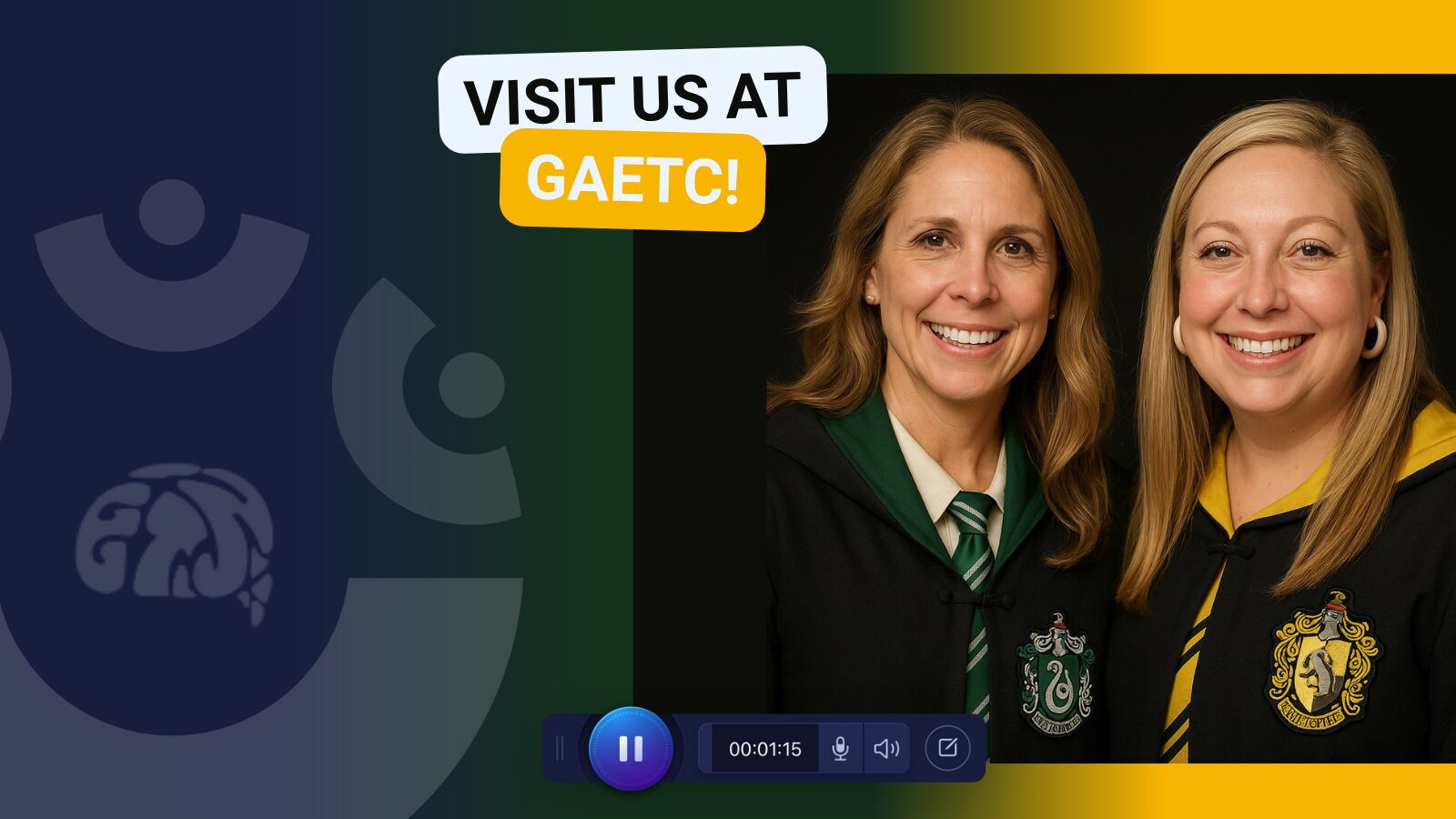
We’re conjuring up something special at GAETC next week — join us for two spellbinding sessions led by half of the EdTechNerds duo, Destiny Wagner, and her favorite partner in ScreenPal magic, Sarah Eiler (your resident Slytherin 🐍 + Hufflepuff 🦡 dream team)!
These sessions are packed with creative video ideas, AI-powered accessibility tips, and just the right dose of Hogwarts-level inspiration to help you transform your classroom.
🎥 Lights, Camera, Engagement: Video Strategies for Dynamic Classrooms
📅 Wednesday, November 5 | 🕚 11:00 AM ET | 📍 GICC, Italian 3–4
Led by Destiny Wagner, with co-presenter Sarah Eiler
Unleash the creative potential of your classroom with video! Learn how to plan, film, and edit engaging lessons that bring your teaching to life. Discover how video can inspire creativity, collaboration, and critical thinking—and leave ready to empower your students to become true content creators. Expect a few magical moments along the way. ✨
♿ Access for All: Reach Every Learner with AI-Powered Video
📅 Thursday, November 6 | 🕐 1:30 PM ET | 📍 GICC, Italian 3–4
Led by Sarah Eiler, with co-presenter Destiny Wagner
Grab your wands (or Chromebooks!) and learn how to make your video lessons more accessible, inclusive, and impactful with ScreenPal’s AI tools. Explore how to add AI-generated captions, translations, and text-to-speech narration to reach multilingual learners, students with disabilities, and all kinds of magical minds. You’ll walk away with practical, time-saving spells to ensure every learner can access and enjoy your content.
Stop by, say hi, and join the Slytherin–Hufflepuff alliance for two sessions full of creativity, accessibility, and a touch of video magic. 🪄
🎓 Watch anytime: Getting Started with ScreenPal on-demand
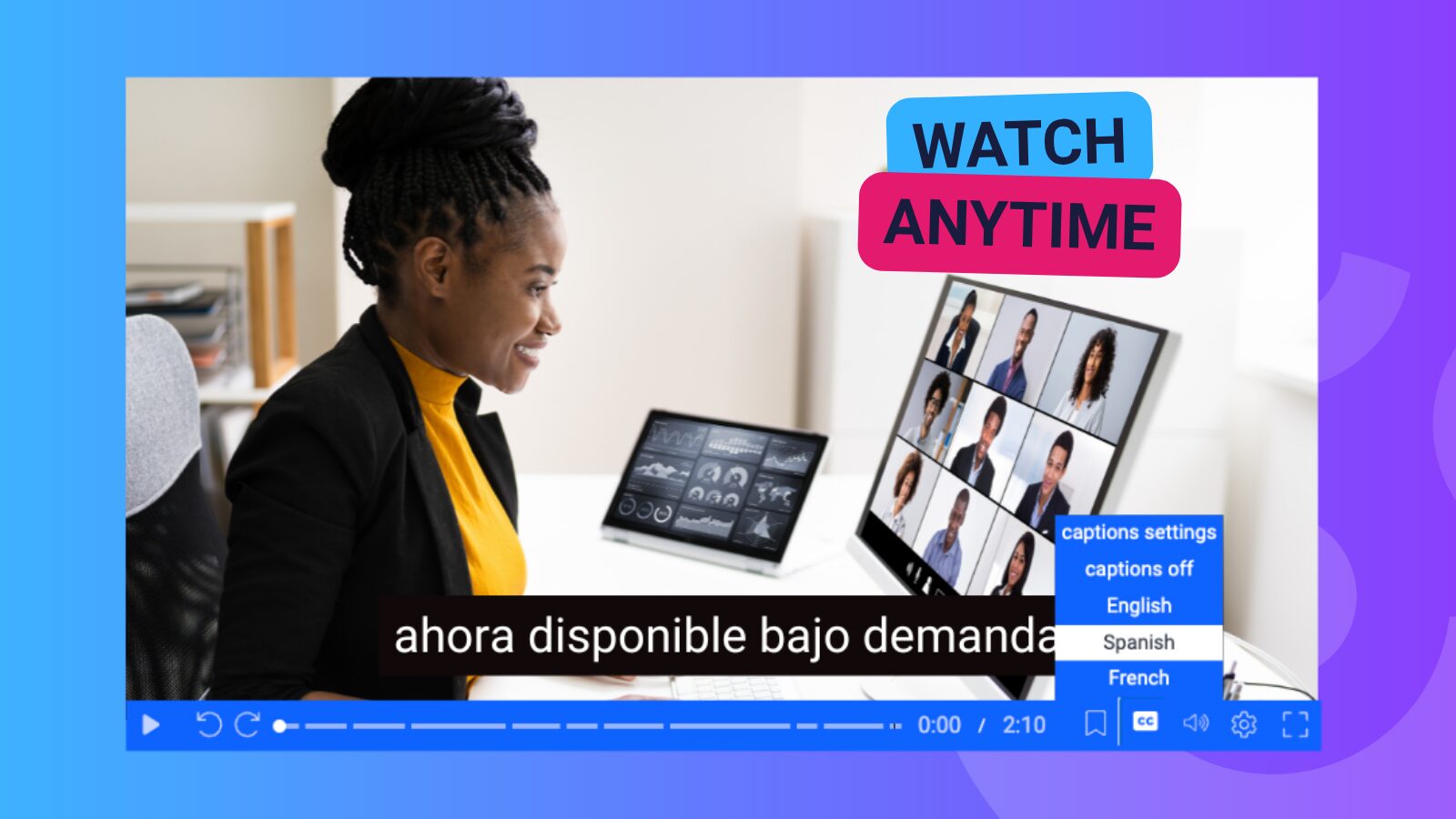
Missed our live Getting Started with ScreenPal webinar? Don’t worry- it’s now available on demand!
Whether you’re brand new to ScreenPal or just looking to refresh your skills, this session walks you through everything you need to know to start creating engaging, accessible videos in minutes. You’ll learn how to:
- Record and edit videos using ScreenPal’s easy-to-use tools
- Add captions, quizzes, and interactive elements for accessibility and engagement
- Use ScreenPal’s AI tools to generate instant captions, translations, and narration that save time and expand your reach
- Share content securely through Channels and your LMS
It’s the perfect place to start- or restart- your ScreenPal journey. Here’s the resources from the webinar:
🎥 On-demand webinar: Rewatch the session anytime
📘 Slide deck: Step-by-step overview of tools and features
💡 Getting Started with ScreenPal: A curated Channel of beginner tutorial videos
(Tip: Share this session with new members of your team to help everyone hit the ground running!)
📚 AppSmash Bash: Amplify student voice with Book Creator + ScreenPal
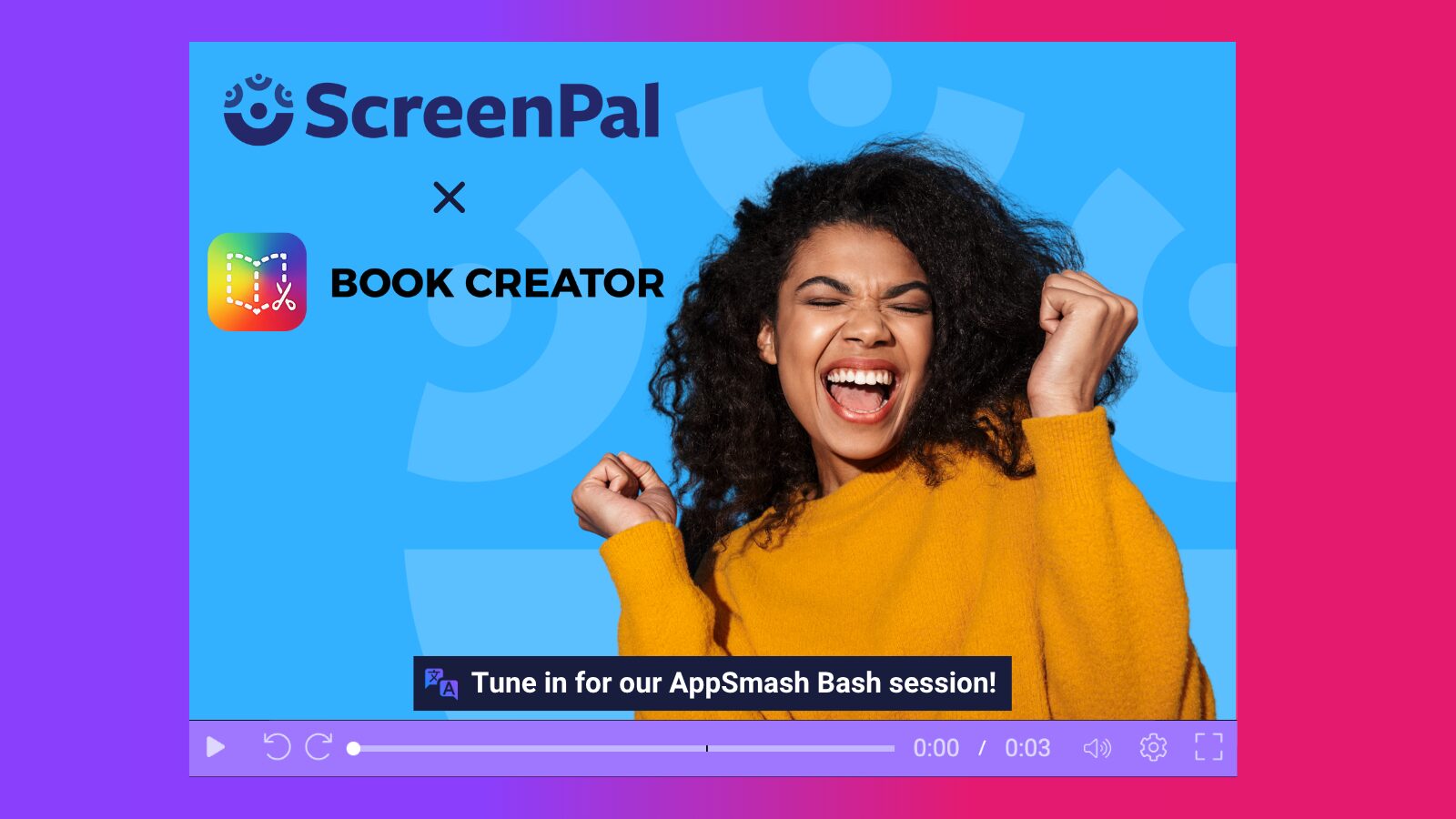
🎉 Join us for a creative collaboration you won’t want to miss! On Thursday, October 30 at 12:00 PM ET, we’re teaming up with our friends at Book Creator for a 30-minute AppSmash Bash session all about amplifying student voice through video and interactive publishing.
Discover how to:
- Combine ScreenPal’s easy video creation tools with Book Creator’s powerful storytelling platform
- Empower students to record reflections, explain their thinking, and share learning in authentic, multimodal ways
- Spark creativity and engagement with projects that showcase every learner’s unique voice
This session is perfect for teachers, coaches, and tech leaders looking for quick, actionable ideas to bring creativity and accessibility into the classroom.
✨ Save your spot now: Register for the AppSmash Bash
(Bonus: Can’t attend live? Register anyway, and we’ll send you the replay!)
🤖 Back-to-School AI Summit with Dan Fitzpatrick- now on demand!
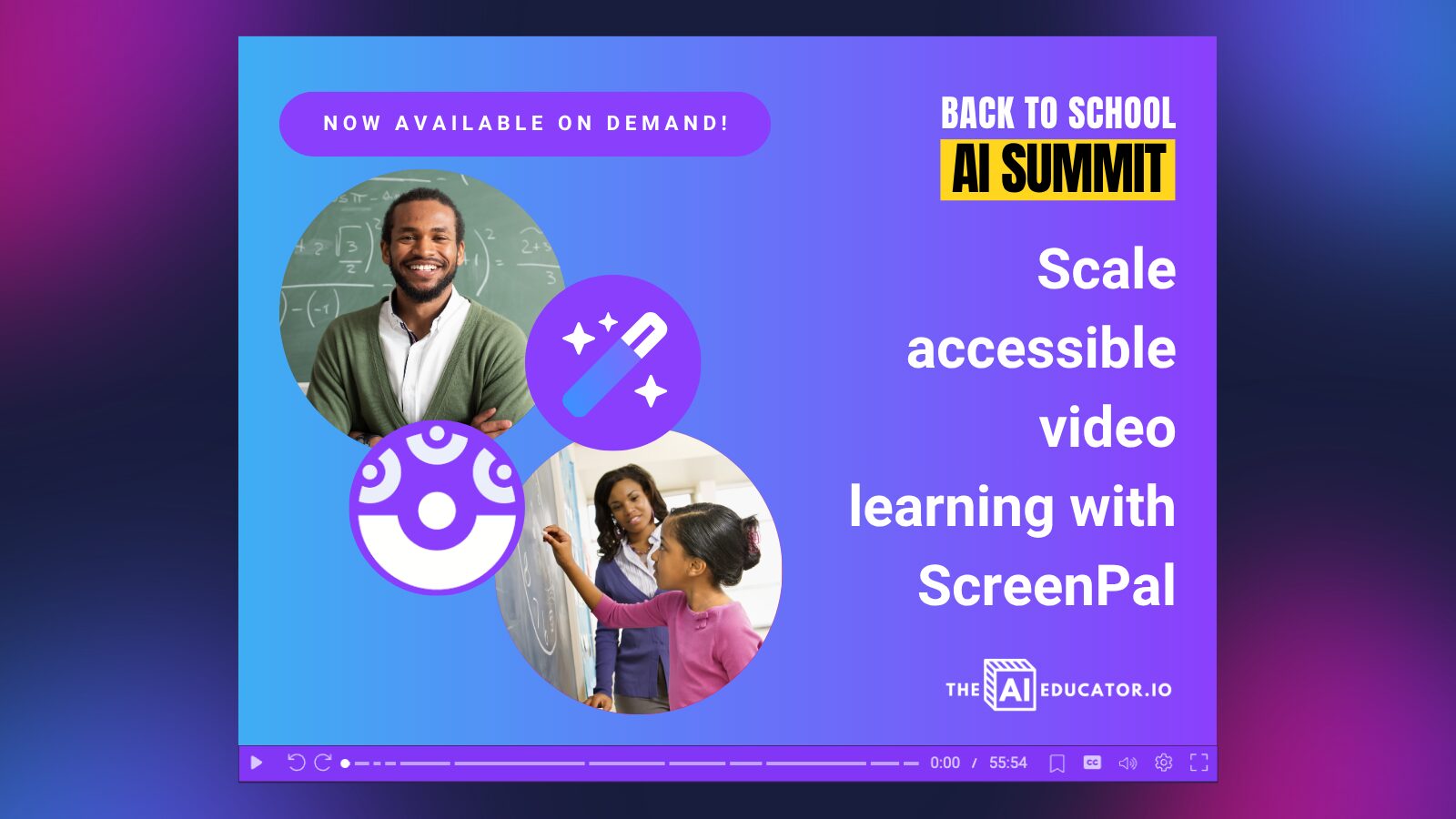
In case you missed it, we partnered with Dan Fitzpatrick, “The AI Educator,” for the Back-to-School AI Summit and a powerhouse session all about saving time and scaling learning with ScreenPal AI.
During our summit session, we explored how educators can use AI-powered tools to:
- Instantly caption and translate videos in 140+ languages
- Add text-to-speech narration in multiple voices for accessibility
- Generate AI quizzes to reinforce learning
- Create multilingual, inclusive content that reaches every learner
If you’ve been curious about using AI to enhance accessibility and efficiency in your classroom, this is the perfect session to rewatch.
🎥 Catch the replay and download the slides at screenpal.com/bts-ai-summit!
(Bonus: Summit attendees can book a Team plan demo and mention the event to receive 20% off ScreenPal for your school or institution!)
🌟 Become a ScreenPal Ambassador!
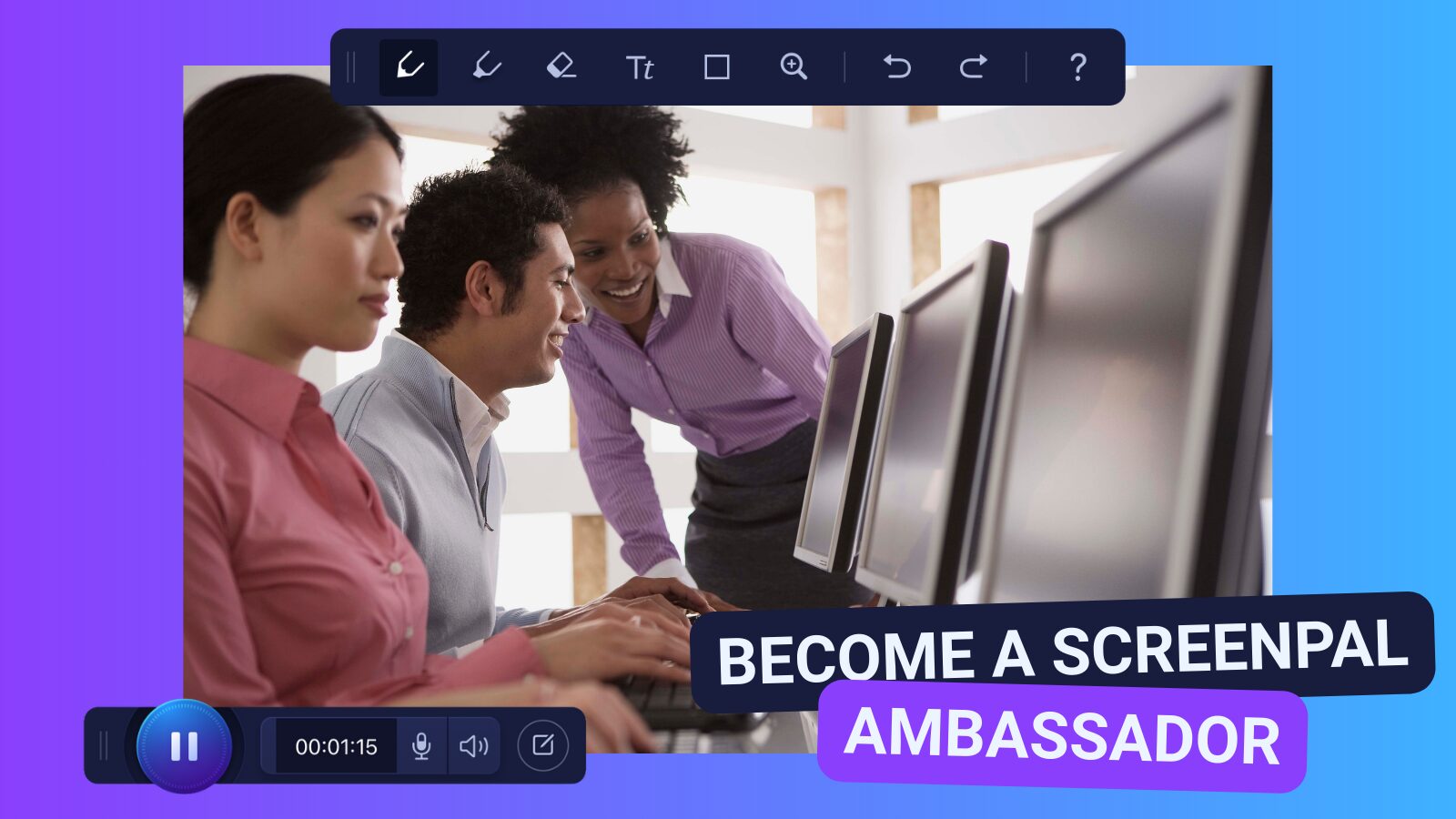
Are you ready to take your ScreenPal skills to the next level and inspire others along the way? Applications are now open for the ScreenPal Ambassador Program—a unique opportunity to showcase your expertise, share your passion for teaching with video, and join a dynamic community of educators and creators.
To become an Ambassador, simply:
- Complete our Level 1 and Level 2 Certification Courses.
- Lead a professional learning session on ScreenPal at your school, district, or organization.
As a ScreenPal Ambassador, you’ll enjoy:
- 🎁 Exclusive swag designed just for our Ambassadors.
- 💻 A complimentary Solo Max plan or a Team Education discount for your school—our most powerful set of tools, free of charge.
- 🌍 The chance to collaborate with like-minded educators and trainers and amplify your impact.
Don’t miss your chance to become part of a growing network of leaders shaping the future of learning with video.
👉 Apply today to become a ScreenPal Ambassador!
💙 We can’t wait to see what you create this fall—keep sharing your magic with us, and we’ll keep cheering you on!