Main Menu
Activate your free ScreenPal Team plan
Free for your entire school through June 30, 2026
Give every teacher full access to ScreenPal’s Team features at no cost, now through June. Create lessons, support accessibility and multilingual learners, and collect student video assignments without a budget request.




What your Team plan gives you
With full Team access, your school can use ScreenPal for the entire video workflow, from lesson creation to student submissions.
Create and edit lessons easily
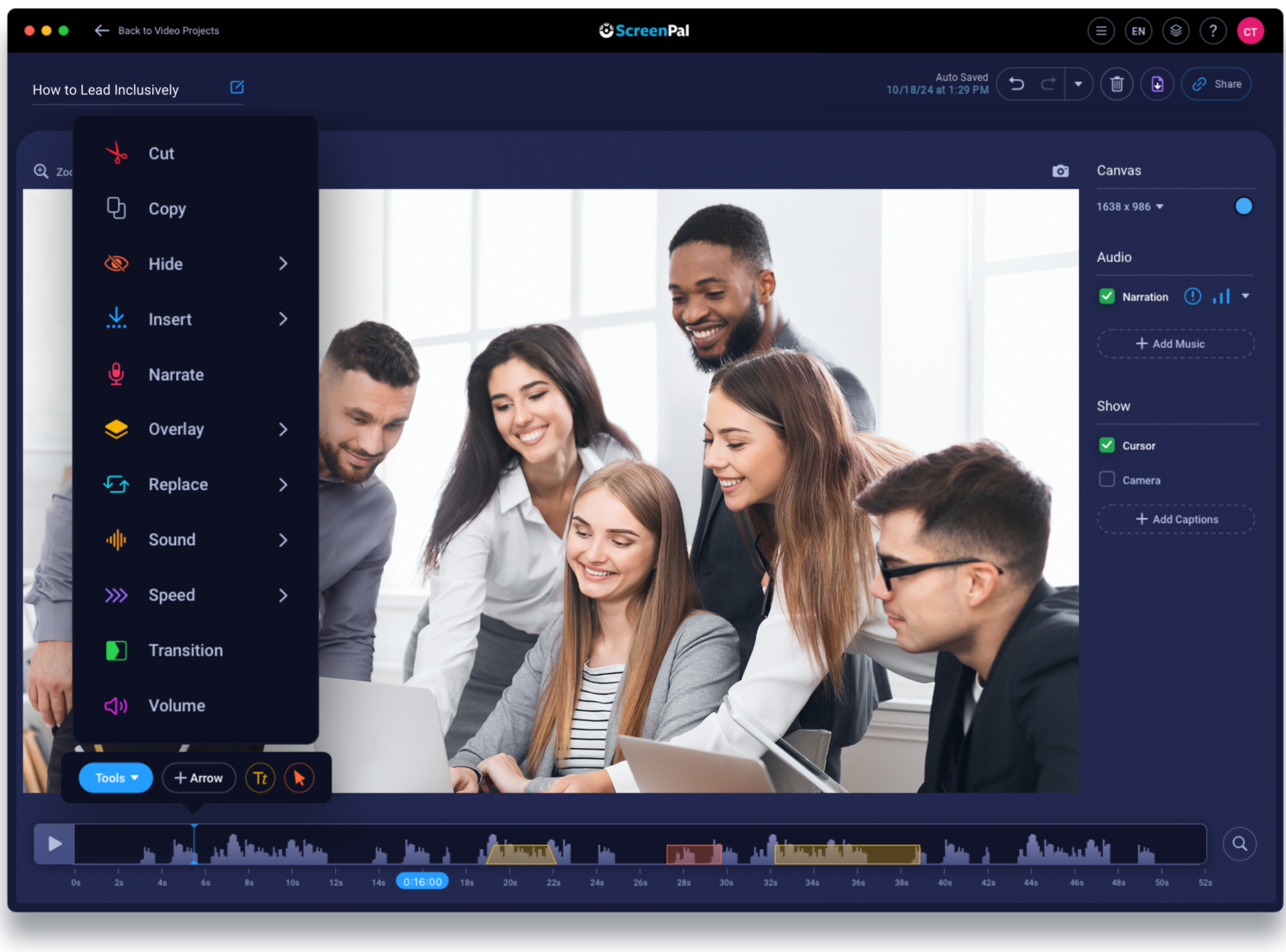
Record lessons directly in your browser and edit them online using simple text-based tools. No downloads. No complicated software.
Support accessibility and multilingual learners
Add accurate captions, multilingual support, and audio descriptions to meet WCAG 2.2 accessibility needs and support diverse classrooms.
Share, host, and check understanding
Host videos securely, share them with students, add quizzes, and keep everything connected through your LMS, including gradebook sync.
Collect student video assignments
Students can record and submit video projects, reflections, and flipped learning assignments with no installation required.
Want to see the full feature list?
You can view the complete Team Education feature comparison on our pricing page, including everything covered in the Team plan.
Why schools choose ScreenPal
Schools choose ScreenPal because it simplifies video and accessibility without adding cost or complexity. Instead of managing multiple tools for recording, captioning, hosting, and student video projects, districts use one platform that covers it all.
This approach helps schools support accessibility and multilingual learning while preparing for tighter budgets. Many districts that switch to ScreenPal reduce overall video-related costs by around 20 percent, without losing functionality teachers rely on.
How to activate your school’s free plan
Step 1
Email our support team asking for a free Team Education trial.
Step 2
We activate full Team access for your entire school through June 30.
Step 3
Log in to your new Team plan and invite your colleagues so everyone can enjoy the upgrade!
What schools are saying about ScreenPal
Seamless integration
ScreenPal’s user-friendly interface and seamless integration into our existing teaching methods made it an obvious choice. From day one, it was clear that ScreenPal was not just another tech tool; it was a catalyst for active learning and collaboration.

Personalized mentorship
With ScreenPal I’ve been able to extend my expertise and automate some of my more routine tasks by creating high-quality video content and feedback, which then frees up my time for more personalized mentorship.

Secure video sharing
We use ScreenPal internally to create and manage all of the videos we share with educators. ScreenPal makes it easy to create videos with a consistent, branded look and feel, and then to share all of those videos from a central repository.

Easily integrate with the tools you are already using